

Balatro
You are viewing a potentially older version of this package. View Latest Version

English | 简体中文
Undo mistakes. Experiment freely. Never lose progress.
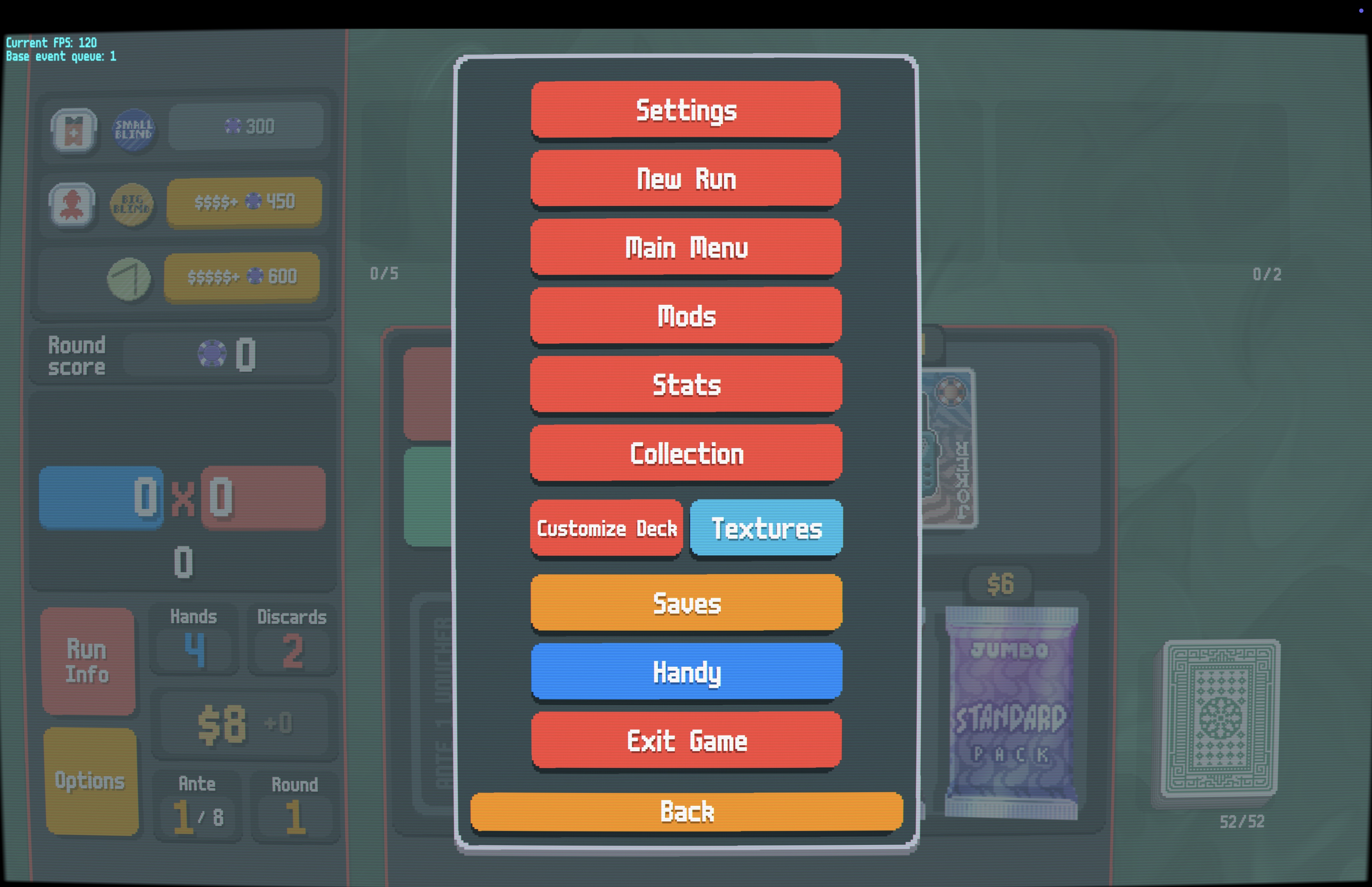
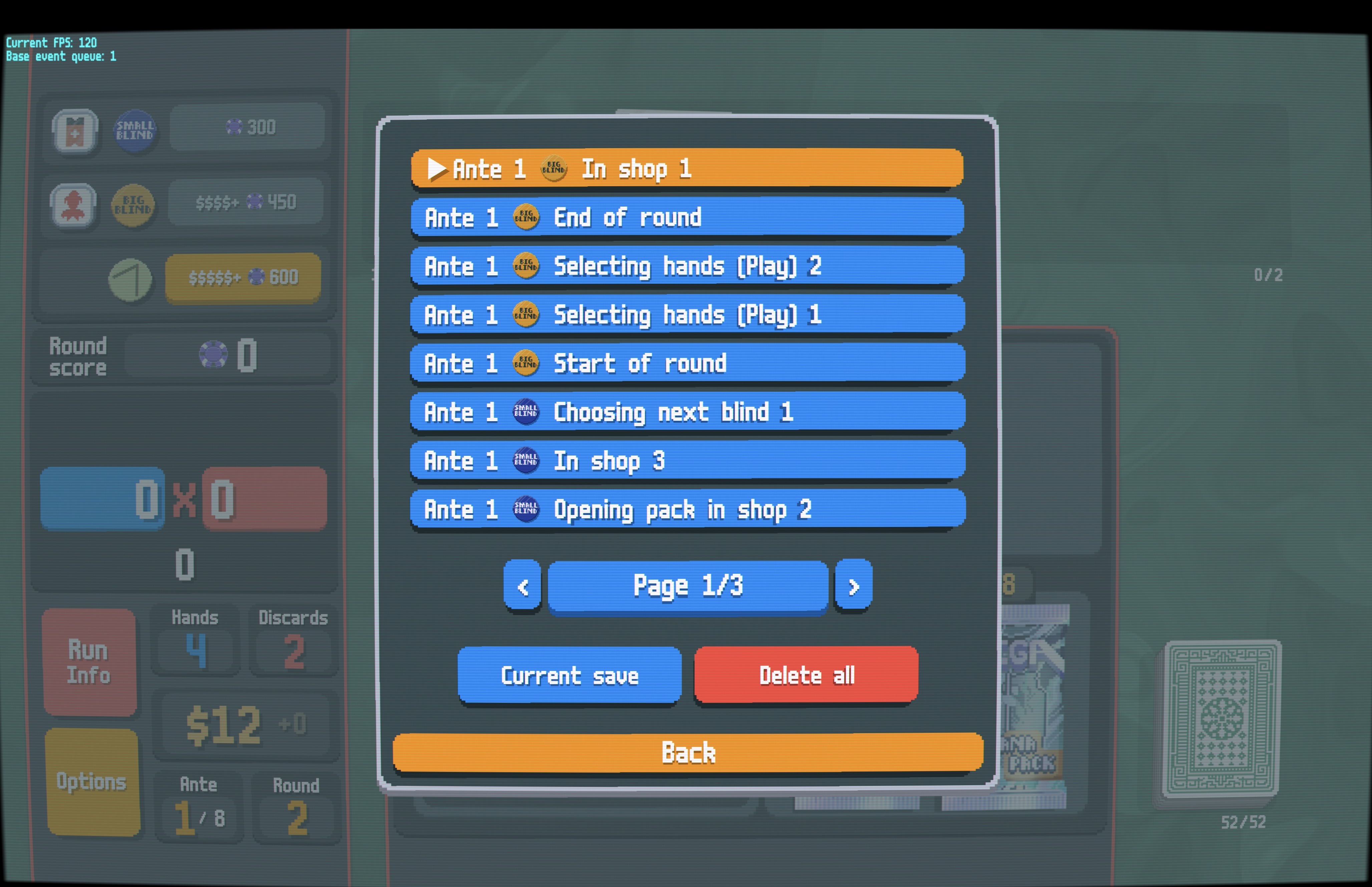
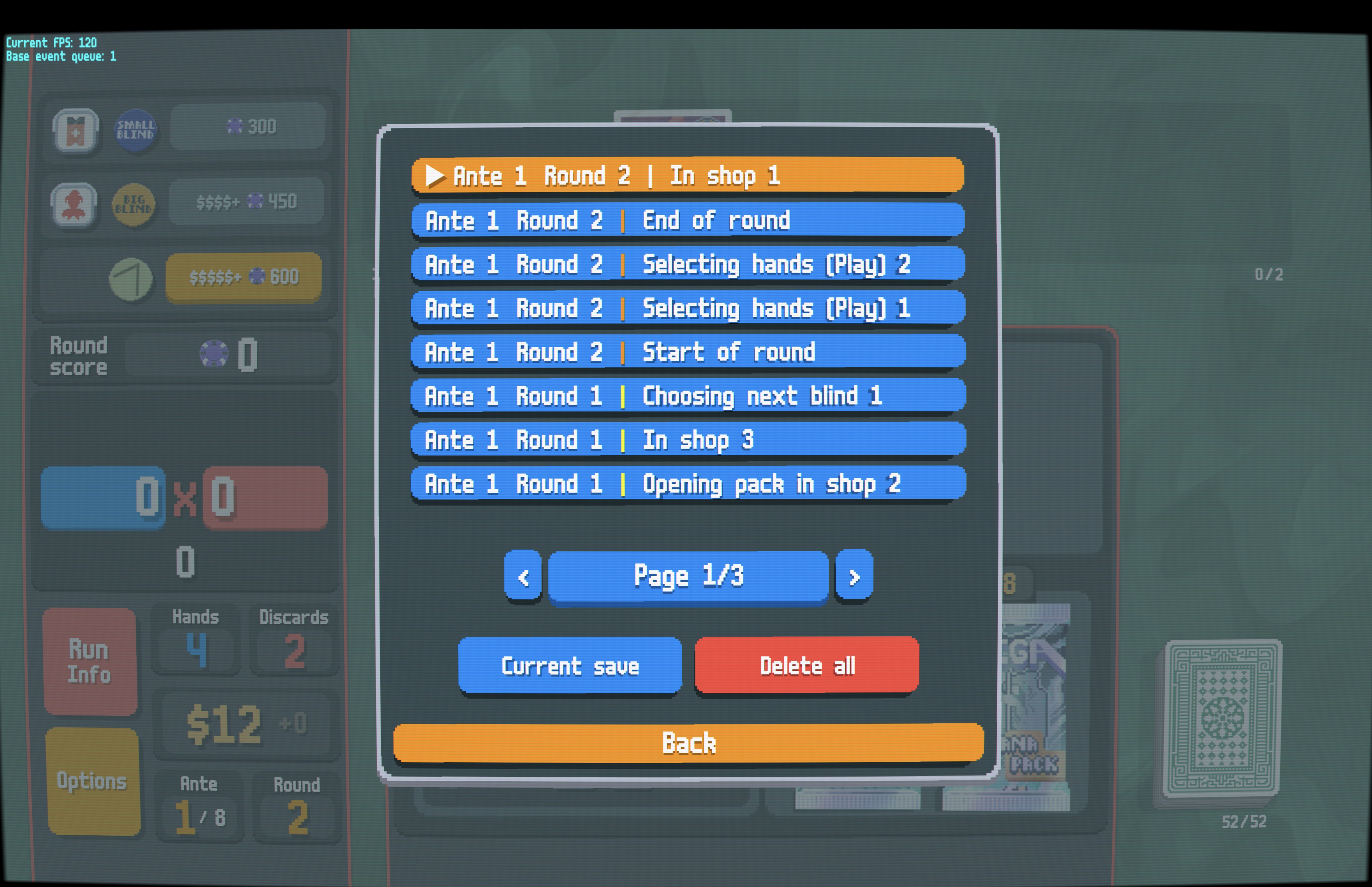
Save Rewinder automatically creates save points as you play Balatro, letting you rewind to any recent moment with a single keystroke.
S (keyboard) or L3 (controller) to rewind immediately.L (keyboard) or R3 (controller) to instantly reload.naneinf/inf scores (optional clamp to 1.8e308).| Saves Button | Save List (Blind Icons) |
|---|---|
 |
 |
| Save List (Round Numbers) | Mod Settings |
 |
 |
SaveRewinder folderSaveRewinder folder into your game's Mods folder⚠️ Important: Ensure
Mods/SaveRewinder/contains mod files directly (likemain.lua), not another nestedSaveRewinderfolder.
📦 Thunderstore Users: Files are at the zip root. Create
Mods/SaveRewinder/and extract all files into it. Final structure:Mods/SaveRewinder/main.lua.
| Action | Keyboard (default) | Controller (default) |
|---|---|---|
| Step back one save (configurable) | S |
Click Left Stick (L3) |
| Quick saveload (configurable) | L |
Click Right Stick (R3) |
| Open saves list (configurable) | Ctrl+S |
X (in Pause Menu Only) |
Tip: Open the Pause Menu → Options and click the orange "Saves" button (or press
Ctrl+S/X) to browse and restore any save.
How to use:
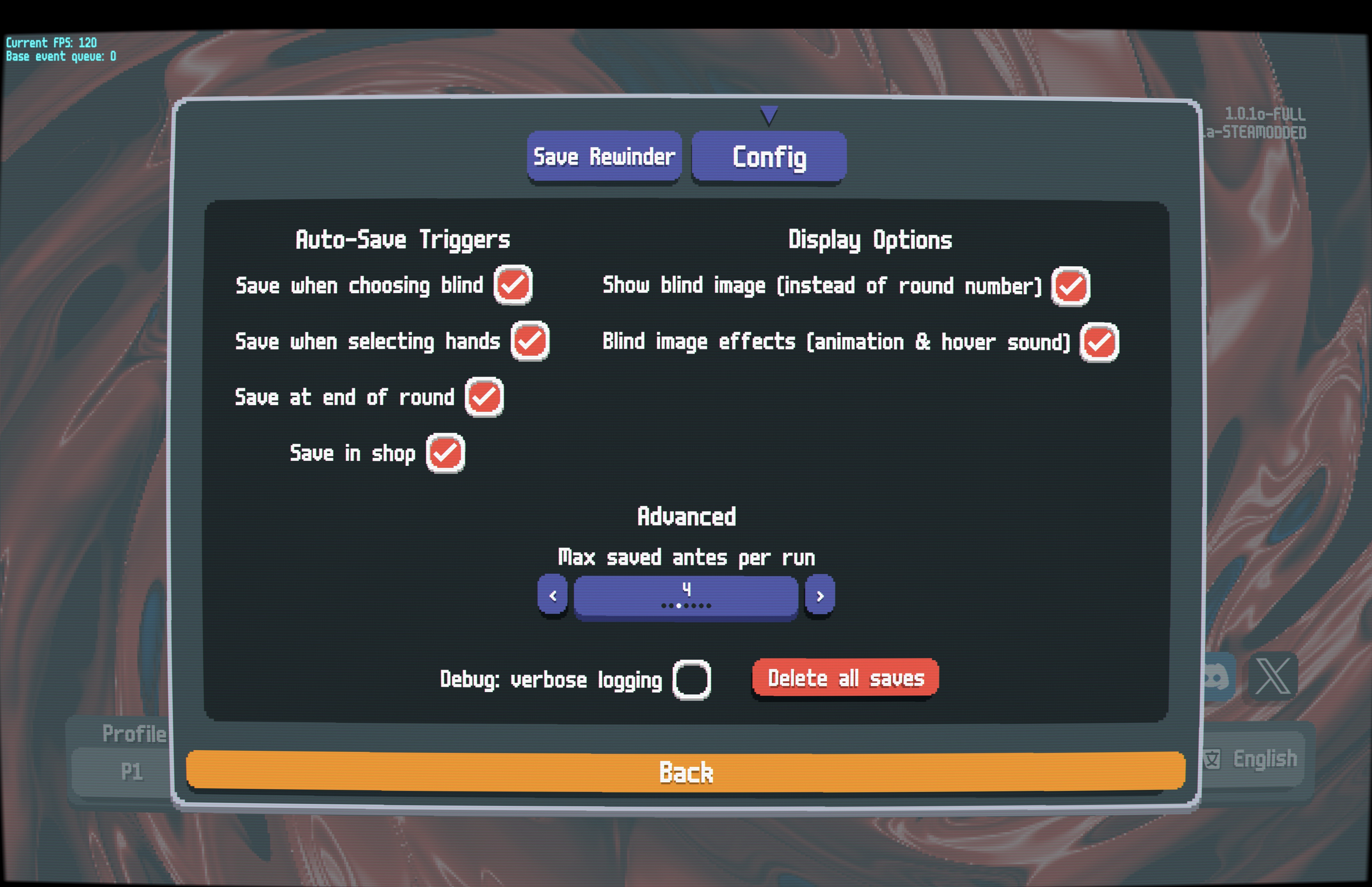
[?] means pending, not committed yet).In the Steamodded config menu for Save Rewinder:
Saves are stored in [Profile]/SaveRewinder/.
⚠️ Note: Saves are for the current run only and are cleared when starting a new run. Quitting and continuing later preserves your full history.
🤖 Developers: Working with LLM/AI? See
docs/AGENT.mdfor architecture and design details.