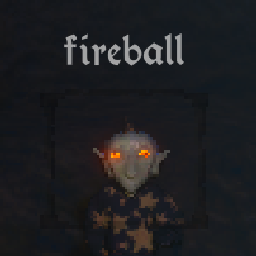
A tiny HUD for in‑game voice recognition: it shows the last recognized phrase on screen ideal for debugging what you're saying and understand what the game is understanding.
F8).TextAnchor), font size, fade time.BepInEx/plugins folder automatically).BepInEx/
plugins/
AntsLab.VoiceDebug/
AntsLab.VoiceDebug.dll
Managers follow a “legacy” default install layout if no custom installer is declared; the structure above is compatible with that behavior.
After first launch, a config file is created at:
BepInEx/config/antslab.VoiceDebug.cfg
Key options (defaults in bold):
UI.ToggleKey — toggle overlay key (F8)UI.ShowOverlay — show HUD on startup (true)UI.FontSize — font size in points (30)UI.VerticalPercent — vertical position from top (0–1, 0.80)UI.TextAlign — one of Unity's TextAnchor names; e.g. MiddleCenter, LowerCenter, UpperLeftUI.UseGameFont — try to use the game's menu font (true)UI.FadeSeconds — time for the text to fade out (8.0)Change values while the game is closed for consistency. Some options can be toggled live (e.g., ShowOverlay via F8).
mirror, fireball, or [unk] if unknown).Why do I see [unk] sometimes?
That is what the game's recognizer emits when the audio didn't match any entry in its vocabulary closely enough. The HUD is only reflecting that string.
Can I move the text lower/higher?
Yes, set VerticalPercent to something like 0.95 (lower) or 0.10 (higher).
Can I center/left/right align it?
Set TextAlign to any Unity TextAnchor name (e.g., MiddleCenter, UpperLeft, LowerRight).
Can I disable the game's font?
Simply toggle UseGameFont in configs to false.