
ASKA
A BepInEx 6 IL2CPP plugin that gives +11 to +24 extra FPS by disabling expensive HDRP rendering features that Aska's settings menu does not expose. Up to 69% FPS improvement at Ultra quality.
Every optimization is confirmed working with real benchmark data. Nothing speculative.
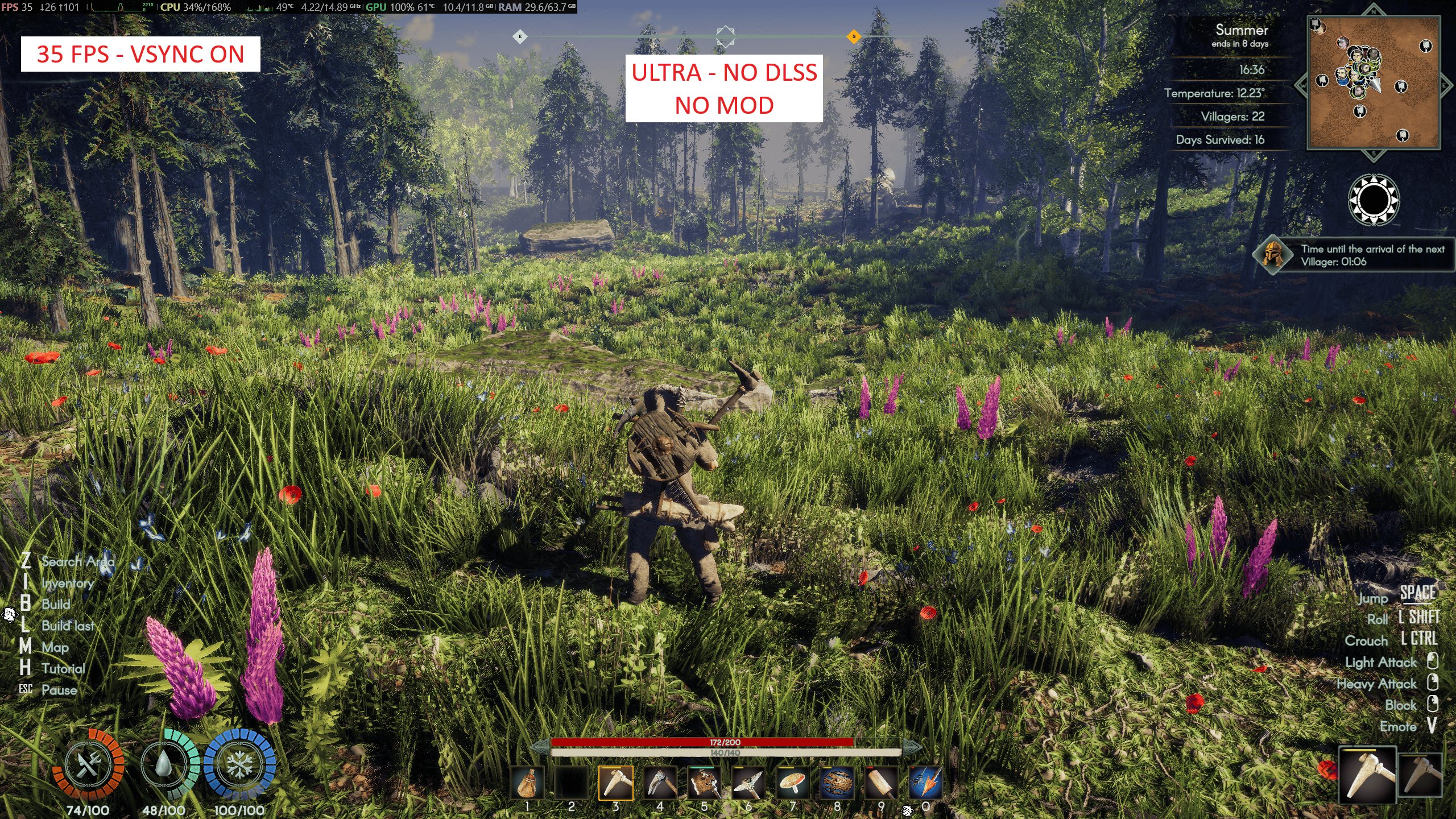
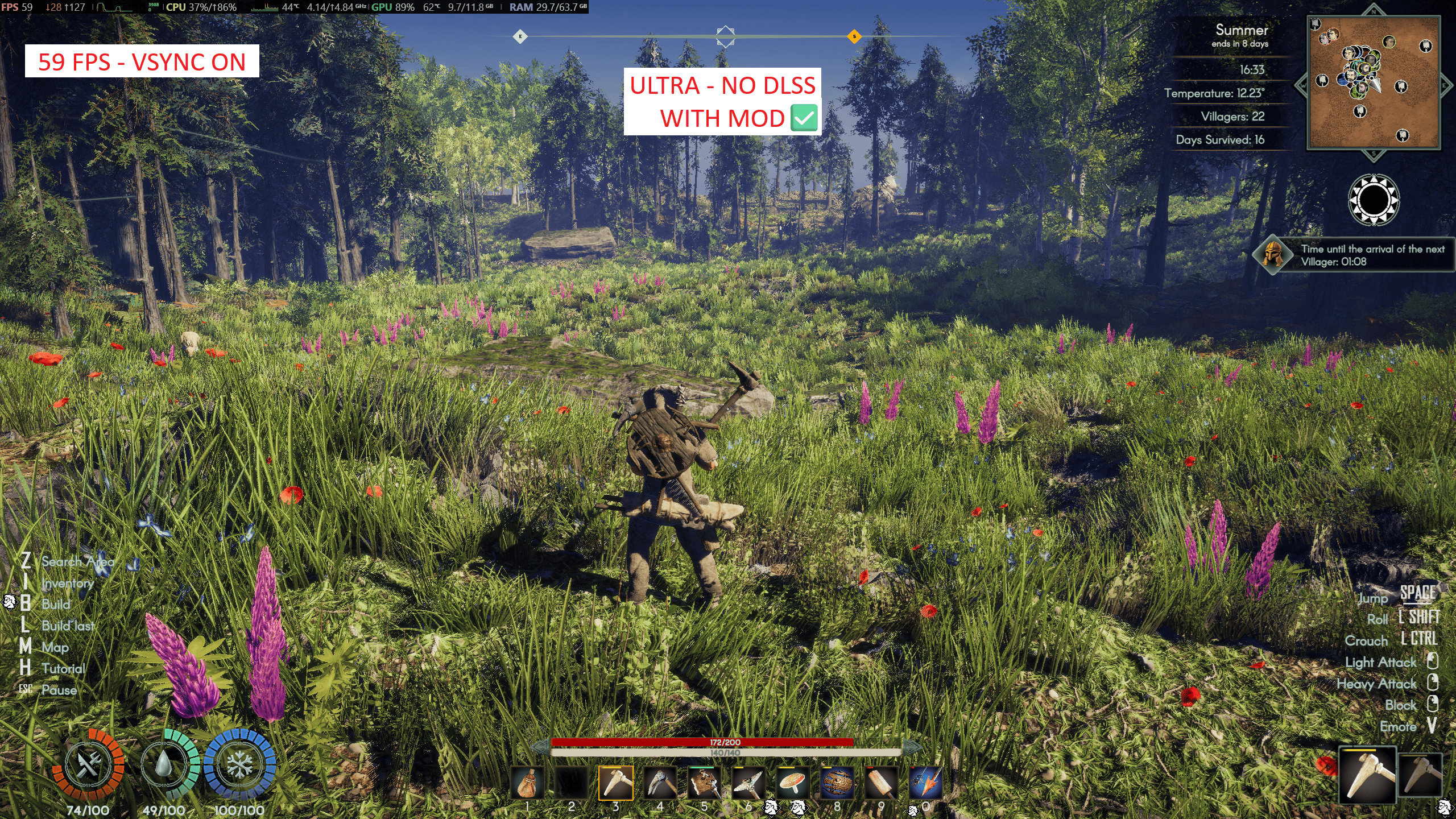
| Without Mod -- 35 FPS | With Mod -- 59 FPS |
|---|---|
 |
 |
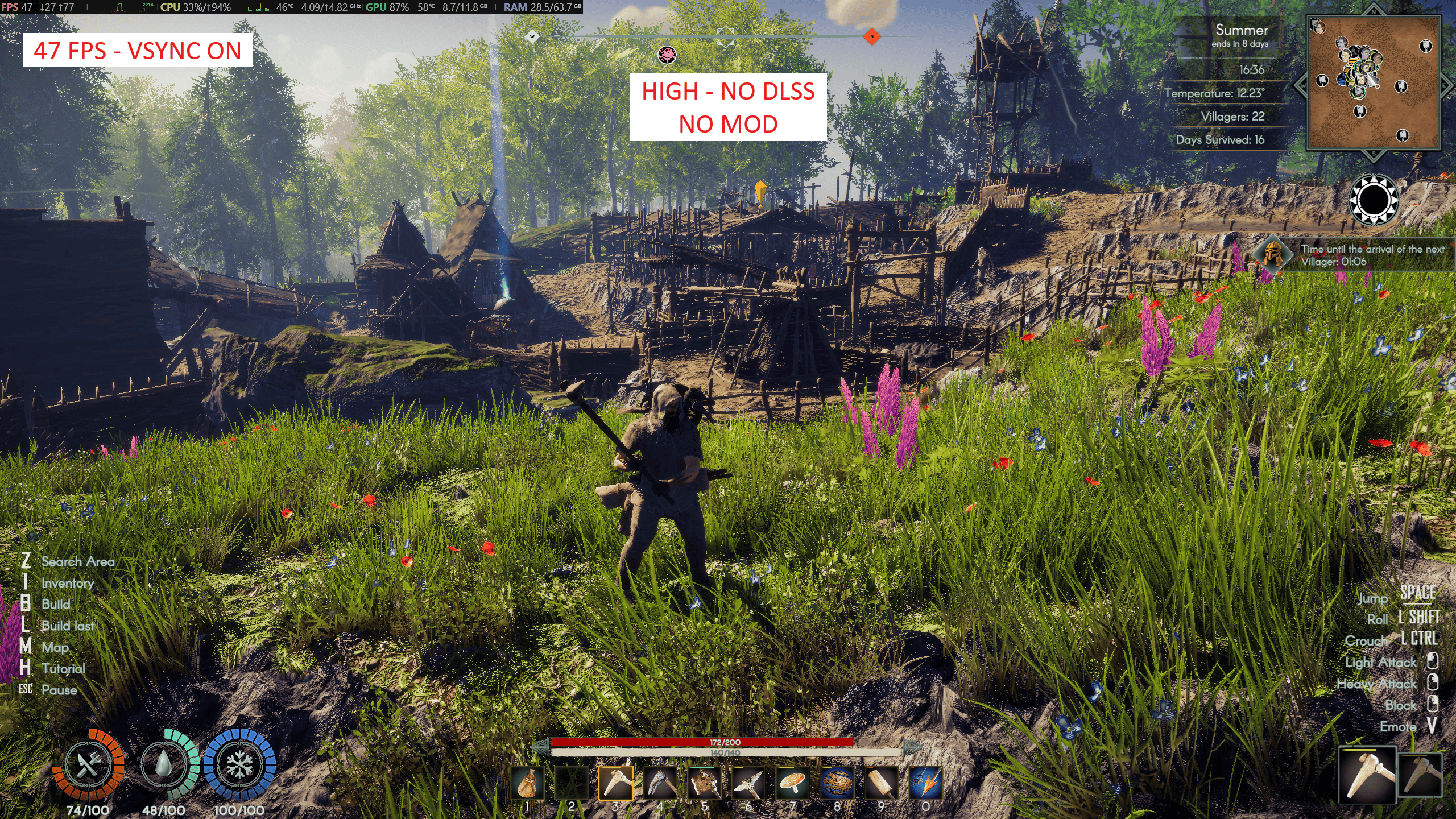
| Without Mod -- 47 FPS | With Mod -- 59 FPS |
|---|---|
 |
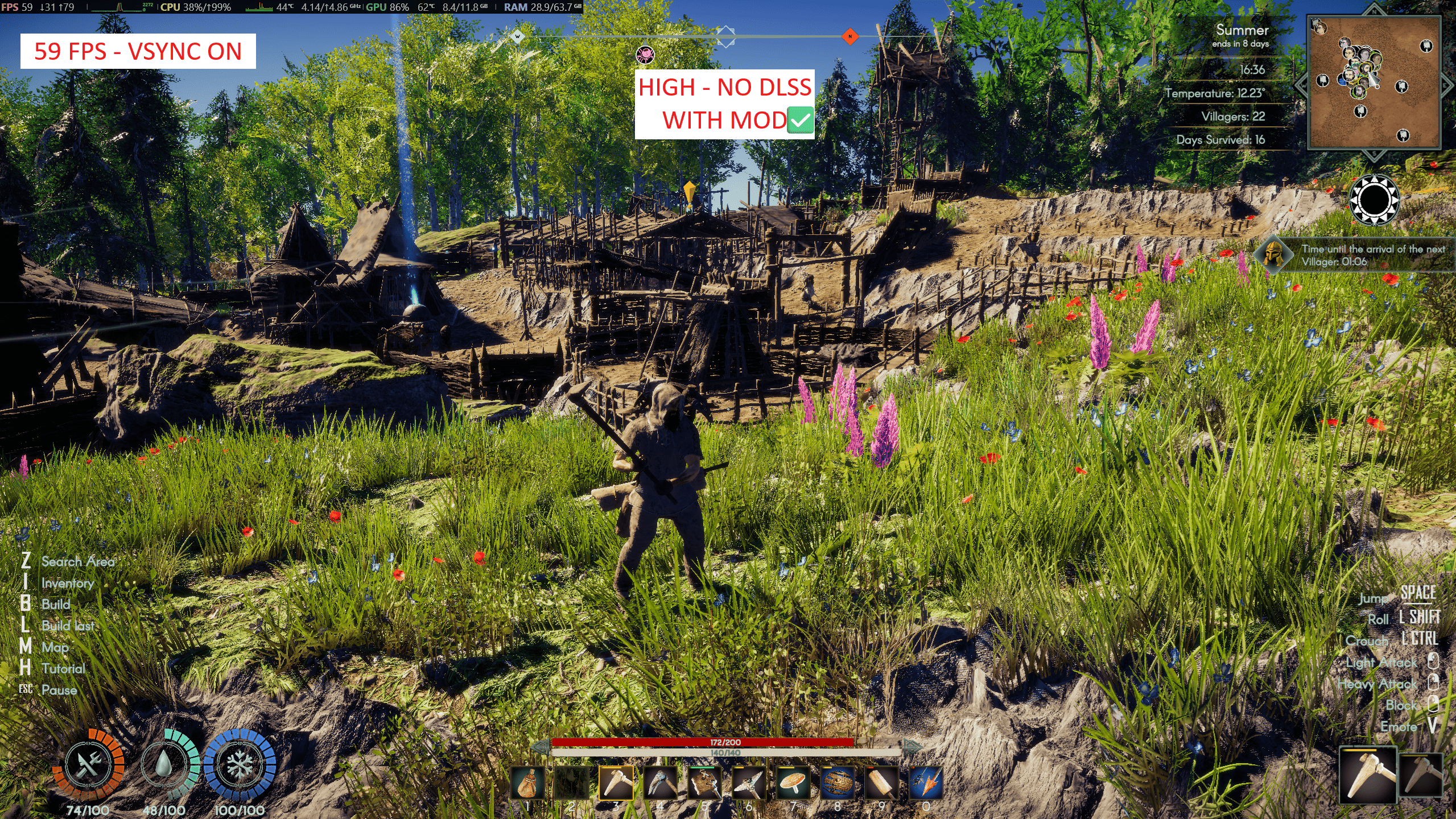 |
Same scene, same location, same time of day. All screenshots captured with MSI Afterburner overlay.
| Quality | DLSS | VSync | Without Mod | With Mod | Gain |
|---|---|---|---|---|---|
| Ultra | Off | ON | 35 FPS | 59 FPS | +69% |
| Ultra | Balanced | ON | 35 FPS | 54 FPS | +54% |
| High | Off | ON | 47 FPS | 59 FPS | +26% |
| High | Quality | OFF | 57 FPS | 68 FPS | +19% |
| Medium | Off | OFF | 80 FPS | 92 FPS | +15% |
| Medium | Off | ON | 60 FPS (79% GPU) | 60 FPS (66% GPU) | 13% less GPU |
AskaPerformanceBooster.dll into BepInEx/plugins/ inside your Aska game folderThe mod works immediately with the Moderate preset (default). No configuration needed.
| Preset | What It Does |
|---|---|
| Vanilla | Nothing -- stock game |
| Moderate (default) | Pipeline flags + uncap + shadow casters + SRP Batcher |
| Custom | Your manually edited config values |
Config file: BepInEx/config/com.community.askaperformancebooster.cfg
[0. Preset]
Preset = Moderate
DebugLogging = false

[1. Pipeline]
PipelineDisableSSAO = false           # Moderate = true
PipelineDisableVolumetrics = false     # Moderate = true
PipelineDisableVolumetricClouds = false # Moderate = true
PipelineDisableSubsurfaceScattering = false # Moderate = true
PipelineDisableDecals = false          # Moderate = true
PipelineDisableSSR = false             # Always false (artifact)
PipelineDisableDistortion = false      # Always false (artifact)
PipelineDisableSSRTransparent = false  # Always false (artifact)
PipelineDisableScreenSpaceLensFlare = false # Moderate = true
PipelineDisableDataDrivenLensFlare = false  # Moderate = true

[2. Shadows]
DisableSmallShadowCasters = true
SmallShadowCasterThreshold = 1.0

[3. Draw Calls]
ForceSRPBatcher = true

[4. Frame Rate]
TargetFrameRate = -1

[5. Misc]
ReapplyIntervalSeconds = 10
DebugLogging = true, check BepInEx/LogOutput.logVanilla or delete the config file