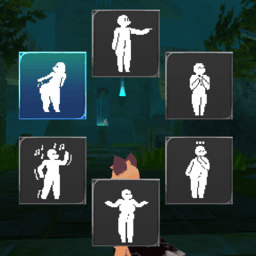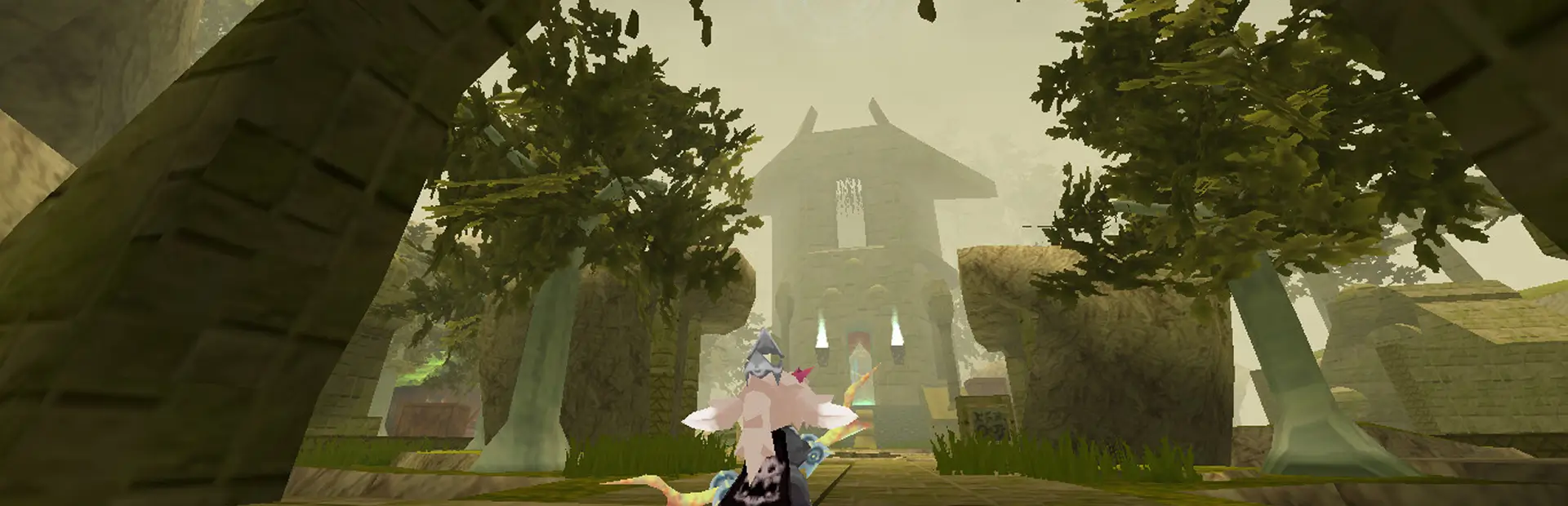

A mod that adds an emote wheel to Atlyss. Also adds custom emotes. Source code is at: https://github.com/Snivyxxy/AtlyssEmoteWheel/tree/main
Put the AtlyssEmotes folder into the Bepinex Plugins folder. Use the settings menu to set your emotes.
Custom emote packs can be dragged and dropped in any folder named "EmotePackages" under ATLYSS/Bepinex/plugins.
To Create an emote:
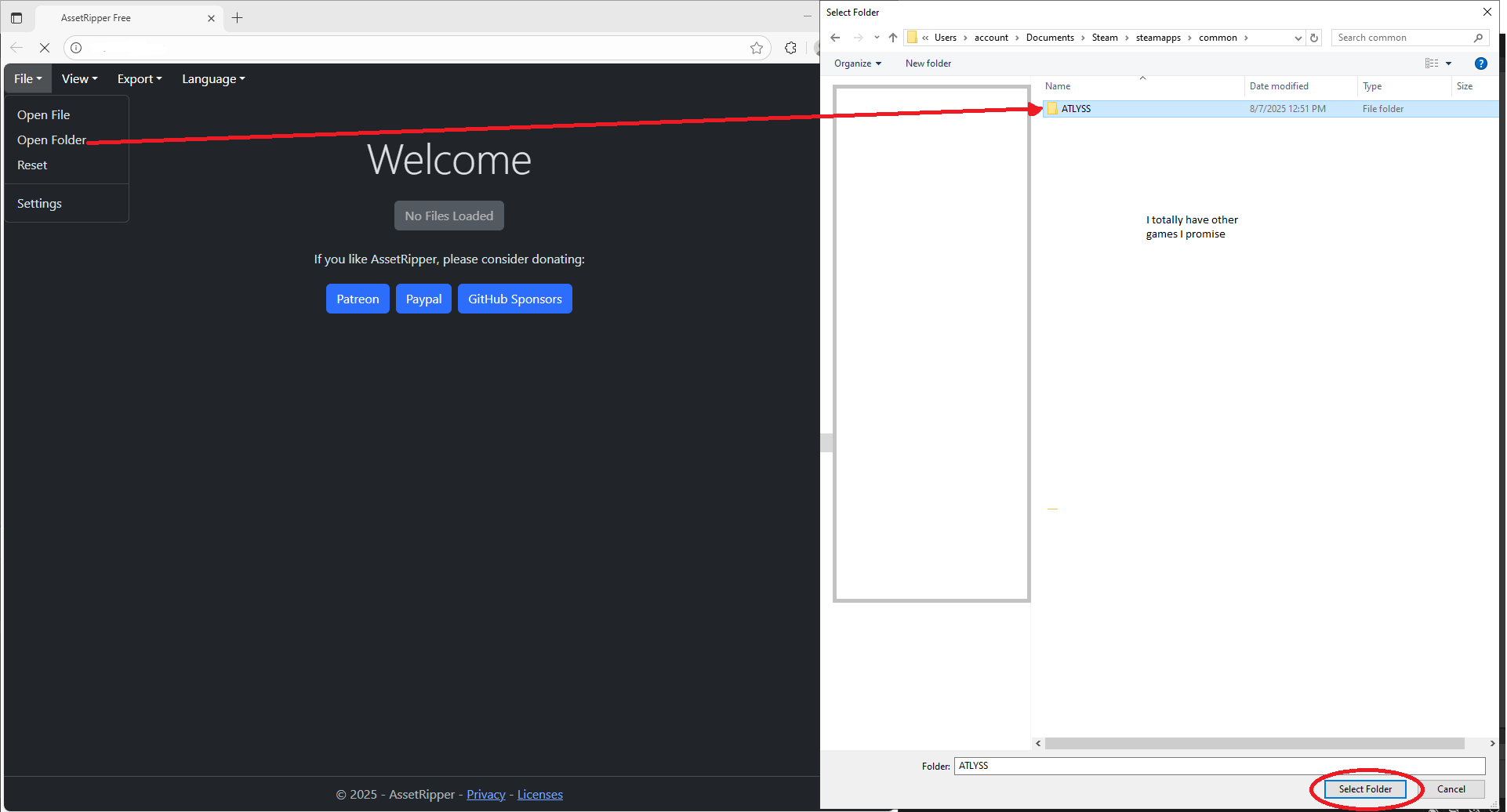
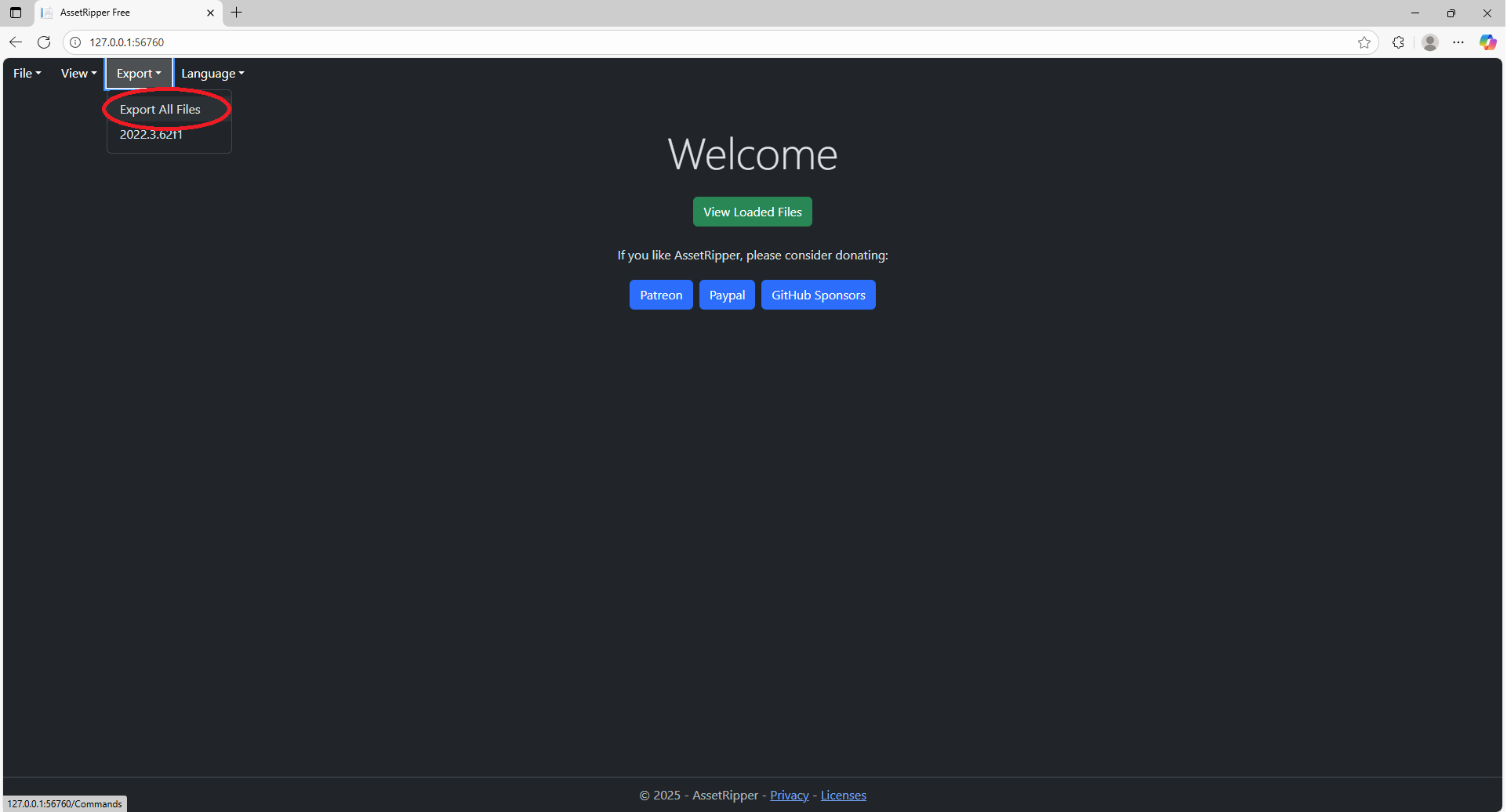
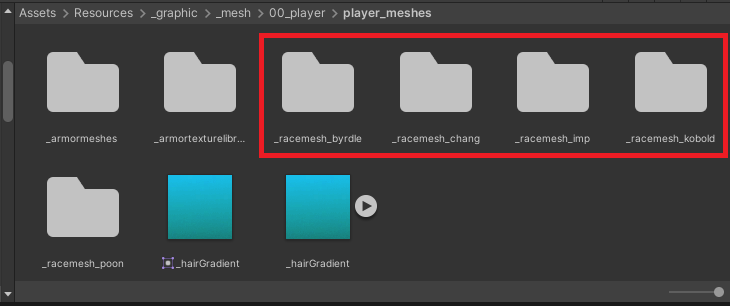
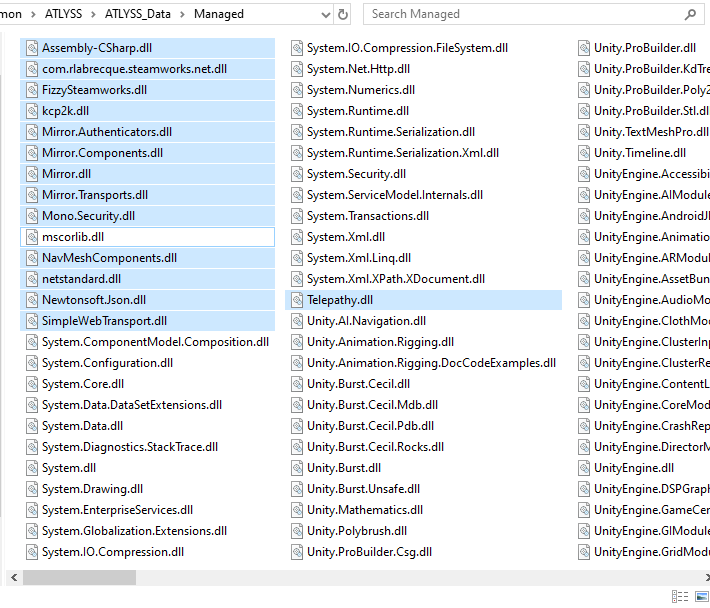
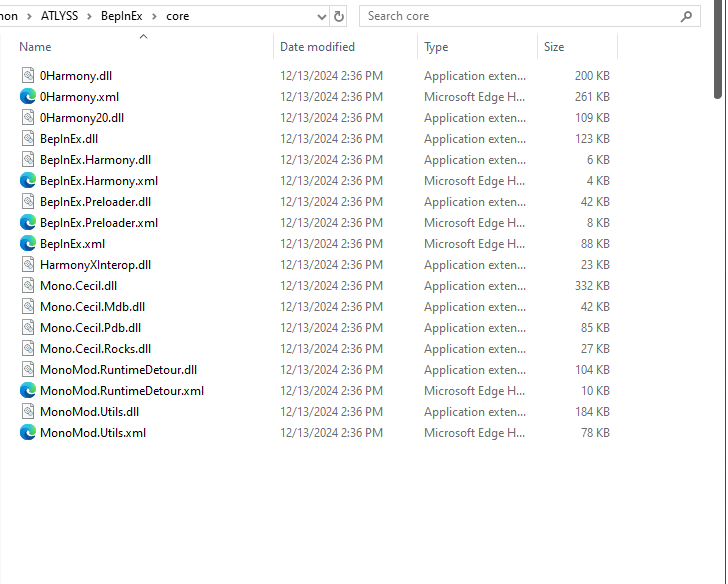
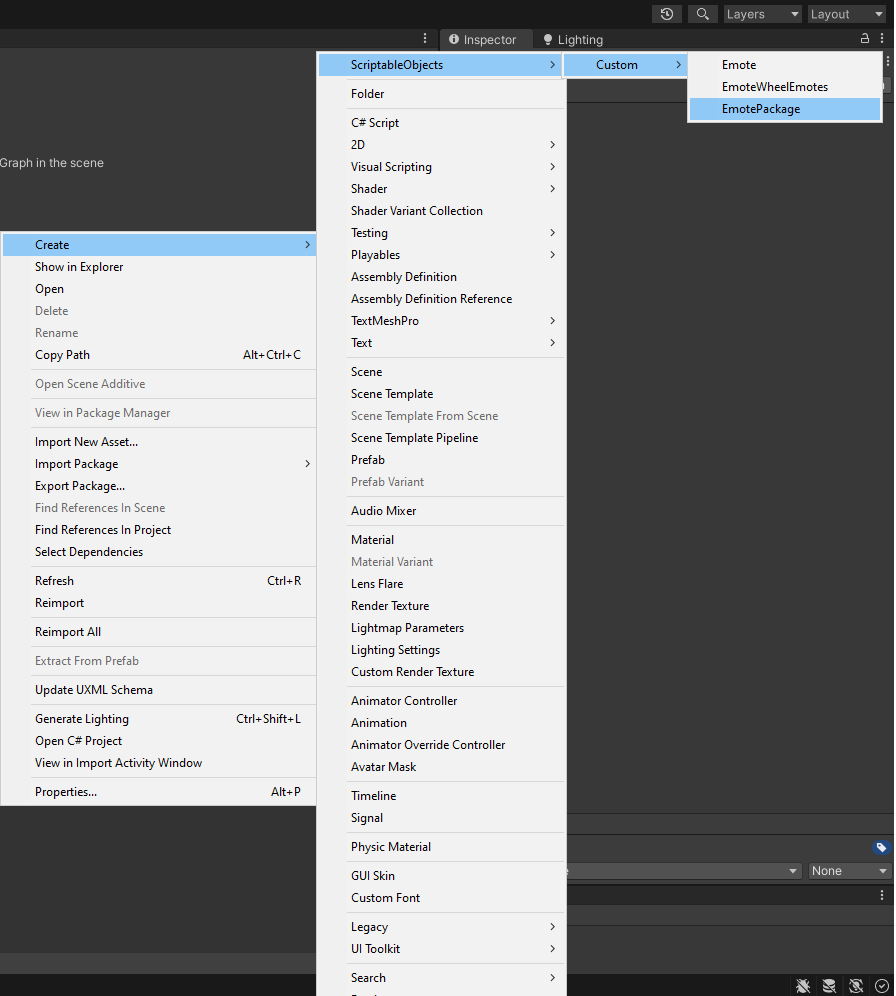
Each emote bundle must include a EmotePackage data object named "_Package". This can be created through the right click create menu, under ScriptableObjects/Custom/EmotePackage
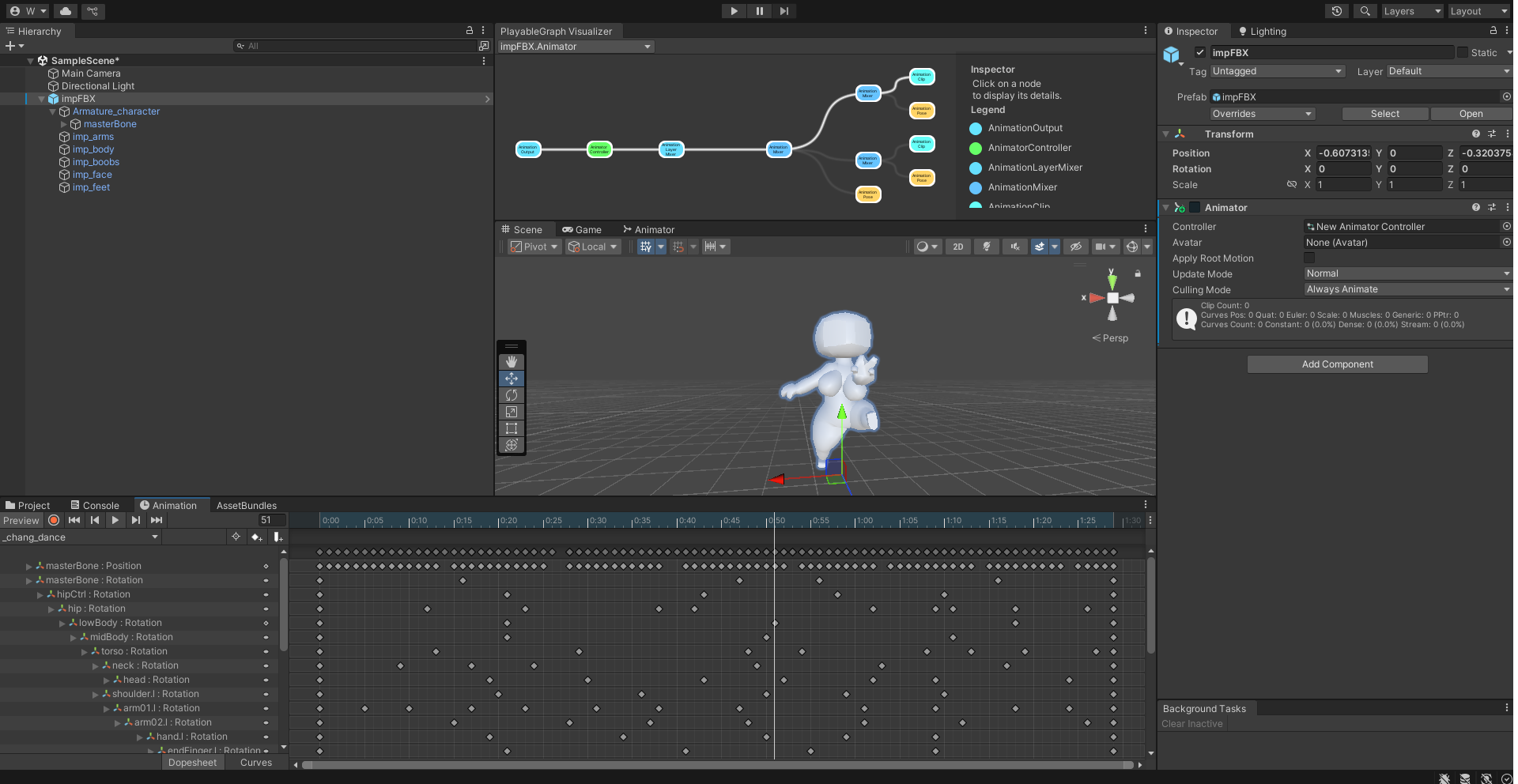
To make an emote, create a scriptable emote through the right click menu, under ScriptableObjects/Custom/Emote. Adjust various details about the emote's crossfade between the intro and loop animation clips. You will need to create animation clips using the animator attached to the player model. This will require some Unity knowledge, so look up how to use Unity's animation system.
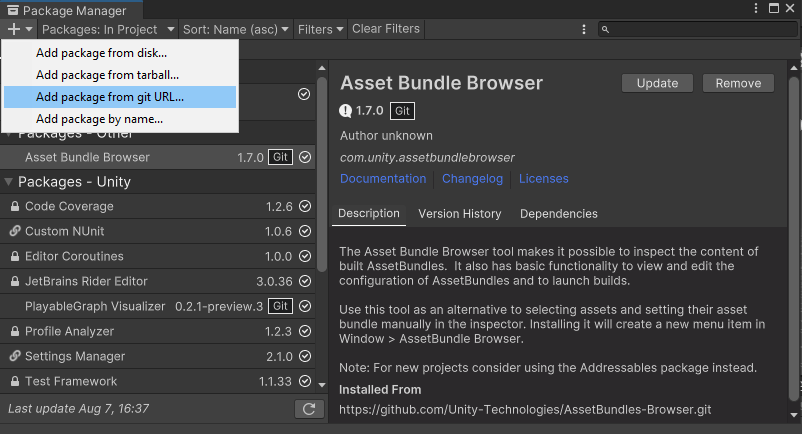
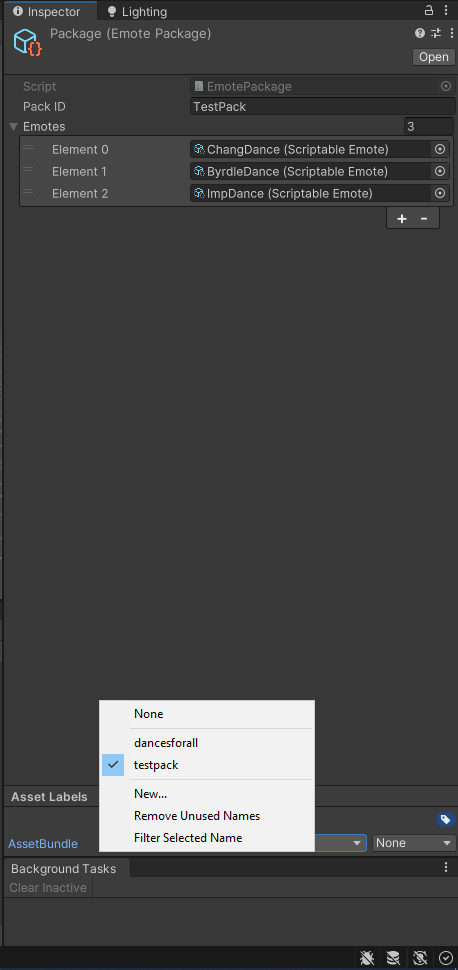
To create the bundle file, open the AssetBundle Browser window through the Windows tab on the top of your project window, mark the emotes and package as in one asset bundle, and build through the AssetBundle Browser window. (Open with the Windows tab)
Additional Details:
If the mod breaks, contact me on discord (@snivyxxy) If you're stuck floating mid air, that's probably because of this mod.