
Bomb Rush Cyberfunk
You are viewing a potentially older version of this package. View Latest Version

 .
.
Just toggle it in the phone menu will allow you to move with them when using them !
Just play the emote, look forward press W, and you can now direct your emotes ~!
Bunch of Emotes now has a phone menu with all of you emotes, based on the emotes list from the menu (look further down for instructions).
And pack based menues for all the others, for more convinient scrolling.
The old menu is still present for video purposes.
The emotes are stored in different folders:
Custom list for the injected animations with the same rules as the custom list, this fav pack works for every emotes but the game needs to be rebooted for it to be actualised on change.BepInEx\config\BunchOfEmotes and of course Bundle 1 being the default bundle
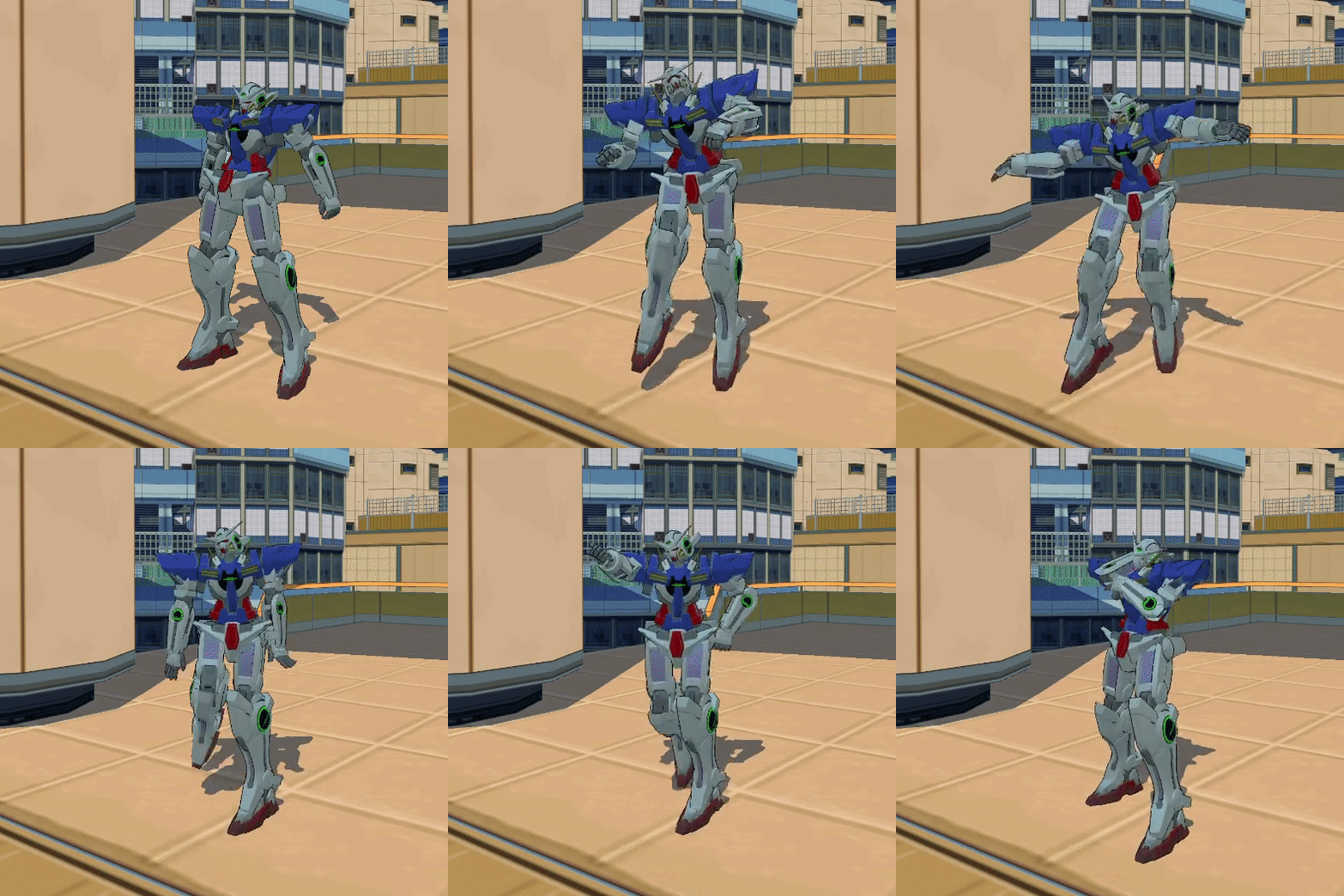
Bunch of Emotes is a menu that will allow you to use severall animation from the game, or even import your own !
Bunch of Emotes have 3 kind of menus :
All the animations should be synced over multiplayer and every keybind can be changed through the R2modman config editor.
⚠ The animations has to be done while on foot, not when having the skateboard, BMX or the blades out it might not play the animation.
To use this one simply press down the N button and select any of the available emotes with left bracket '[' or right bracket'['.
Then press N again to play the selected emote, move or jump to go back to your normal state.
This one works in the same way and replaces the default list with emotes (still from the game) that you picked out from the list. You then just have to follow the next how to.
How to make your own list of emotes (from the game):
Firstly you will have to navigate to the config files and switch the Do you want to use a custom list ? to true.
Secondly you need to make a list separated by , with the emote names that are listed here. The list is case sensitive, and requires no spaces.
Example : jumpNEW,fallNEW,wallRunLeftNEW,grafSlashUP_RIGHT
If you have BepInEx.ConfigurationManager you can change all of it without having to reboot the game.
Not all the animations has been tested, since those are from the game. So it's possible that some will not work and just make you sit, if this is the case please verify if the word is written correctly, and if you did the animation on foot.
By pressing the B button you can switch between the in game emotes and the custom ones and use the regular keybinds to navigate through! Slecting and chosing them are still the same.