

Bomb Rush Cyberfunk
You are viewing a potentially older version of this package. View Latest Version
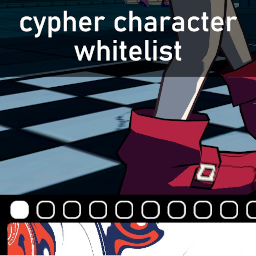
BepInEx plugin that whitelists or blacklists characters from Cyphers. Useful in cases where you might have a lot of characters you don't use to see other players in SlopCrew.
By default you're able to whitelist or blacklist characters by entering the Character Select screen at a Cypher via button prompts. You will see the changes reflected next time you enter a Cypher.
If you want to manually edit the configuration, a documented BepInEx configuration file will be created the first time you run the mod, named "CharacterWhitelist.cfg". You can use r2modman to more easily edit it, or the ConfigurationManager tool to edit it in-game with the F1 key.
For CrewBoom characters, you have to type their filenames into the list, minus the ".cbb" extension. You can also disable the in-game Cypher UI from here.
You will need to provide a publicized version of the "Assembly-CSharp.dll" file which can be found in your "Bomb Rush Cyberfunk_Data/Managed" folder. To publicize it, you can use the BepInEx.AssemblyPublicizer tool, and paste the result into "lib/Assembly-CSharp-publicized.dll" in this project's root directory.
You will also need to provide the "CrewBoomAPI.dll" assembly in the "/lib" folder, from the CrewBoom plugin, and a publicized version of "CrewBoom.dll" as "CrewBoom-publicized.dll"
The assemblies "Unity.TextMeshPro.dll" and "UnityEngine.UI.dll" are also necessary. These can be found in your "Bomb Rush Cyberfunk_Data/Managed" folder as well.