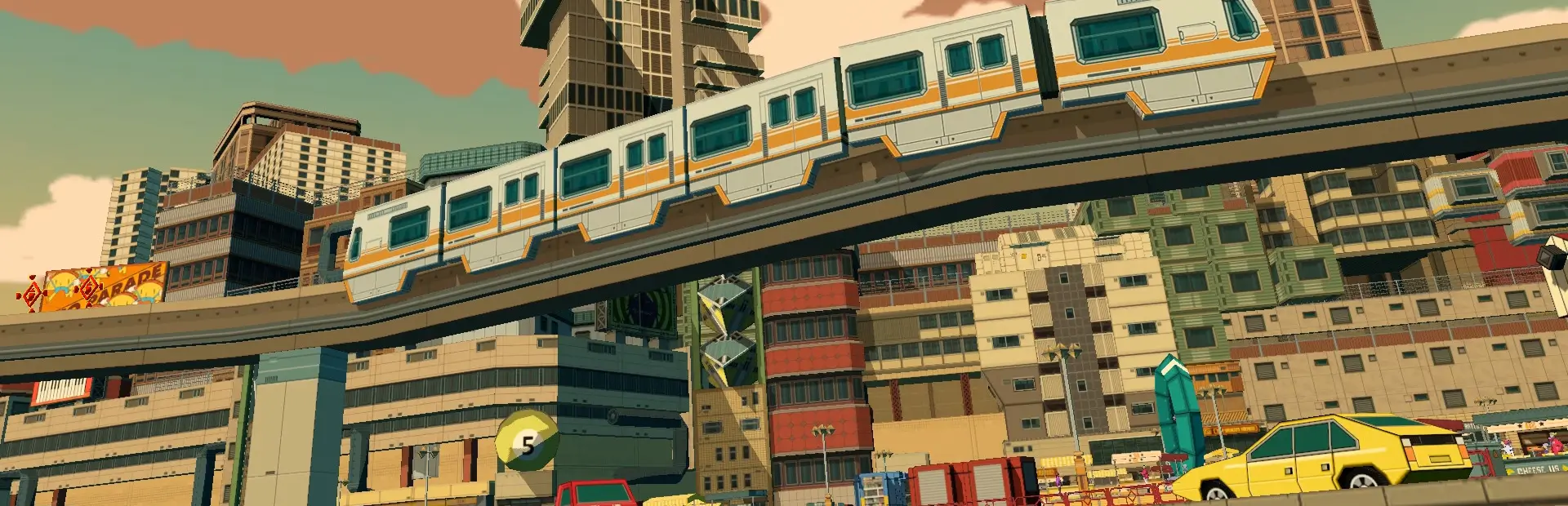

This is a mod for Bomb Rush Cyberfunk that allows players to watch movies and videos with friends, in-game.
The plugin supports YouTube videos, along with MP4, WebM, AVI, MOV, M4V, and most MKV formats.
NOTE: IF YOU ARE ON WINDOWS 11, YOU PROBABLY WILL NEED TO DOWNLOAD THE HEVC CODEC TO WATCH MKV VIDEOS.
Don't blame me, Microsoft is f-ing stupid and they want to sell you sh-t that came free with your f-ing Xbox Windows 10.
NOTE: IF YOU ARE ON LINUX, I RECOMMEND USING PROTON GE RTSP, OTHERWISE YOU'LL GET STUCK SYNCING. This is an issue with how wine handles translating the codecs into Linux compatible calls.
You can adjust the video resolution to a variety of options, but the higher resolutions will use more system resources. There are two settings to control the resolution in the main config, VideoRenderResolution and YouTubeResolution.
Resolution Options:
If using higher YouTube resolutions, it is highly encouraged that viewers also enable UseFFmpeg for higher quality YouTube playback. This option will make SyncVideo download a temporary copy of the video at the viewers selected resolution before starting playback. Please note that while this enables much higher quality video playback, it is slower than streaming YouTube videos without using FFmpeg.
Advanced users can adjust the size of their screen, in-game. To enable the "Screen Position" menu, set the option to True in the SyncVideo config. After launching, you can enter the "Screen Position" menu, which is located within the lobby menu. Please note that the screen size/location is only changed locally, and is not shared with any viewers.
If you run into an issue, or want to mess with some things under the hood while developing a map to support SyncVideo, use the SyncVideoAdvanced config. This config includes options to change what objects the screen(s) will spawn on, as well as options to adjust the sync timings for the host and viewers.
Navigate to "YouTube.com" and search for the channel "Nerrel" :)
No, not currently. Twitch.tv streams are not supported, either.
Same way you would with JasonOfTheStorm's VideoOnTV. Sync Video looks for objects in the Junk layer named "TV". If it finds one, it creates a screen at the object's origin. When making a map, make an object you want the screen to spawn on (I recommend a plane instead of a cube) and name it "TV" exactly, then set it to the "Junk" layer. You can scale the size of the TV object to change the spawned screen size.
When using FFmpeg, videos downloaded are temporarily saved inside your plugin folder's cache folder. They are automatically deleted when a new video is selected or the lobby closes.
Because Micosoft is garbage. Windows 11 removed H.265 HVEC code support by default, which is the most popular MKV codec, because they want YOU to pay for it. Don't give them any money. Install it yourself instead from CodecGuide instead. I recommend downloading the ZIP package containing all the installers and installing all of them.
MKVs use a LOT of different codecs and Sync Video only supports the most popular ones (H.264 & H.265). Your MKV is probably using a different codec. If you're not sure what codec your video uses, you can check it by opening it in VLC Media Player and pressing Ctrl+J.
If you're a viewer, either give it a movement for the video to sync with the host (it will get better after a couple seconds) or try leaving and rejoining the lobby.
This happens occasionally if you close the game without giving it a second to close/shutdown everything, resulting in FFmpeg still open. To prevent this, leave the lobby before closing the game, then close the game from the main menu.
Uninstall JasonOfTheStorm's VideoOnTV.
Sorry about that!! Send me the BepInEx log and I'll look into it. I'm in the Freesoul Discord.
© Absentminded 2026 / Relevant Parties Sync Video is provided, "as is", without any warranty of any kind, under the GNU Lesser General Public License (LGPL) v2.1 or later.
This plugin includes FFmpeg, a multimedia framework. FFmpeg is licensed under the GNU Lesser General Public License (LGPL) v2.1 or later.