Utilities for practicing Boneworks speedrunning.
Features
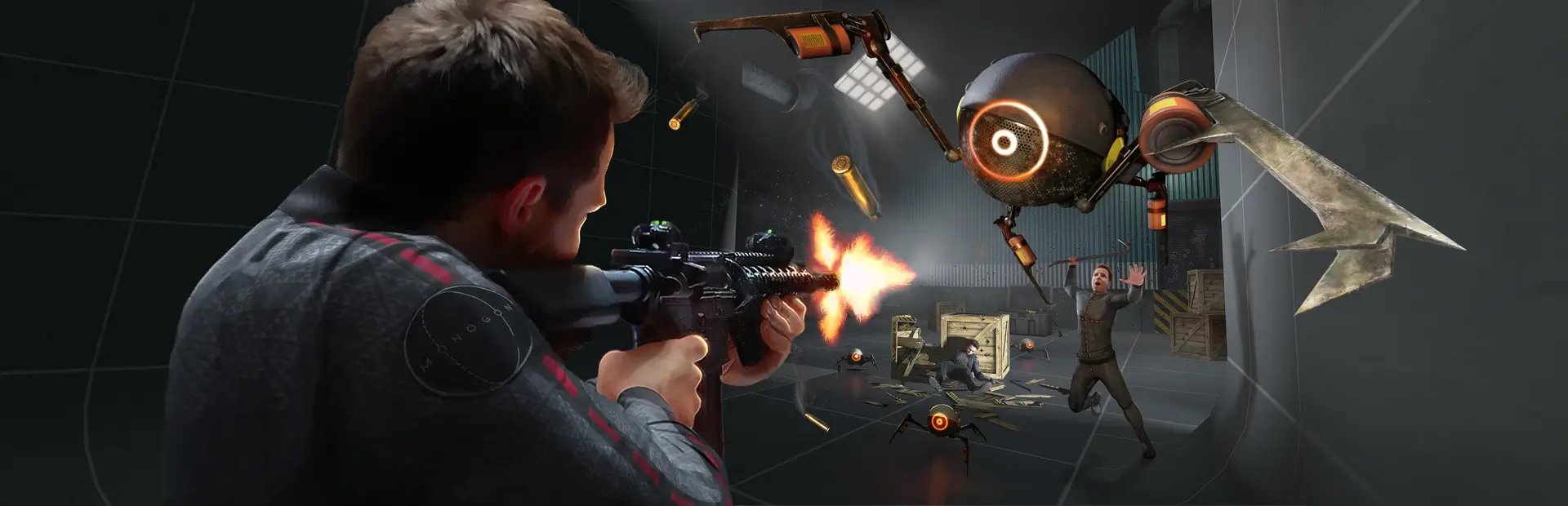
- Makes boss claw always patrol to the area near the finish in Streets
- Boss claw cabin appears green when this feature is on, so that you're aware RNG is being manipulated
- Teleport to a chosen location to practise parts of a level again
- Pressing B on both controllers at the same time sets the teleport point to the position you are currently standing at
- Clicking the right controller thumbstick teleports you to the set point
- Clicking A and B on the left controller at the same time resets the level
- Useful for situations like in Museum when you teleport back to retry valve flying and need the valve to be back at its starting location
Installation
- Make sure Melon Loader is installed in Boneworks
- Download the SpeedrunTools mod from Thunderstore (click on "Manual Download")
- Open the downloaded
.zip file and extract Mods/SpeedrunTools.dll into BONEWORKS/Mods/SpeedrunTools.dll
- You can usually find your
BONEWORKS directory at C:\Program Files (x86)\Steam\steamapps\common\BONEWORKS\BONEWORKS
Configuration
You can change some things (like where the boss claw moves to) by using MelonPreferencesManager:
- Install MelonPreferencesManager (download the IL2CPP version)
- Open the menu in-game using F5 to change config options
For boss claw settings to take effect you must restart the level.
Links