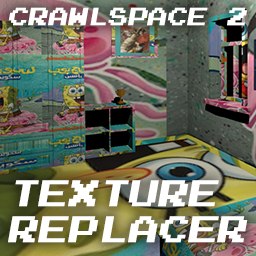

install the dll in your BepInEx plugins folder
the mod should've made a config folder
close the game, and go into the config file (com.doug.texturereplacer.cfg)
get your image (preferably a .png) and open the cfg file
on the part where it says "Texture path =", paste your file path
(e.g. Texture path = C:\Users\you\Downloads\poopootest.png)