

Dyson Sphere Program
You are viewing a potentially older version of this package. View Latest Version
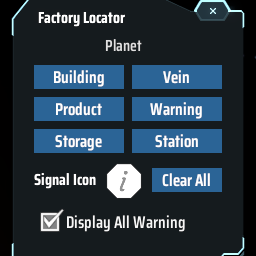
Find the positions of specified buildings and indicate them with warning icons.
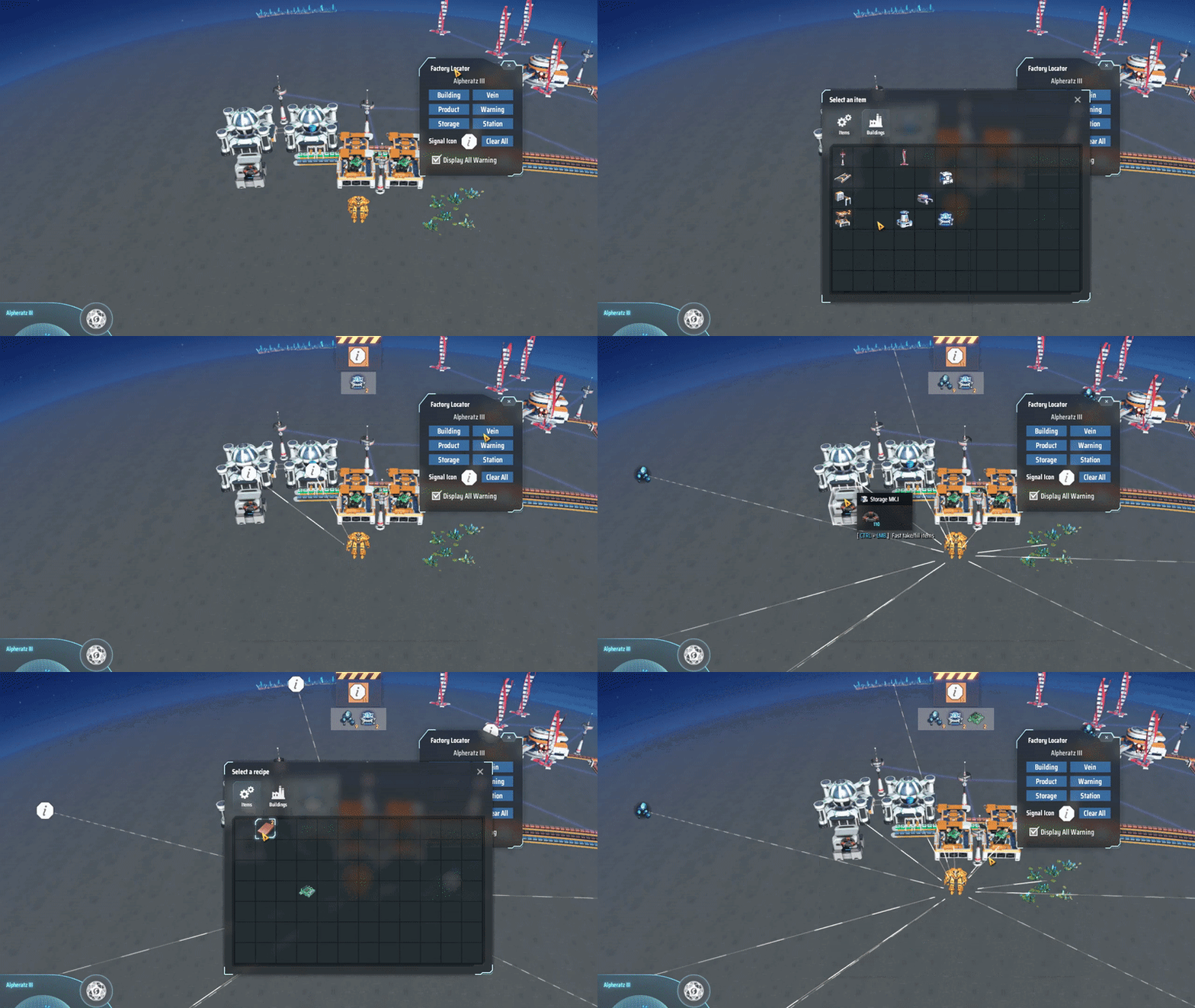
The default hotkey to open the window is Ctrl + F. Keybind can be configured in game control settings.
In picker window, it will show all possible search options among all buildings. The yellow number shows how many buildings qualify for the condition, or how many items are inside all station/box storage.
The created warning will stay until Clear button is clicked. You can also toggle to show/hide all warnings.
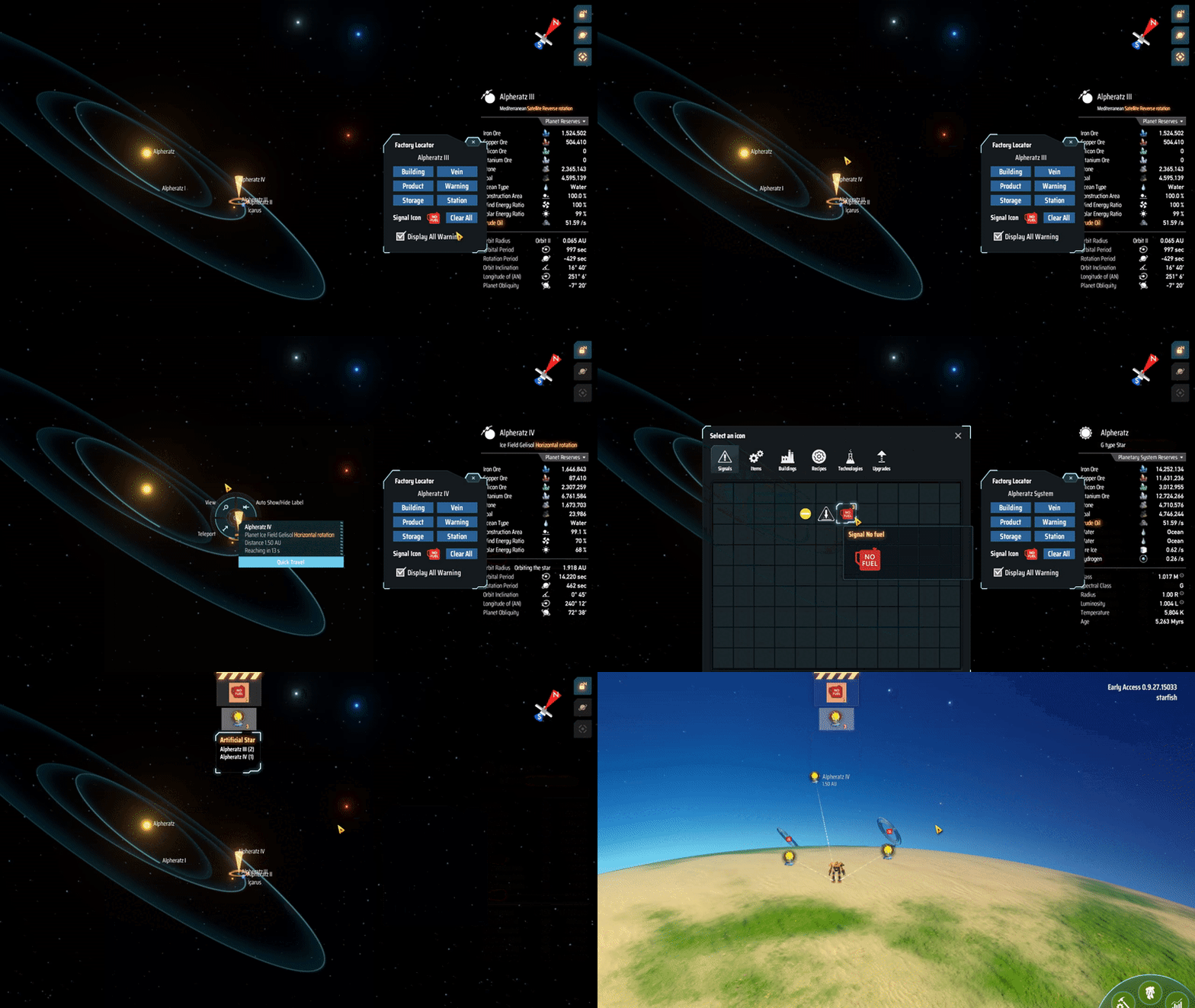
By default, the mod will search for buildings on the local planet.
When in starmap view, the mod will change the searching planet if the selecting planet has factory on it. When selecting a star, it will search all planets in the star system.
Click on a warning detail icon to show where the warning locate. Click on other areas to close it.
Special thanks for Semar's LongArm mod for inspiration, hetima's mods for UI design and Raptor for mod idea.
The mod don't have to install on both host and client. Some behaviors will be different though.
Via r2modman, or manual download the file and put FactoryLocator.dll in BepInEx/plugins folder.
- Initial release.