A BepInEx mod for Dyson Sphere Program that provides quality-of-life improvements to the game's UI.
戴森球计划的BepInEx模组,为游戏UI提供多项实用改进。
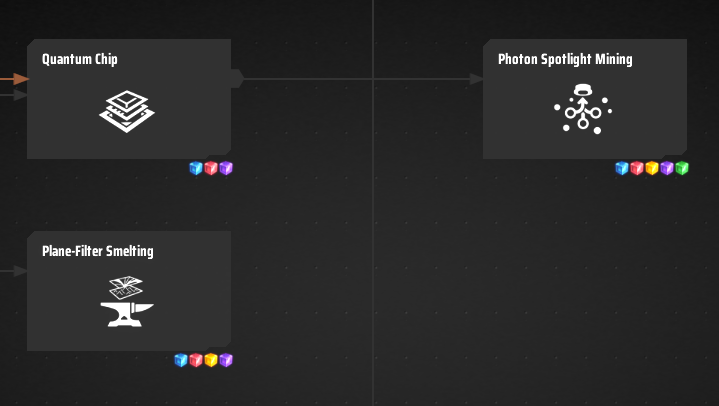
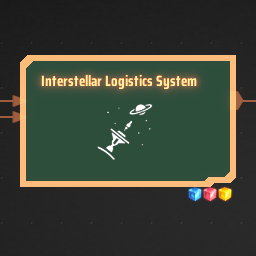
Research Material Indicators: Displays small icons of required items on each tech node for quick reference
Skip Metadata Requirement: Removes the metadata prerequisite check, allowing you to research techs without needing to collect metadata first
Navigate to Prerequisites: Adds a locate button when viewing a tech that has missing prerequisites, allowing quick navigation to the required tech
科研材料图标: 在科技节点上显示所需物品的小图标,方便快速查看
跳过元数据需求: 移除元数据前置要求检查,无需收集元数据即可研究蓝图科技
定位前置科技: 查看有隐式前置的科技时,会显示定位按钮,可快速导航到所需的前置科技
Adds mouse button shortcuts to station storage UI for quickly switching storage modes:
为物流站存储UI添加鼠标快捷键,快速切换存储模式:
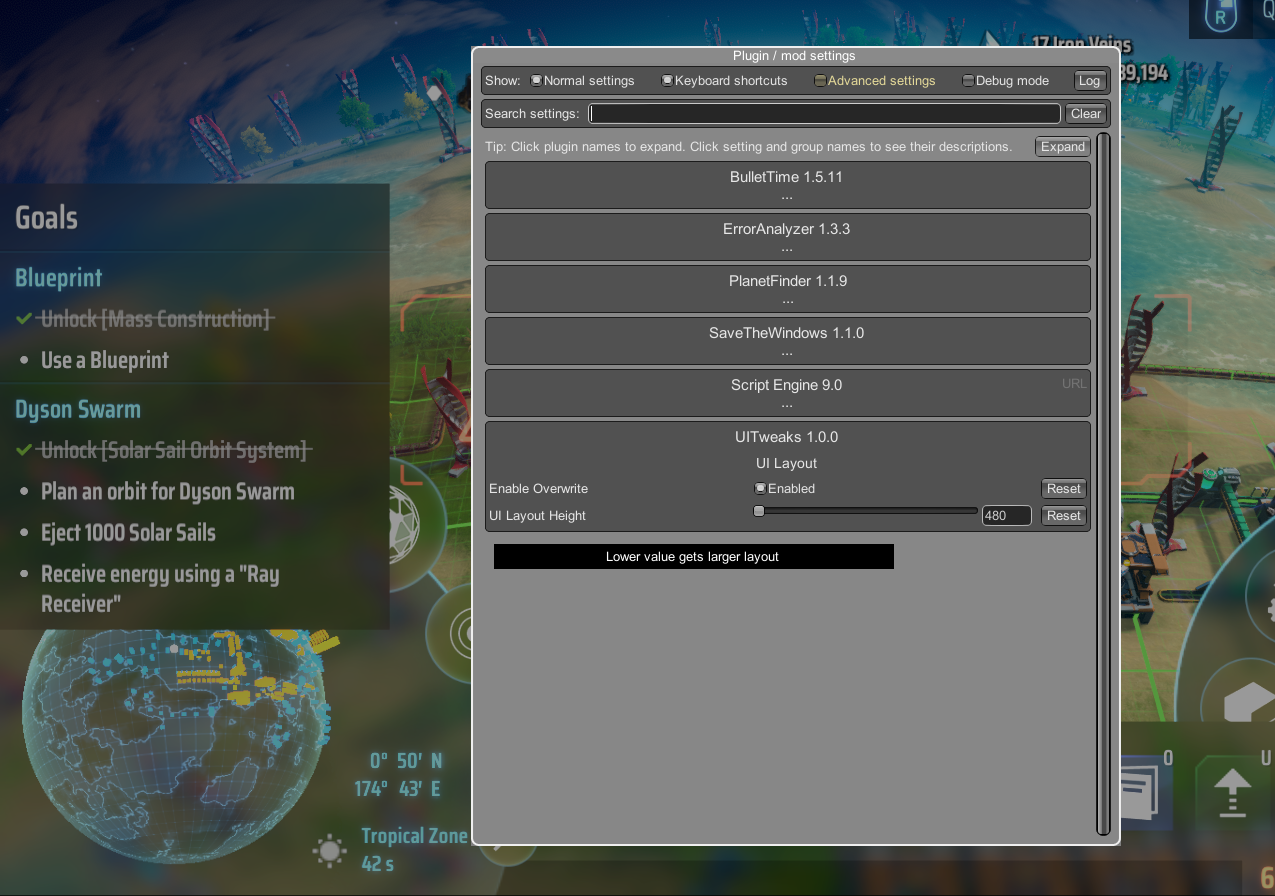
Override the game's UI layout height settings:
覆盖游戏的UI布局高度设置:
Via r2modman/GaleModManager, or manually download the file and put UITweaks.dll in BepInEx/plugins folder.
通过管理器r2modman/GaleModManager,或者手动下载文件并将UITweaks.dll放入BepInEx/plugins文件夹。
Run the game one time to generate BepInEx\config\starfi5h.plugin.UITweaks.cfg file.
If you're using mod manager, you can find the file in its Config editor.
配置文件(BepInEx\config\starfi5h.plugin.UITweaks.cfg)需要先运行过游戏一次才会出现。
如果是用管理器, 可以在左边点开Config editor页面找到该文件
[UI Layout]
# Enable custom UI layout height override
Enable Overwrite = false

# Custom UI layout height value (lower = larger UI)
# Range: 480-900
UI Layout Height = 900
To use custom UI layout height:
Enable Overwrite = trueUI Layout Height to your preferred valueWhen used together with BepInEx.ConfigurationManager v17.0, you can set the value in real-time.