EasyCustomPlayerSkin
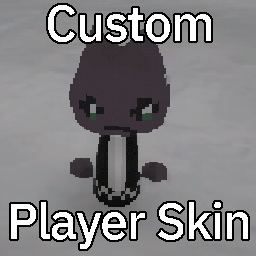
Load a custom texture for your player character.
How To Use
Texture Creation
- Use the original texture as a template which you can download here
Using in the Game
- Open your installation directory of Easy Delivery Co
- Go into the
EasyDeliveryCo_Data/StreamingAssets/ directory
- Create a new folder called
CustomPlayer
- Open the CustomPlayer folder and put your texture there (MUST be named
player.png !!!)
Compatibility
This mod has no impact on your savefile. You can safely uninstall it at any time.