

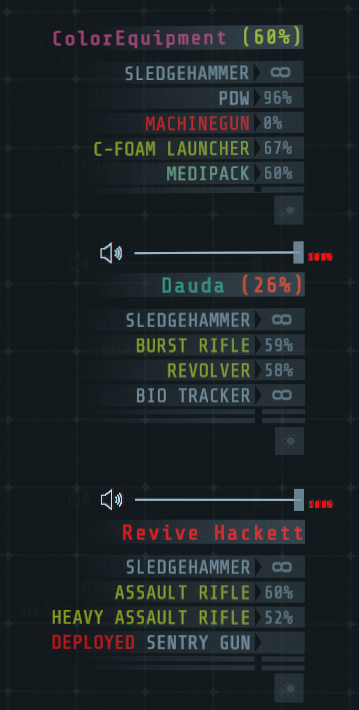
This plugin was conceived as an extension of CGHI and as such has some overlap in features. There is code in place to ensure some compatability with the current version of CGHI (0.0.4).
Color values are HTML color codes in the format #RRGGBB (no alpha).
Color thresholds are floating point values between 0.0 and 1.0, representing 0% and 100% respectively.
The color scaler follows these three rules:
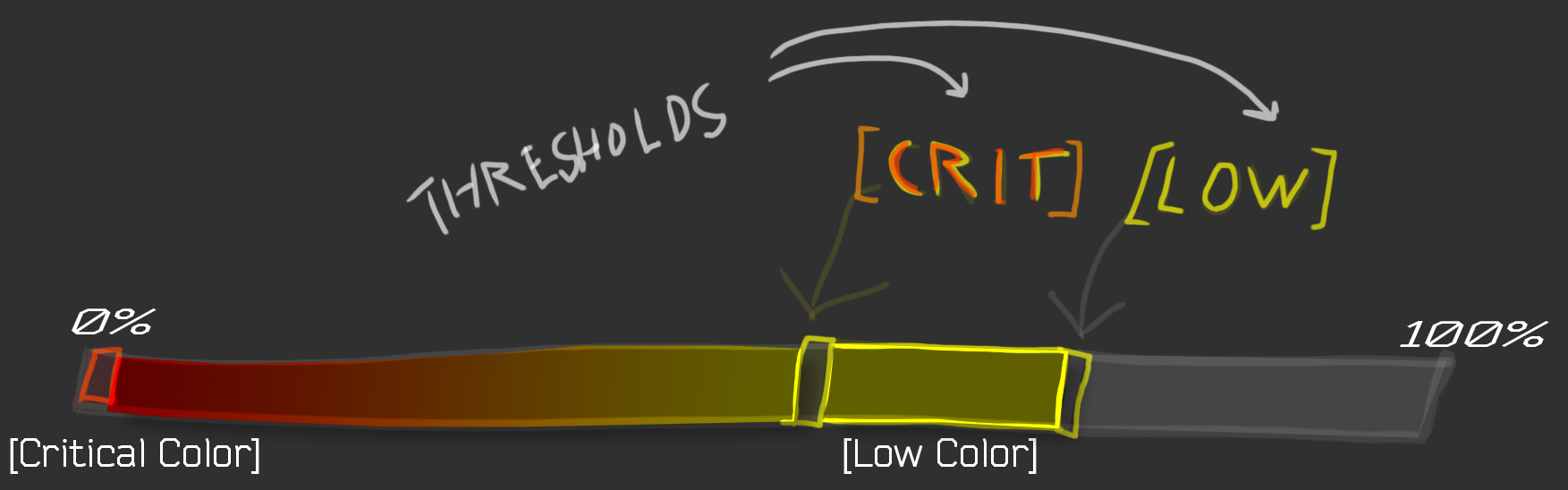
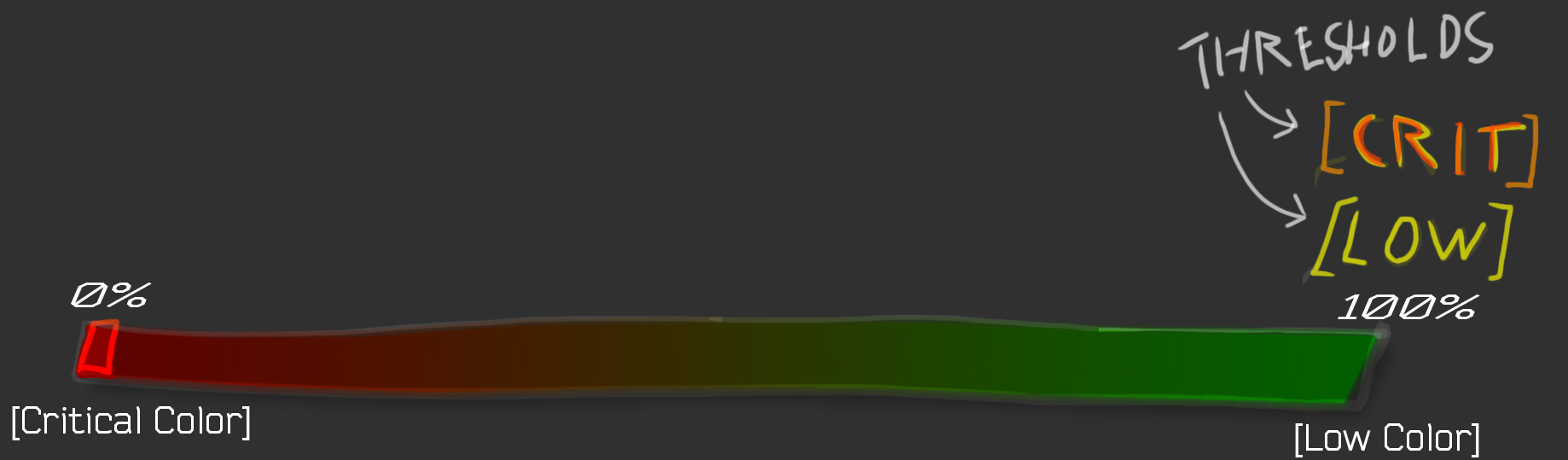
Normally any resource amount that is above the Low threshold will not result in a change of color. In order to always have a color the Low threshold should be set to 1. We only want to use two colors, so also set the Critical threshold to 1. Now when the value is at 100% we effectively use the Low color, when the value is 0% we use the Critical color.
Set all thresholds to 1; this will allow us to scale directly from the Low color to the Critically low color.
[Thresholds]
Resource Low = 1
Resource Critical = 1
Health Low = 1
Health Critical = 1
Set the Low to the desired color when a resource is at 100%. Set the Critical to the desired color when a resource is at 0%.
[Colors]
Low = #00FF00
Critical = #FF0000
The color will now blend between the two values, as shown in this figure: