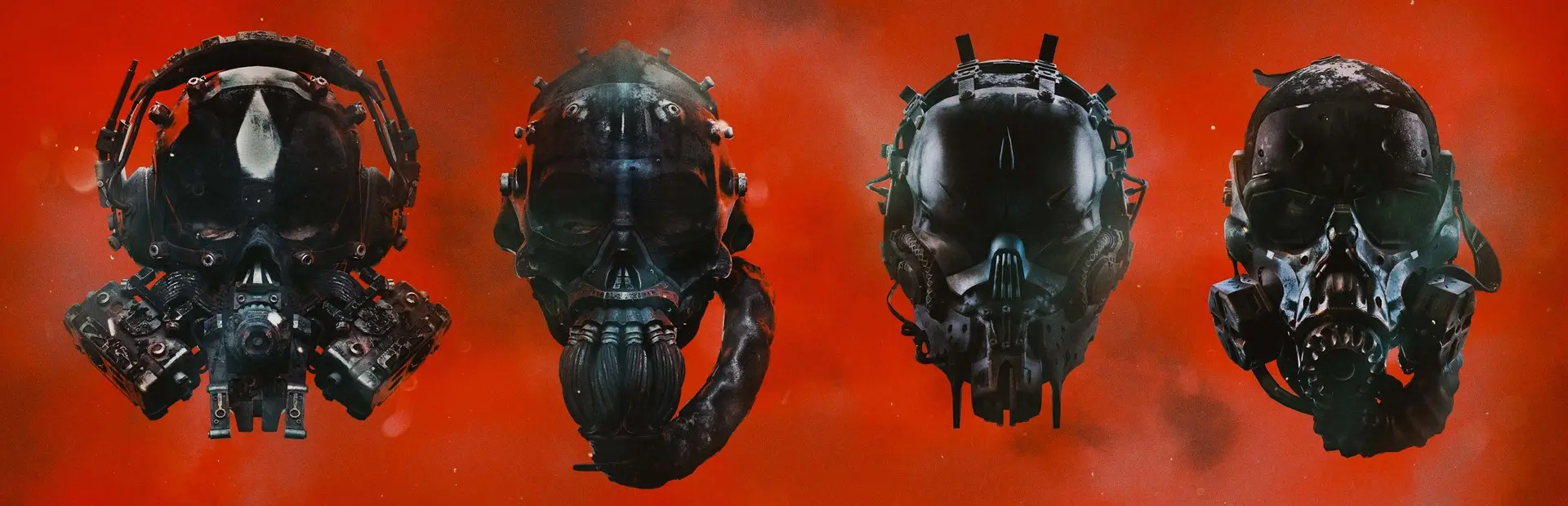
Background
customize & set backgrounds for in-game menus
For feedback and issues, DM @uwufood on the GTFO Modding Discord Server
Example

Customization
All config changes are set to hot-reload; you can adjust images paths and brightness and see the changes in real-time.
Images
- Background supports local images and remote images (web URLs).
- Local Images e.g. absolute paths
C:/Users/UserName/Pictures/image.png (relative path support is planned but not currently supported)
- Remote Images e.g.
https://example.com/image.png
- The "Global Image" is a default background choice for all menus if a specific menu does not have an image configured.
Brightness (Alpha)
- It might likely be the case that the image is too bright or dark depending on the image itself and the menu it is applied in. You can adjust the brightness in the "Alpha / Brightness" section of the config, the value is between 0 and 1.
- Note that you definitely don't want to set it anywhere close to 1, it is almost guaranteed to look horrible.
Image Tint
- You can optionally apply a tint to all background images. This can be set in "Display".