
After the first run of the game, go to :
Mod Profile -----> BepinEX ----> SideLoader -----> ArmSwingManTape folder and stuff it with some .wav or .ogg files!
Too many audio file may glitch the frame on load.
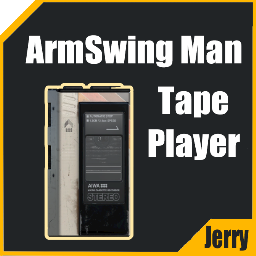
Click the bottom of the tape player to open the tray, put the tape in and close it
Click the play button to play the tape, click pause button to pause, open the tray to stop music.
Click left side button to tweak volume.
When holding the tape, click the side edge of the tape to switch music (Left is Prv, Right is Nxt).
1.0.0 Added the tape player and a tape in Tools&Toys------>Utilities.
1.1.0 Using a better music loading method, thanks to Cityrobo!
1.1.1 Added more Tape liveries (will change when switching songs).
1.2.0 Fixed the issue causing tape won't be saved. Added volume buttons.
1.3.0 Added wires that will auto attach to EarPros, which will perform a better listening experience.