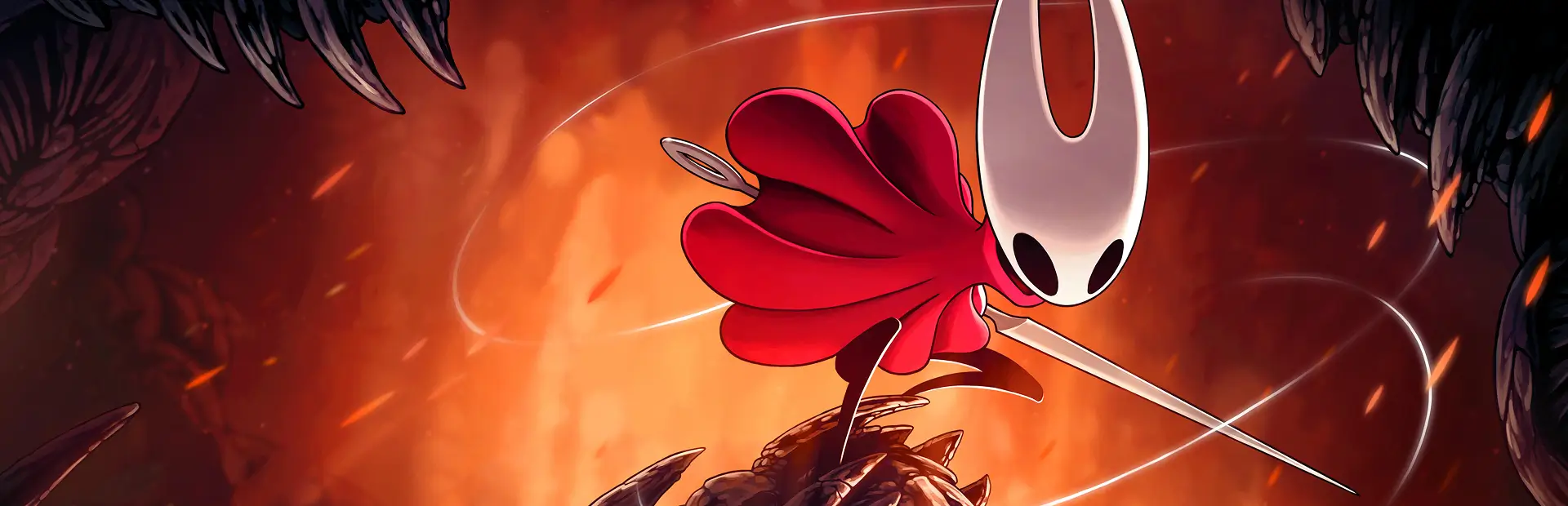

Hollow Knight: Silksong
You are viewing a potentially older version of this package. View Latest Version

A custom asset mod for Hollow Knight: Silksong with particular attention to ease of creation.
DumpSprites: Enables sprite dumping, which saves sprites for any loaded scene into the "Patchwork/Dumps" folder. These files can be used to make new texture packs. DO NOT enable this during normal gameplay, as it slows down loading the game by a lot. If this is enabled, the mod will also let you dump textures from all scenes in the game by pressing the button configured under "Keybinds/FullDumpKey" (Default: F6)LoadSprites: On by default, lets you disable custom textures if you would like that for whatever reason.ReloadSceneOnChange: Disabled by default, watches sprite files for changes and automatically reloads the area you're in within the game whenever any changes happen. This lets you see your new sprites ingame immediately. WARNING: Depending on where you are in the game, this may cause instability or crashes.EnableForceReload: Disabled by default, lets you reload the area you're in ingame with a button press configured under "Keybinds/ForceReloadKey" (Default: F5)Enables/disables various types of logging. Only relevant for troubleshooting or development, you'll most likely not need these.
Patchwork is structured in a way that lets creators publish their packs as plugins on Thunderstore! In order to be automatically installed correctly when players download them, make sure to follow the following structure with your plugins:
YourName-PackName.zip
 \- icon.png
 \- manifest.json
 \- README.md
 \- plugins
     \- Patchwork
         |- Sprites
         |   \- <your files here...>
         \- Spritesheets
             \- <your files here...>
Some sprite textures have multiple definitions within the game files, meaning that while the game treats them as two separate textures, they take up the same space on the spritesheet. When dropping the full set of dumped sprites into the Patchwork folder, this may cause sprites to overwrite each other. (This is for example the case on Hornet's "idle" sprites.)
Temporary Solution: Only keep the Sprites you've already modified in your Patchwork folder, and move them there as you create new ones. The auto-reload feature will work regardless, and there's no risk of conflicts.
I am investigating a way to detect and handle these duplicate sprites, and this issue should be resolved at some point in the future with an update.
GitHub Repository: https://github.com/Ashiepaws/silksong-patchwork
Discord: https://discord.gg/DeCtHA84AM (originally meant for my little Twitch community, but I'd be happy to chat and hang out! :3)
Ko-Fi Donations: https://ko-fi.com/ashiepaws