

Lethal Company
You are viewing a potentially older version of this package. View Latest Version
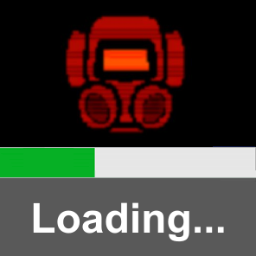
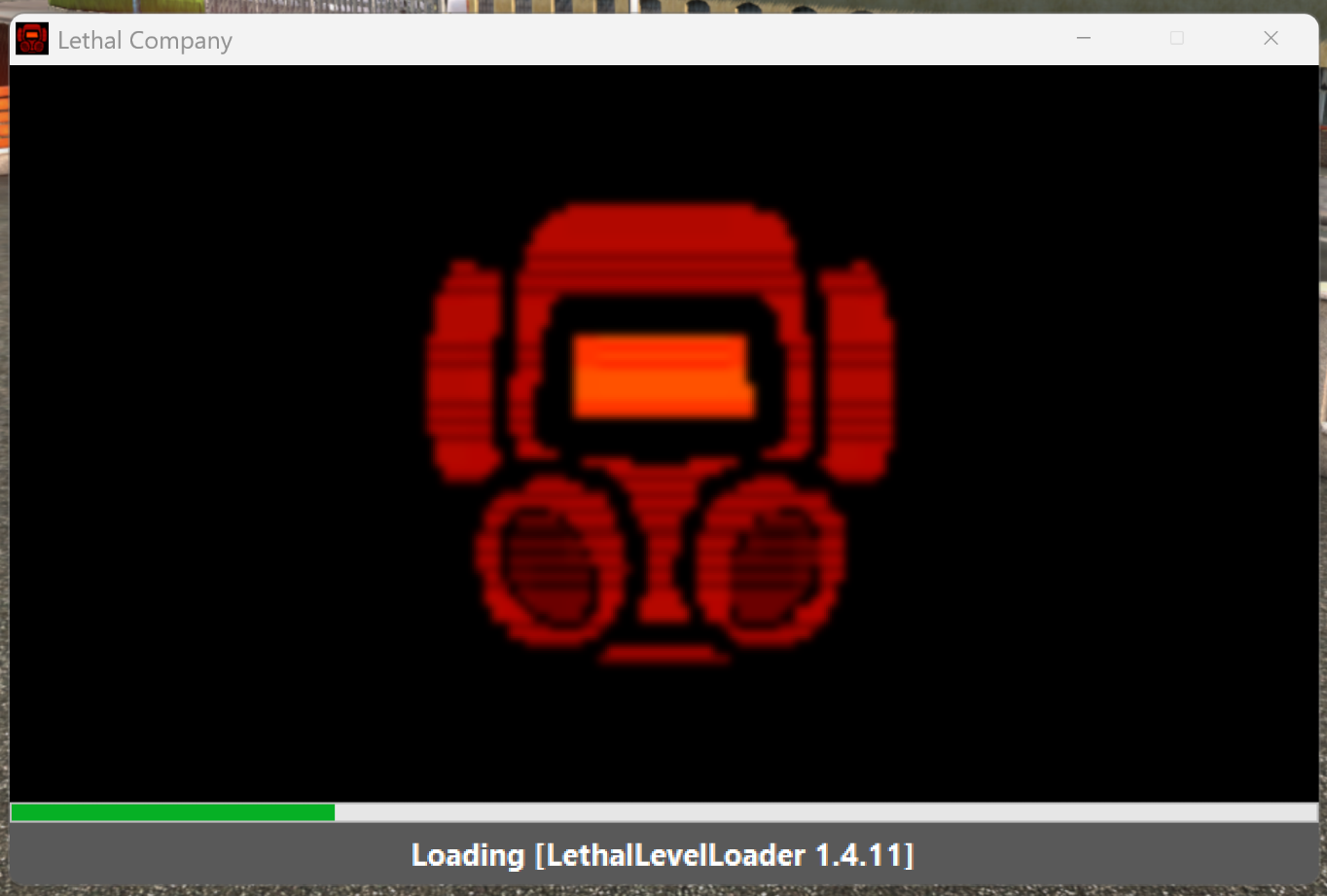
This is a cool mod if you want to disable the console and have a visible loading bar! It's also very useful for tracking progress when loading large modpacks.
If you're making a mod, create a folder named LoadingImage anywhere inside your mod, and place a LoadingImage.png file inside it.
If you're making a modpack and want to add or override a mod's loading image, simply place your LoadingImage.png (you can name it whatever you want in this case) inside BepInEx/patchers/Bertogim-LoadingScreen.
BepInEx.SplashScreen.GUI.exe is renamed to LoadingScreen.GUI.exe to try to fix discord activity detecting the loading screen as other game
This fork is only tested with Lethal Company but it should work with other games
Feel free to open an issue at https://github.com/Bertogim/BepInEx.SplashScreen/issues
A BepInEx patcher that displays a loading screen on game startup with information about patchers and plugins being currently loaded. It's best suited for games where patchers and plugins take a long time to initialize.
This patcher is mostly meant for inclusion in modpacks to give end-users immediate feedback after starting a heavily modded game. It can sometimes take a long time for the game window to appear and/or become responsive - especially on slow systems - which can be interpretted by the user as the game crashing.
🛠️ This project is a fork that combines elements from both BepInEx/BepInEx.SplashScreen and an early version of risk-of-thunder/BepInEx.GUI, with significant modifications and repackaging. While the original GUI code served as a starting point, most of it has been rewritten.
BepInEx\patchers.LoadingScreen.GUI.exe and BepInEx.SplashScreen.Patcher.dll are both present inside the BepInEx\patchers folder.BepInEx\config\BepInEx.cfg. If you can't see this file or the SplashScreen Enable setting, it means either BepInEx isn't correctly configured or this patcher is failing to start for some reason.Feel free to start issues, and by all means submit some PRs! Contributions should be submitted to the repository at https://github.com/Bertogim/BepInEx.SplashScreen.
You can discuss changes and talk with other modders on the official BepInEx Discord server.
Clone the repository and open the .sln with Visual Studio 2022 (with .NET desktop development and .NET 3.5 development tools installed). Hit Build Solution and it should just work.