Lethal Company Latin Translation
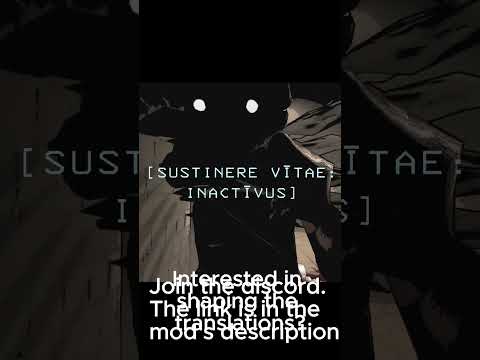
This project is a Latin translation of Lethal Company.
Install Instructions
Install the thunderstore mod manager:
- Download Thunderstore Mod Manager Here (Download and follow installer)
Install the latin mod (and 2 mods it depends on):
- BepInExPack
- New Terminal
- Lethal Company Latin Localization
After you have the mod manager downloaded, downloading the mods is as simple as clicking "Install with Mod Manager" on all 3 of the mod links.

Once all 3 mods are installed, you can play it in latin by clicking the "Modded play" button at the top

Future Improvements
Note: I will be working on:
- removing the remaining English in the game (I know about and am having trouble replacing 'Random seed', I think the loading screen with tech info is an image)
- ensuring items are in the correct cases where they are being used (nom vs acc. etc.)
- reviewing the translations in the terminal (some english remains, but trying to remove it, might have to wait on NewTerminal to be updated)
- (Potential) eventually replacing english text assets (like the posters or potentially the text in the folder, 'COLLECTED', 'DECEASED', 'No survivors', 'GRADE', LOST ALL SCRAP)
- remaining version 45 translation updates (change keybinds page)
All of the translations can be found in the files linked below.
Submit a Translation
Have an idea to improve a translation?
Add your suggestion here | or Share it on the Discord
Game Menus & UI Translations
The latin translations used for everything besides the terminal.
- Creature ✅
- Interactive ✅
- Location ✅
- MainMenu ✅
- Scrap&items ✅
- UI ✅
Terminal Translations
The NewTerminal translations, used to translate the terminal itself.
- Other ✅
- Special ✅
- Unused ✅
- Verbs (working through reviewing and polishing these for beginner friendliness)
Contributors
Made with the help of the following contributors:
- Benjaminus Johannes Quintus
- Hadriánus Mathis
Make a build of the mod
- Open the terminal (or git bash for windows)
cd into the folder of the mod- run
python build.py