

Lethal Company
You are viewing a potentially older version of this package. View Latest Version
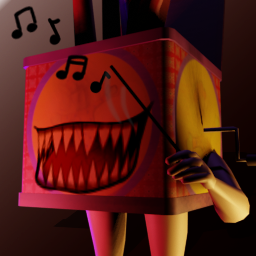
A mod for replacing the Jesters windup and screaming sounds with random songs.
This mod has the ability to replace the Jester's windup, screaming and popup sounds with random songs from a folder.
This is the recommended installation process:
Download and install Thunderstore Mod Manager or r2modman.
Click Install with Mod Manager button at the top of this page.
Run the game via the mod manager.
To add custom songs you follow the following steps:
Export your song in ogg/mp3/wav format.
Navigate to the mod folder Sk737-JesterSymphony
Drag song into either the Screaming, Windup or Popup folder.
To remove songs simply delete them from the folders above.
You can link the windup theme to the screaming theme by:
Navigate to the mod folder Sk737-JesterSymphony
Open the linkedSongs.json
Add your own entry following the format:
[
    {
        "WindupName": "FILENAME",
        "ScreamingName": "FILENAME"
    },
    More entries ...
]
This causes the screaming theme to play whenever the windup theme is selected. Not the otherway round.
I do not own this content. Credit goes to rightful owners.