

Lethal Company
You are viewing a potentially older version of this package. View Latest Version
For users, this mod can be used to generate any kind of effects directly in the config.
For developers, this is pretty much the same but it is done in .json files (note that those files have more customizations than the config).
And finally, the mod also comes with 40+ predefined custom weathers! So anyone can just install it and play.
Compatible with v73 of Lethal Company.
The mod will automatically register some custom weather effects coming from multiple mods such as Wesley's Weathers, Lethal Elements, Black Fog Weather, Legend Weathers, Code Rebirth, Mrov Weathers and even Blue.
If you want the full experience, make sure to install as many weather mods as you can/want !!
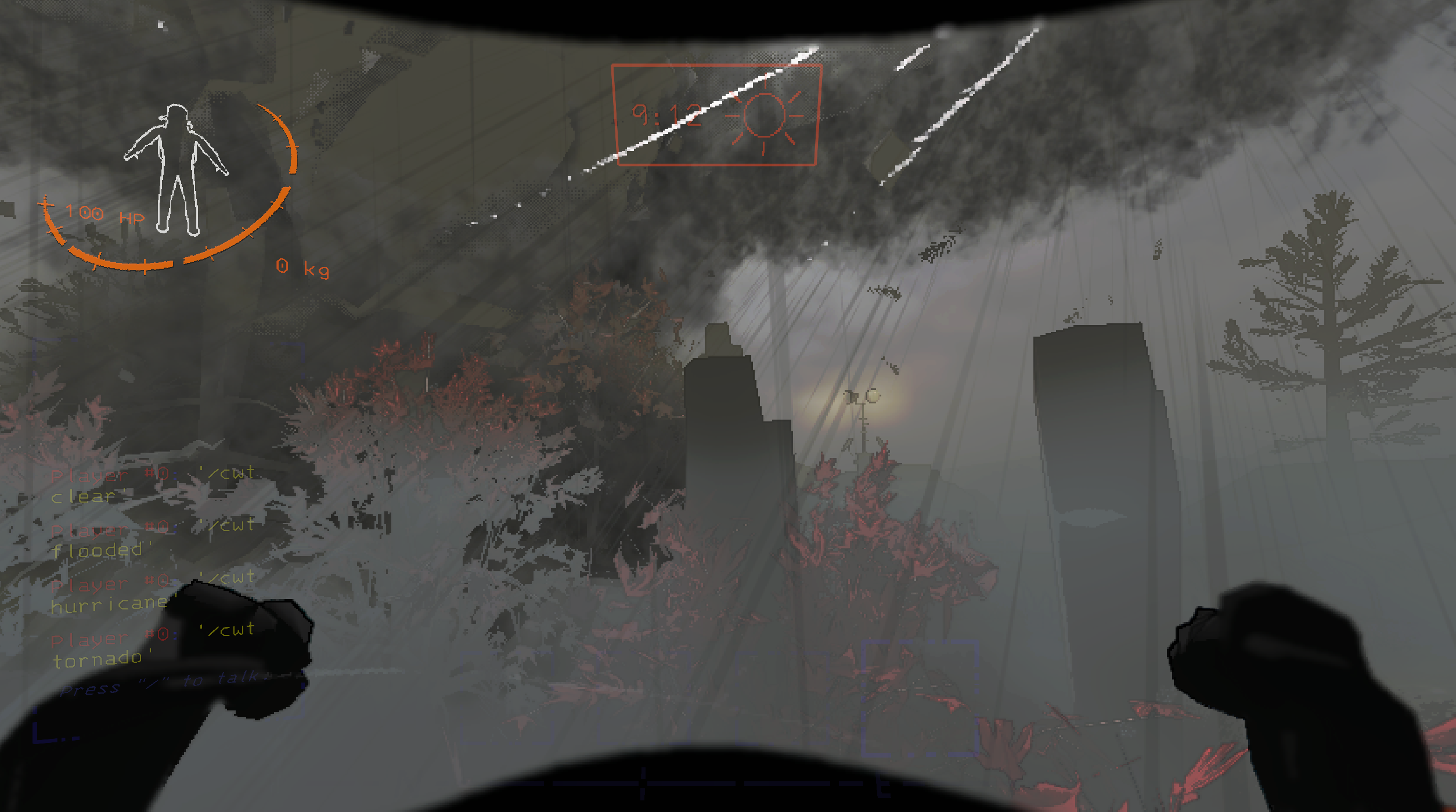
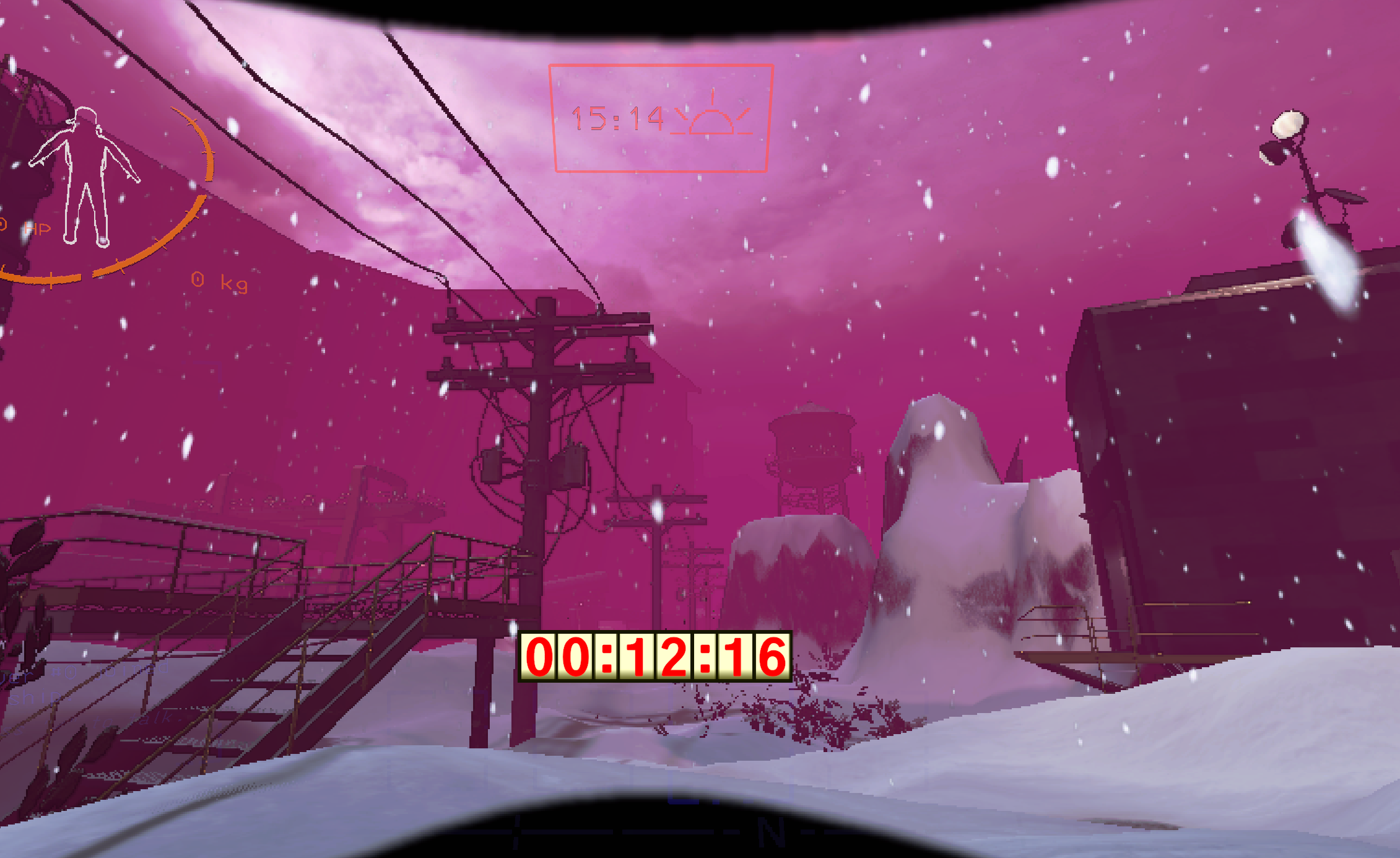
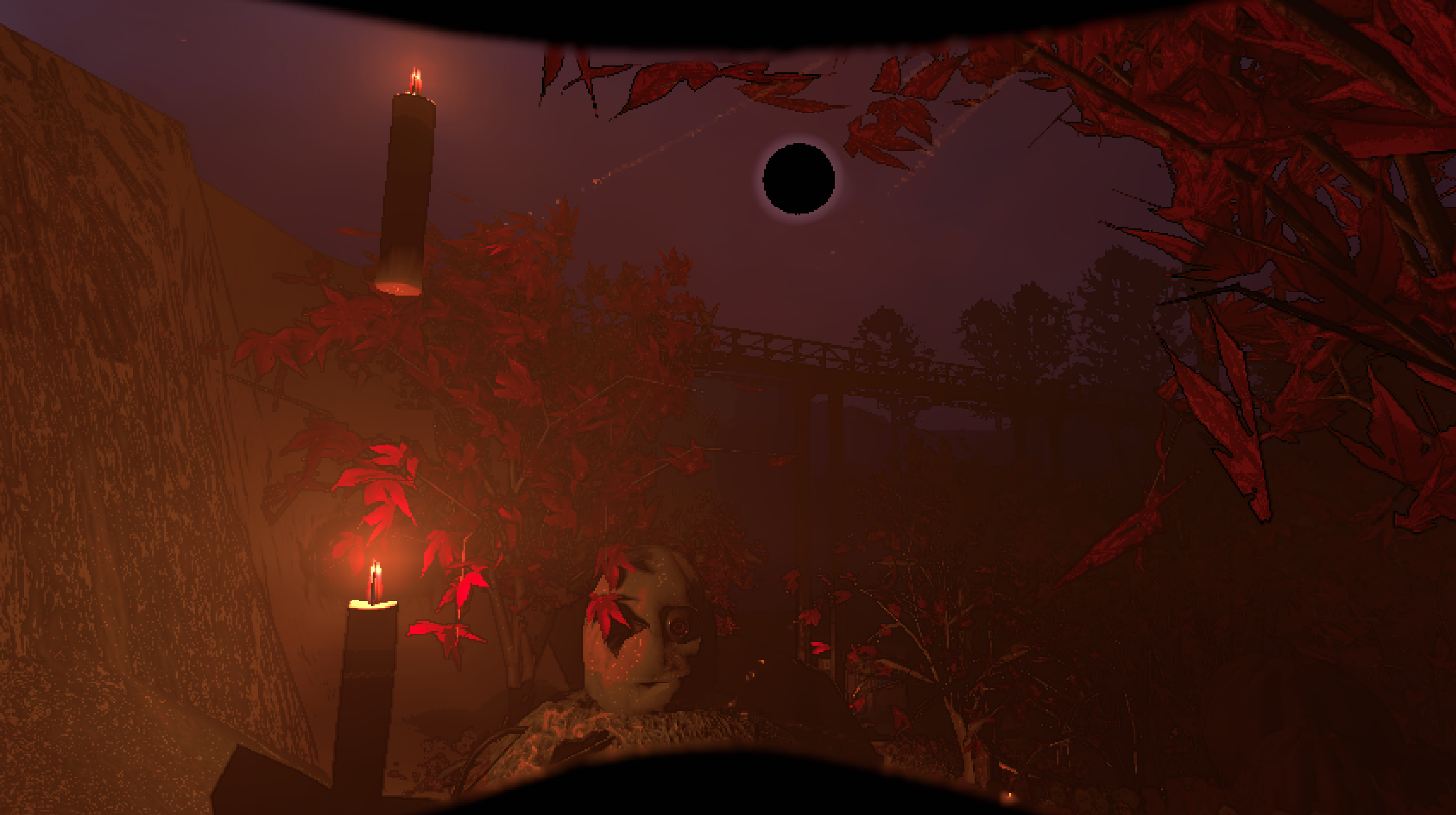
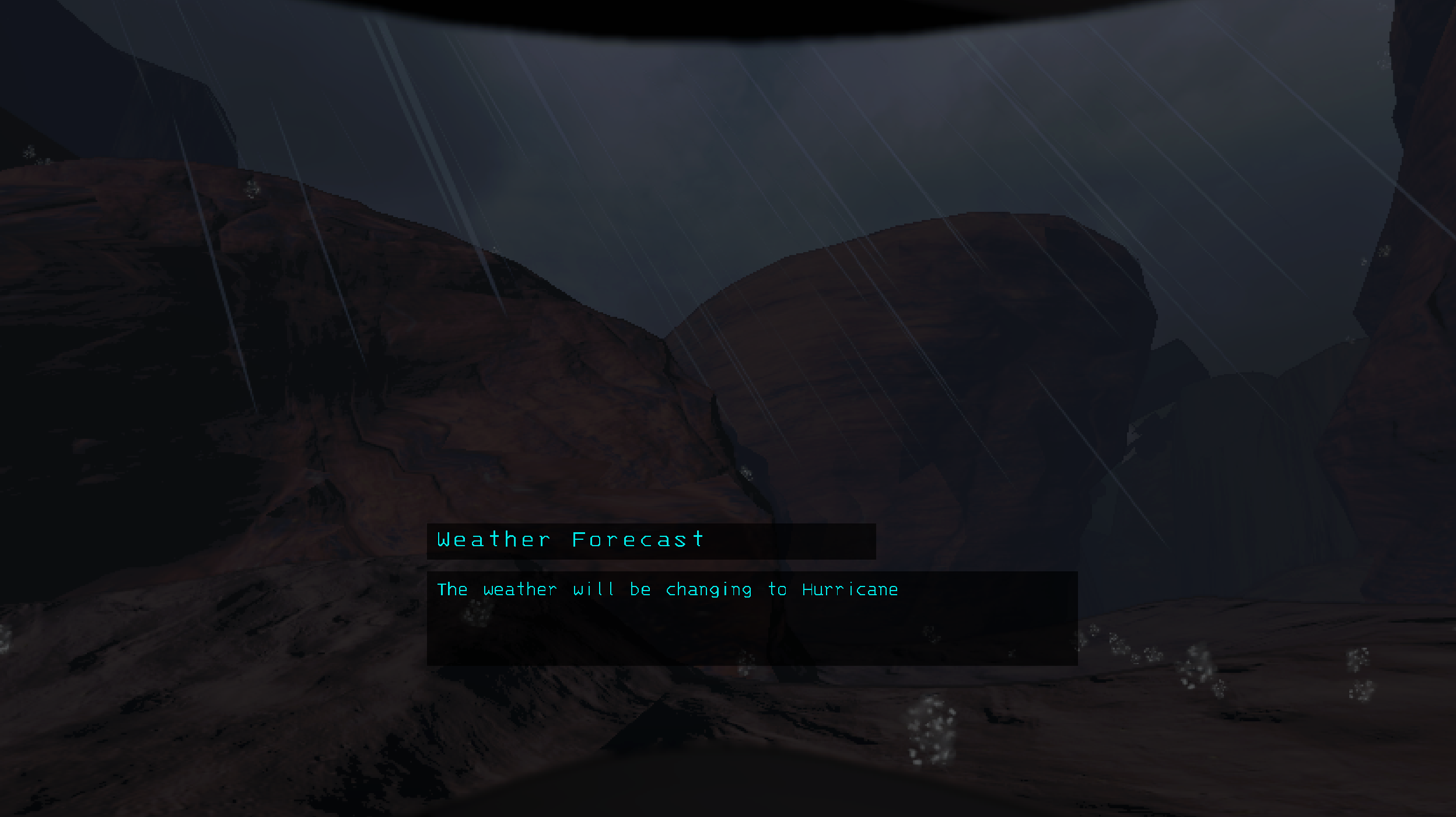

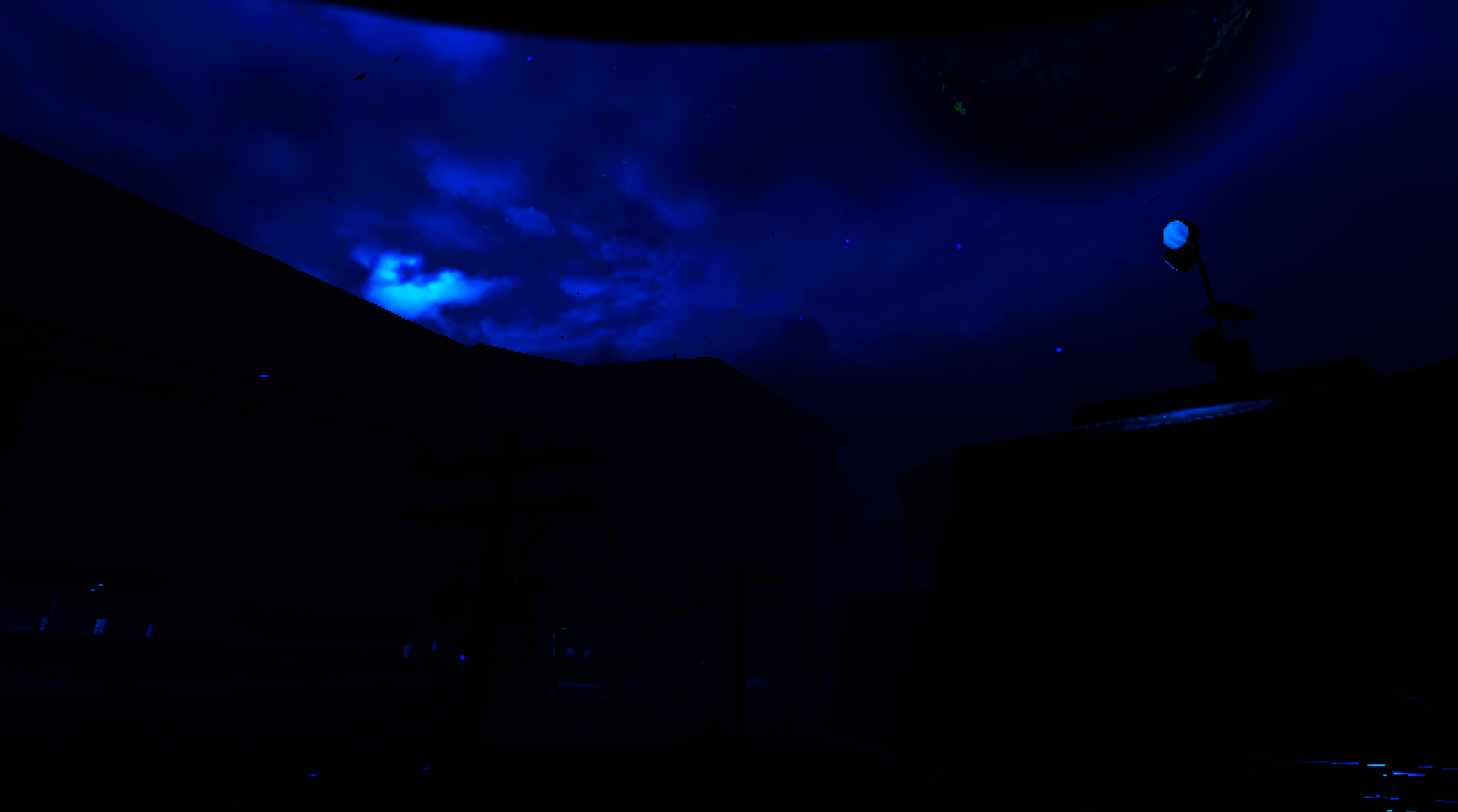
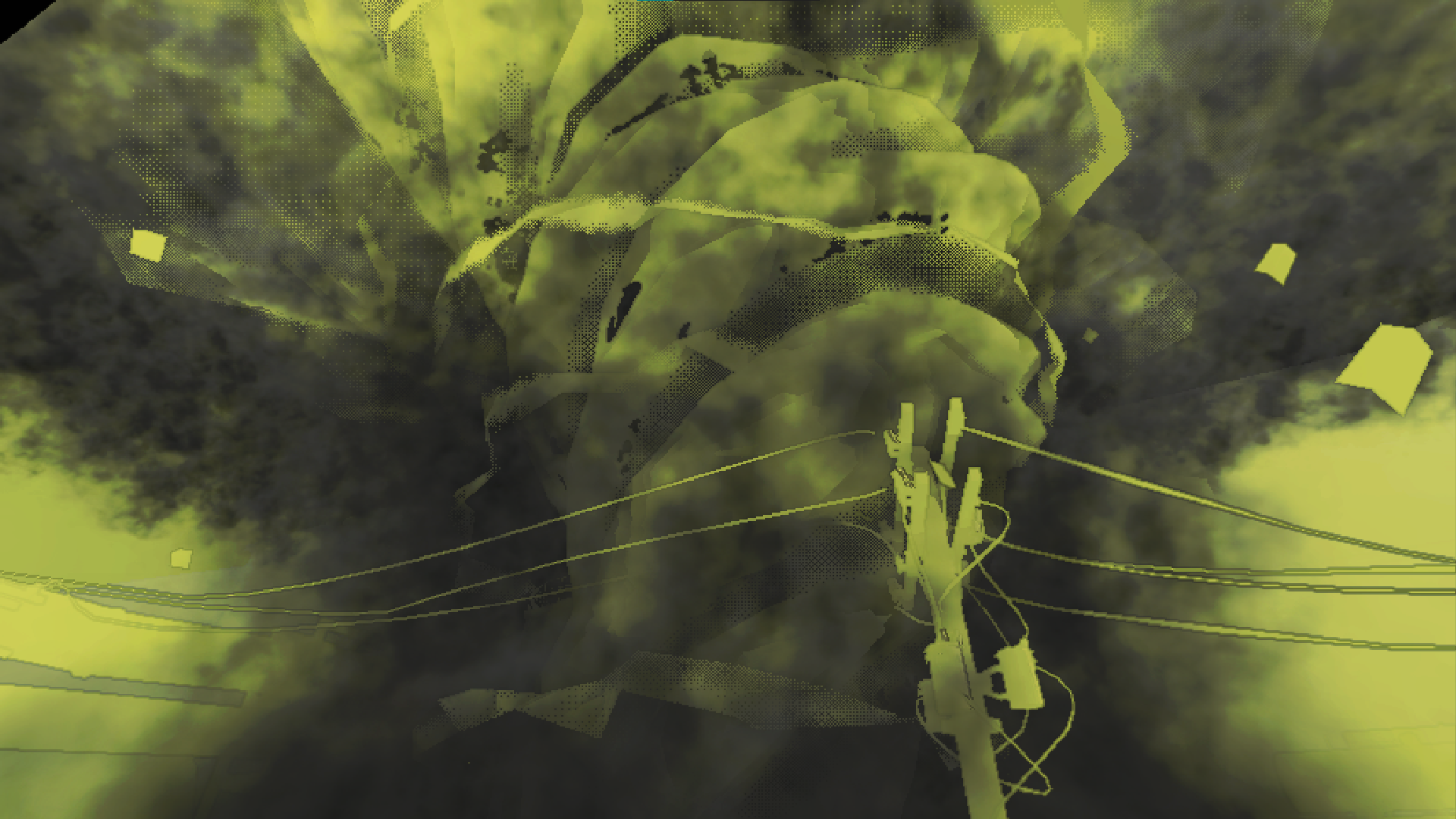
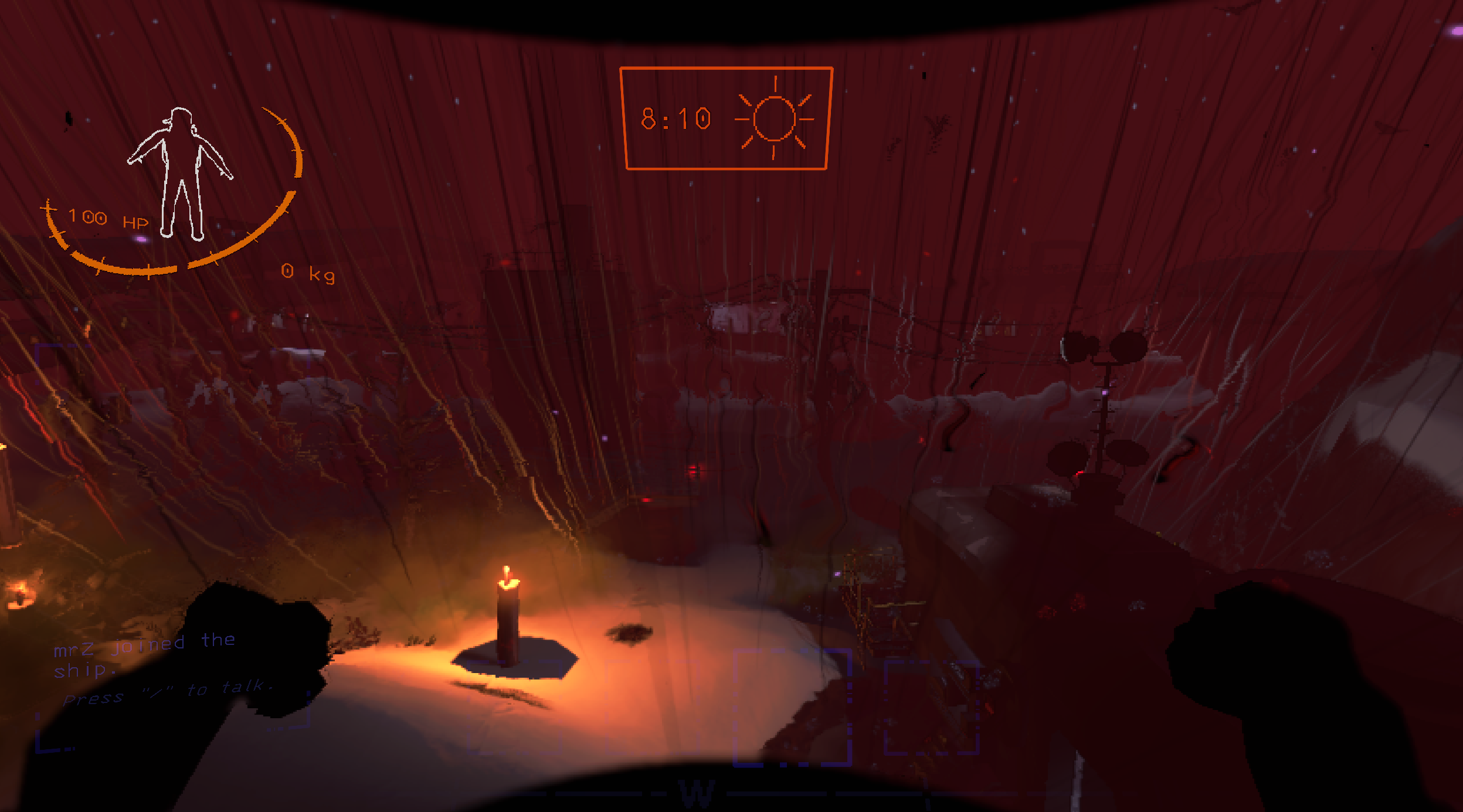
There is a lot more to discover by yourself 🤗
The mod supports multiple ways of registering a weather. The sections below explain how to use those methods.
It is higly recommended to use Gale to manage the configs of this mod. Right now, it is the best mod manager when it comes to edit the configs and you'll see why shortly.
To register a new custom weather you need to open the zigzag.combinedweatherstoolkit.cfg config file, then navigate to the Config weathers section.
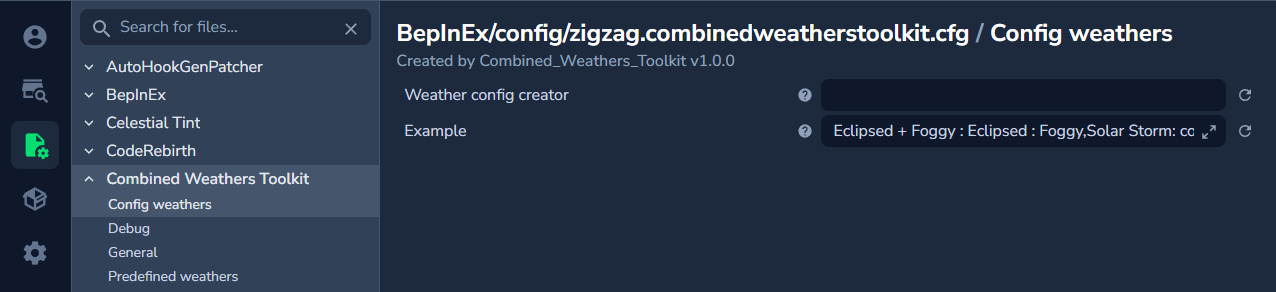
You will see a config named Weather Config creator: this is the place where you can create your own weather effects. Just below it is an example that can be used to learn what is the accepted data format when creating a weather and here is what it looks like :
Eclipsed + Foggy : Eclipsed : Foggy
The format is very simple as you can see, this line will actually register the combined weather Eclipsed + Foggy into the game and its effect is to combine the Eclipsed and Foggy weathers together.
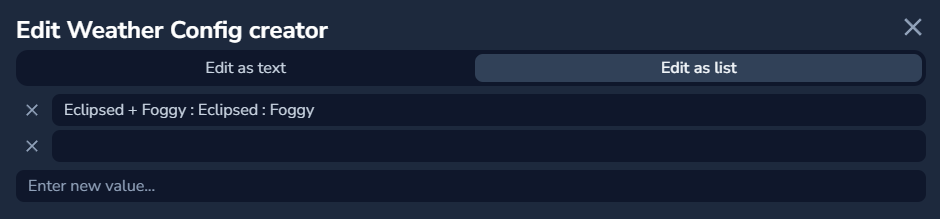
You can actually add as much value as you want, each one separated by a comma ,. To make the process easier, you can click on the little arrows icon on the right of the config to expand the field :

Then you can very easily add each custom weathers in this new window by clicking on the Edit as list option. In this place you can add as much entries as you want and it's way easier to see what's going on :
This is very nice but what can the config do more ? Well, the config can also accept a custom color and type. Here's all the possible parameters :
| Parameter name | Example | Accepted values | Max number | Position in the format | Is required? |
|---|---|---|---|---|---|
Name |
Heavy rain | anything you want | 1 | 1st | required |
Name Color |
color(#ff0000) | any color you want | 1 | any | optional |
Type |
type(progressing) | progressing / combined | 1 | any | optional |
Weathers |
rainy | any weather name | no limit | any | required |
Each of these parameters needs to be separated with a colon :, and so if you combine everything you will get something like this in the config :
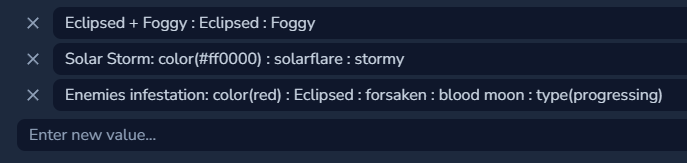
+ or >)When it is done, launch the game and go into orbit so WeatherRegistry can generate configs for your weathers. You can then go back in the config, this time the one from WeatherRegistry and edit your weather's configs as you want (weight, filtering, scrap multipliers).
Weathers created using this mod will be listed as WeatherToolkit Weathers in WeatherRegistry's config file.
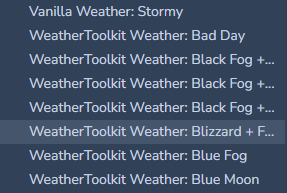
That's pretty much it ! Hope you can create some crazy effects with this mod 🙂
It was made for developers that want to add special weather combos to their mods, or for moon makers that wants to add a specific custom weather that only spawns on their custom moon.
To register a new custom weather you need to create a json file with a name that will end with .cwt.json. The mod is made to detect and load all .cwt.json that are located in the BepInEx/plugins folder (no matter if it is located in a sub folder or not). This means you can place your files wherever you want in your mod's folder.
You can create as much .json files as you want but it is also possible to do everything inside the same file, it is up to you.
The weather creation in .json files is made in a very user friendly way where you can actually write a very minimal weather or completely configure it with all sorts of options. You can check some json examples in the folder by clicking here so you can learn how to write it but let's still explain how it works :
{
    "example": {
        "type": "Combined",
        "name": "Rainy + Eclipsed + Foggy",
        "color": "#FF0000",
        "weight": 100,
        "scrap_amount": 1.0,
        "scrap_value": 1.2,
        "filtering": false,
        "level_filter": "Company",
        "level_weights": "MoonName@50",
        "weather_to_weather_weights": "WeatherName@50",
        "weathers": [
            "Rainy",
            "Eclipsed",
            "Foggy"
        ]
    }
}
This example property will actually register the combined weather Rainy + Eclipsed + Foggy into the game and its effect is to combine the Rainy, Eclipsed and Foggy weathers together.
If you want to make all your weathers in the same .cwt.json then you simply need to add other properties fields into the file.
A lot of parameters in this example are optional and if it is not specified the mod will calculate automatic default values. The minimum you need to write for it to be valid is the name and the weathers. Here's all the possible parameters :
| Parameter name | Accepted values | Default value | Is required? |
|---|---|---|---|
type |
Combined / Progressing | Combined | optional |
name |
anything you want | "" | required |
color |
any color you want | default WT color | optional |
weight |
int | default WT weight | optional |
scrap_amount |
float | default WT multiplier | optional |
scrap_value |
float | default WT multiplier | optional |
filtering |
bool | false | optional |
level_filter |
list of moon names | "Company" | optional |
level_weights |
list of moon names with weight | "" | optional |
weather_to_weather_weights |
list of weather names with weight | "" | optional |
progressing_times |
array of floats | automatically calculated | optional |
progressing_chances |
array of floats | automatically calculated | optional |
weathers |
array of any weather names | [] | required |
All of these options are actually coming from WeatherRegistry, I just made them open for combined and progressive weathers if a developer wants to use them.
color is not specified, it will default to the base color WeatherTweaks uses for the weather names (will color the names if it is recognized around a symbol like + or >)weathers names such as a whitespace or capital letters should not cause any issuesweight, scrap_amount or scrap_value is not specified, it will default to the base values calculated by WeatherTweaks (this will dynamically apply a value based on your number of weather effects)filtering and level_filter fields allows to define a blacklist ("false") or whitelist ("true") for moons that tries to spawn your weatherlevel_weights field allows to specify specific moons with specific weights in the format "MoonName@50,OtherMoonName@9999" so you can make the weather always spawn on specific moons or never spawn at all if the weight is 0weather_to_weather_weights field allows to specify specific weathers names that will try to spawn your weather after them on the same moon (this uses the same format as level_weights but with weather names instead of moon names)progressing_times and progressing_chances are exclusive properties to Progressing Weathers types, it allows to specify at which time and chance the weather transition is going to happen (you need to enter as many values here as your number of weather effects MINUS 1 because the first weather effect is the original weather on the moon)When it is done, you don't have anything else to do ! Just publish the json files with your mod, make sure that this tool is installed and it will work, there is no need to soft depend on anything !
WeatherRegistry will still generate a unique config for your weather under the WeatherToolkit Weathers section but there is nothing to adjust here since everything is already configured (this can then be customized by users of your mod).
That's pretty much it ! Hope you can create some crazy effects with this mod 🙂
While this tool was not meant to be used by code, I guess you can still use it if you like. However if you really want to use code, well you can also use WeatherTweaks directly.
If you want to use code from this mod you can do so by instanciating a new ToolkitWeather class, then populate it with the data you want (name, color, weights, weathers, etc) then call Register() on this object. For an example on how it works in practice you can look at this code.
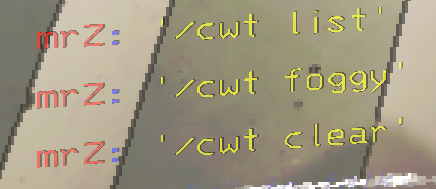
You can activate the debug commands by activating Debug commands in the mod's config file. Then, when you are on a moon and the ship is landed you will be able to type the commands in the chat.
If you want to test how a specific weather combo will look like before creating it, you can make it spawn at runtime with the following commands :
| Command | Parameters | Effect |
|---|---|---|
/cwt clear |
none | Remove all active weathers on the actual moon |
/cwt weathername |
a wanted valid weather name | Spawn the wanted weather as a combined weather effect with the previous ones |
/cwt list |
none | Display a message listing all active weathers |
When using /cwt weathername make sure to enter the name with no whitespace and no capital letters!
This mod is compatible with any modded weathers that are registered using WeatherRegistry
This mod uses custom classes that inherites from the custom weathers classes in WeatherTweaks so anything that affects WeatherTweaks weathers will also affect this mod
When using this mod, there is no need to add checks to see if a specific modded weather is installed and enabled because the registering function will do that automatically : this means if a weather that contains an effect from a mod that is not installed tries to be registered then it will fail safely to avoid registering useless weathers
Watch out, as some weather combinations will not work well together, some might override the visuals of others completely ! To test if a specific weather combo is being rendered fine you can try to use the Debug commands (this is explained in the "Other utilities" section of this README)
Evolutive weathers: a mix of progressing and combined weathers, where each new weather is going to be added as a combined effect instead of replacing the previous effect
If you want to suggest new features, report issues or simply contact me please go to the mod release page in the modding discord or post a github issue.
Thanks Mrov for having created WeatherRegistry and WeatherTweaks !
Thanks Pacoito for some advice !
Thanks ThecheeseXD for massively helping at testing the mod !