

Lethal Company
You are viewing a potentially older version of this package. View Latest Version
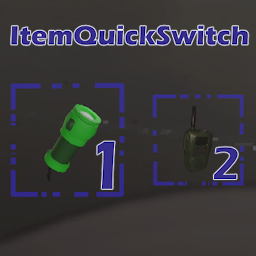
Simple Hotbar/Item quick switch mod for Lethal Company. Allows you to use your Keyboard to access item slots directly.
Your game needs to be modded with the latest version of BepInEx 5.
Install the package using the Thunderstore App or any other mod manager that is compatible with Thunderstore. I have not tested this method of installing the mod, so it might not be working correctly.
If you have troubles installing the mod please join the unofficial Lethal Company Modding Discord server and leave a comment under this thread. Or alternatively, raise an issue on my GitHub repository (GitHub account needed).
Download the latest release from Thunderstore or the Github repository and
put ItemQuickSwitchMod.dll into your BepInEx\plugins folder.
This mod lets you access item slots directly instead of having to scroll through them.
Upon first startup of the game with this mod active, a config file will be generated
under BepInEx/config/ItemQuickSwitchMod.cfg. Close the game and edit the config file to your liking.
This mod is currently hardcoded to support 4 inventory slots. If use any other mods which increases the amount of slots you have available, the quick switch will only work with slots 1 through 4.
Remove the ItemQuickSwitchMod.dll file from your plugins folder.