

Pressing F1 toggles the list on / off. Pressing U toggles the runtime menu on / off.
When open, a list of every connected player is displayed. Displayed informations are the username and current ping. You can open a menu while playing to change settings related to the ping display.
You can use these options while the ping display is active
Press U to show or hide the menu. Navigate up/down with I/K. Select Items with L and close the last submenu with J.
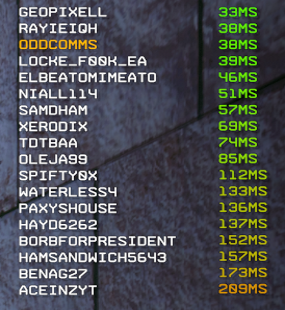
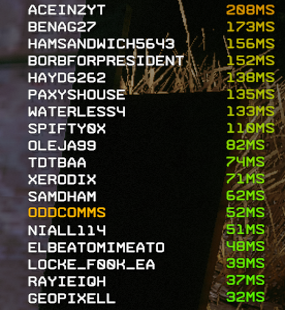
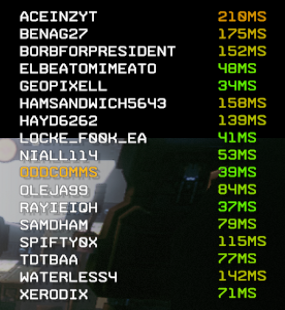
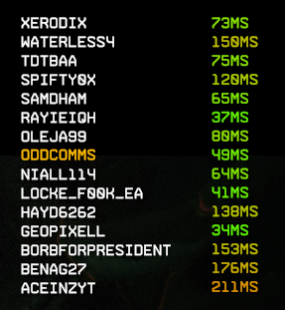
float verticalPos Vertical display offsetfloat horizontalPos Horizonzal display offsetvector color Default text color used for pings and usernamesfloat textSize Text sizefloat alphafloat boldscaleColor If true the ping color is normalized between lowlatencyColor and highLatencyColorvector lowlatencyColorvector highLatencyColorvector highlightColor Username colorint capPing every ping is normalized in comparison to this number. The number and everything greater has the color highLatencyColor