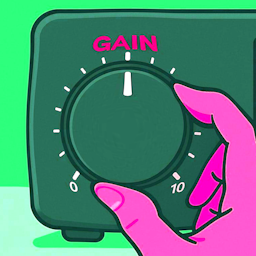
Configure the gain of your microphone input in PEAK. Useful if you're too loud in-game but normal in other apps like Discord.
Compatible with ClearComms and MicIndicator.
MicGain.dll into BepInEx/plugins/MicGainA config file is generated at BepInEx/config/MicGain.cfg after the first launch.
| Setting | Default | Range | Description |
|---|---|---|---|
| Mic Gain | 1.0 | 0.0 - 2.0 | Microphone gain multiplier. 1.0 = normal, 0.5 = half volume, 0.0 = muted |