

PEAK
You are viewing a potentially older version of this package. View Latest Version

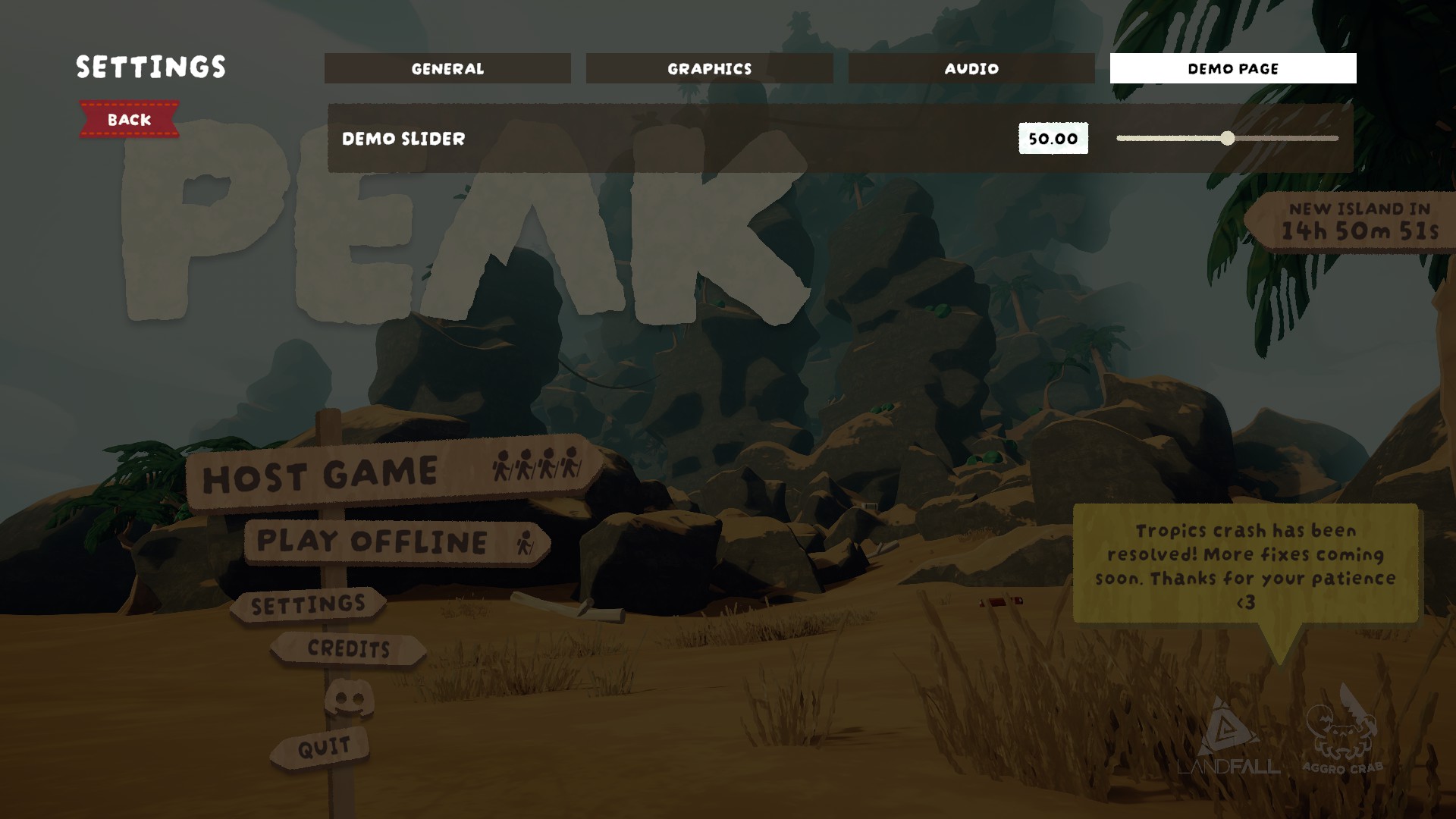
An extremely simple way to add new pages to the Settings window.
Dependencies and modders. This will either be required for a mod you want to use, or you want to include it as part of your own mod to have in-game settings.
The contents of plugins/ is moved into PEAK/BepInEx/plugins/.
Add a line like so similar to others in your .csproj file to include it in your project:
<ItemGroup>
    <Reference Include="PEAK\BepInEx\plugins\SettingsExtender.dll" />
</ItemGroup>
Call SettingsRegistry.Register(string pageName) in your plugin's Awake method:
using BepInEx;
using SettingsExtender;

public class Plugin : BaseUnityPlugin
{
    private void Awake()
    {
        SettingsRegistry.Register("Demo Page");
    }
}
This isn't a tutorial, but you'll need to create a class for each setting you want to include. There's a couple built-in under Zorro.Settings in the assembly, check them out and how PEAK uses them (like FovSetting).
public class DemoSliderSetting : FloatSetting, IExposedSetting
{
    public string GetDisplayName()
    {
        return "Demo Slider";
    }

    public string GetCategory()
    {
        // Get our fake SettingsCategory id as a string
        return SettingsRegistry.GetPageId("Demo Page");
    }

    protected override float GetDefaultValue()
    {
        return 50;
    }

    protected override float2 GetMinMaxValue()
    {
        return new float2(0, 100);
    }

    public override void ApplyValue()
    {
        //
    }
}
Once your setting is created, include it by setting it up with SettingsHandler in your plugin's Start method:
private void Start()
{
    SettingsHandler.Instance.AddSetting(new DemoSliderSetting());
}
Once that's added it'll get picked up and included on the settings menu.