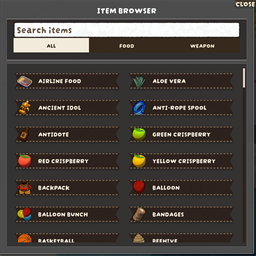
ItemBrowser
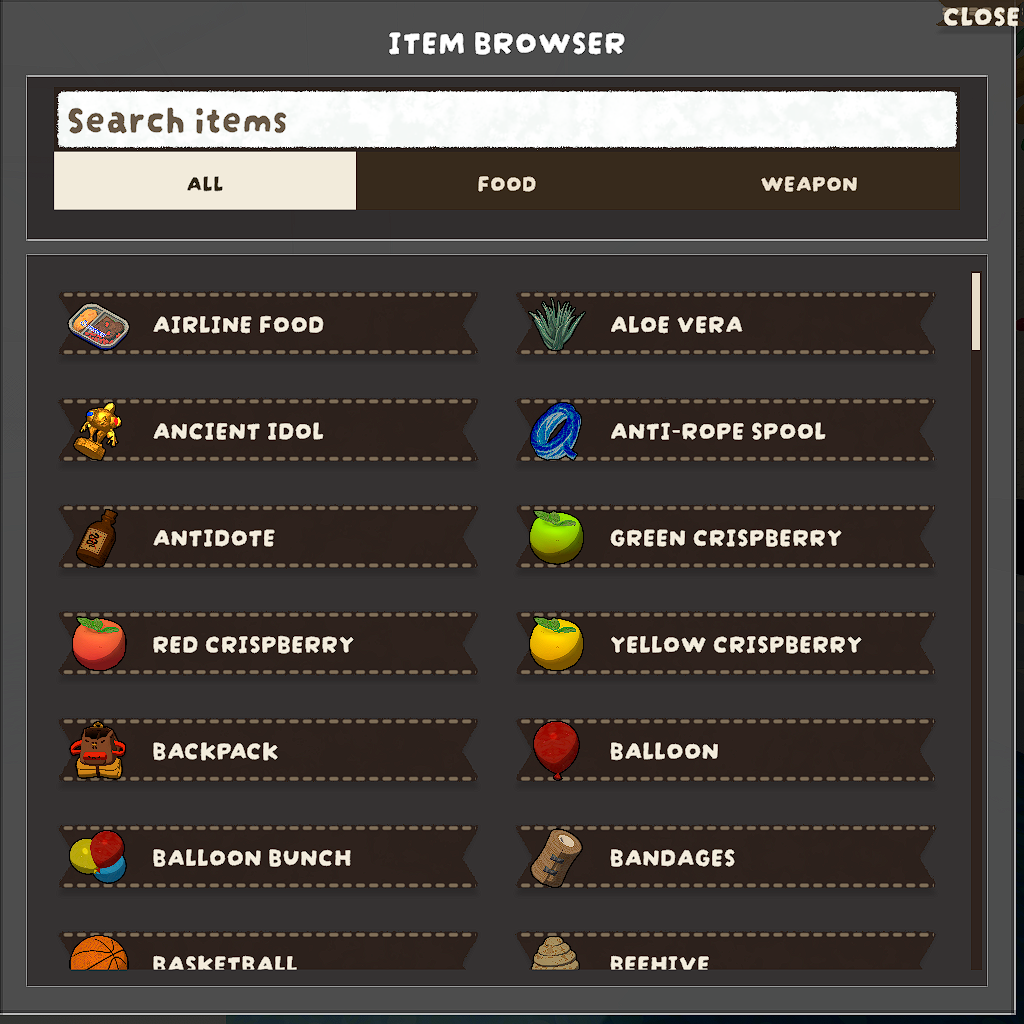
An in-game item browser and spawner for PEAK, built with PEAKLib.UI.
Features
- Press
F5 to open/close the browser.
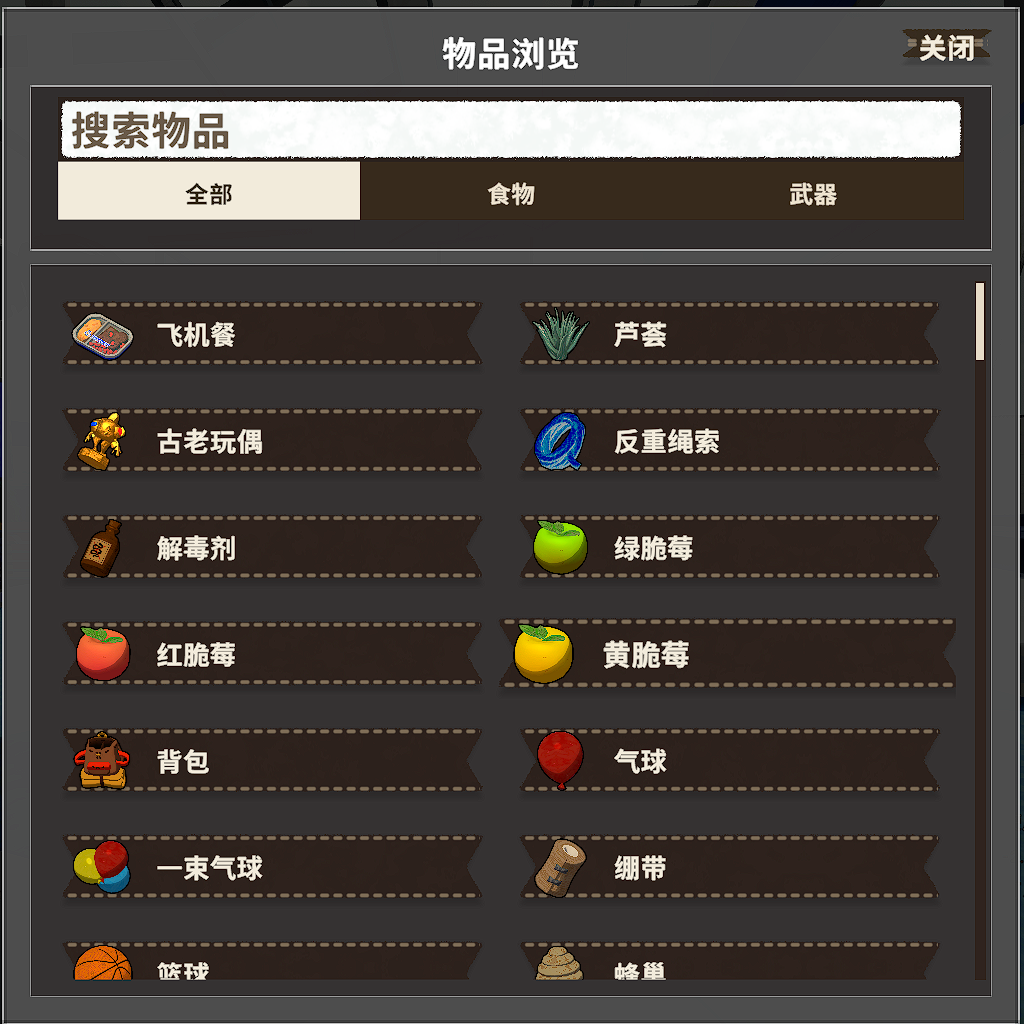
- Search by localized item name or prefab name.
- Two-level filtering:
All / Food / Weapon, with sub-categories for Food and Weapon.
- Click an entry to spawn the item through PEAK's built-in
GameUtils.InstantiateAndGrab flow.
- Offline and multiplayer spawning now use the same grab-based path for more consistent behavior.
- Multiplayer spawn support for non-host players.
- When dead or in ghost/spectate mode, spawned items can be redirected to the currently observed teammate.
- Uses PEAK's built-in GameUtils.InstantiateAndGrab network flow, so the host does not need ItemBrowser installed.
- Optional in-game console command support via
Console Unlocker:
ItemBrowser.Spawn <Item>- Example:
ItemBrowser.Spawn Rope
- Command names are case-sensitive in the current PEAK console implementation.
- Multilingual UI support:
- Item names are resolved from game localization keys via
ItemNameKeyMap.json.
- Mod-specific texts are loaded from
Localized_Text.json and injected into LocalizedText.MAIN_TABLE.
- UI labels refresh to the current game language when opening the browser.
Usage
- Launch PEAK with BepInEx.
- Enter a match, then press
F5 to open ItemBrowser.
- If you use
Console Unlocker, you can also spawn items from the in-game console with ItemBrowser.Spawn <Item>.
Build
dotnet build -c Release
Thunderstore package output is generated under artifacts/thunderstore/ when building Release with tcli.