

PEAK
You are viewing a potentially older version of this package. View Latest Version
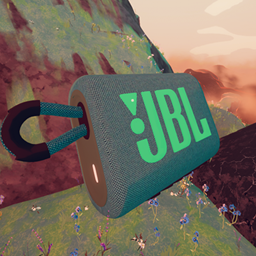
This is sPEAKer, my first ever mod!
Unlike the bugle, sPEAKer is an independent audio source. You can just press play and enjoy your music. Drop it, toss it around, audio will just not stop!

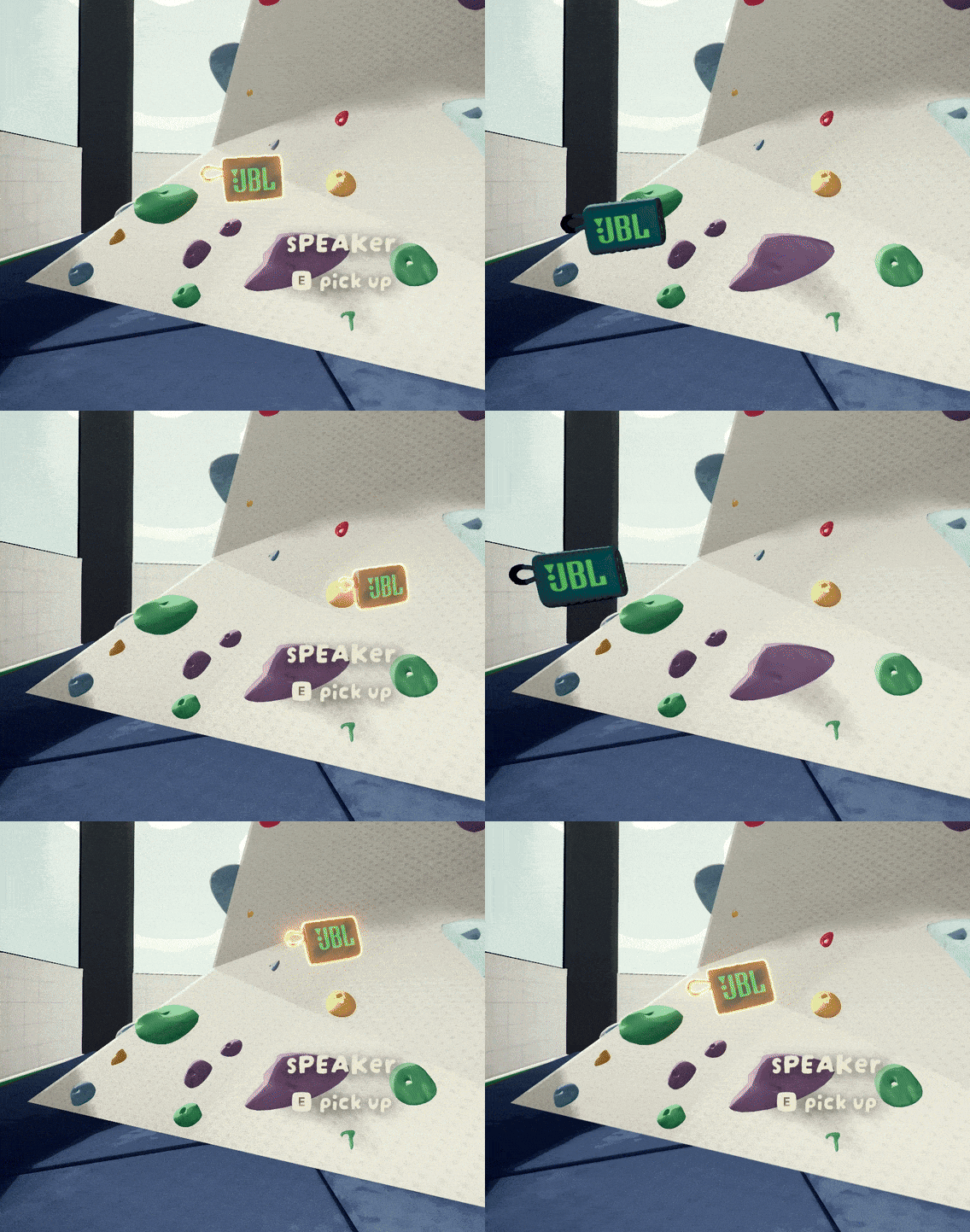
sPEAKer at the PEAK.
The main feature of this mod is that it works as a true portable speaker. Instead of playing 2D music for everyone, it leverages spatial audio to make it part of the immersive experience of PEAK.

It won't stop playing if you drop it.
Additionally, it supports MP3 and WAV out-of-the-box on top of your regular OGG files.
You can also download mixtapes from the Thunderstore or put together your own and share with friends, or even upload them too!
Playback control uses your regular interaction buttons, whatever they are.
Primary: Play/Pause toggle
Secondary: Next Song
Scroll: Volume Up/Down
Note: The following actions are not Controller compatible.
Shift + Secondary: Previous Song
Ctrl + Secondary: Toggle Shuffle
Alt + Secondary: Cycle Loop modes
P: Activate Drone Mode
Ctrl + P: Activate Drone Recall
O: Dance Emote (when Drone Mode is active)
Local Volume Control: Is available via Pause Menu:

This slider only affects your own playback.
After launching PEAK, your main music folder will be created:
.../plugins/onlystar-sPEAKer Music
You can place audio files directly in it, or you can use mixtapes.
A mixtape is simply a folder containing your collection of audio files.
Just create a new folder inside your main music folder (onlystar-sPEAKer Music) and drop your songs in it. The name of the folder will be used as the mixtape's name by default.
Optionally, you can also include a mixtape.json file inside your mixtape folder:
  {
    "name":  "Undertale Bosses",
    "author":  "onlystar"
  }
This takes priority over default naming, and will be shown in-game when a song from your mixtape starts playing.

Yes, it's "Mixtape Name - Song Name"
The idea behind mixtapes is that they are easy to share and organize.
Further updates will support extended metadata. Probably.
Instead of having a dedicated slot, you can make sPEAKer engage Drone mode and it will follow you around!

👉 Drop it, press P and you will be followed anywhere you go.
🔍 If you happen to lose it, use Ctrl + P to make it come back to you.
sPEAKer features 9 different dance motions / emotes.
Press O when Drone Mode is activated to strike a move!
If you want to upload your own mixtape as a standalone mod, just put an empty sPEAKer.json file in the same folder as your mixtape folder.
You can follow the instructions in Manual Packaging as described here.
Your package should include manifest.json, README.md, /plugins folder and (hopefully) a 256x256 icon.png.
Your manifest.json should list sPEAKer as its dependency:
  {
    "name": "Demo_Mixtape",
    "author": "onlystar",
    "version_number": "1.0.0",
    "website_url": "",
    "description": "",
    "dependencies": [
      "onlystar-sPEAKer-1.8.4" // add this line
    ]
  }
This way, you can point your friends to your mixtape and their mod manager will install sPEAKer along with it.
The plugins folder of your package should look something like this:
plugins/
├── sPEAKer.json
└── boss music/
    ├── a true hero.ogg
    ├── omega flowey.mp3
    ├── ...
    └── mixtape.json
sPEAKer.json is the way of telling sPEAKer "this folder contains music".
Once your package is ready, ZIP it and upload it to Thunderstore.
💡 TIP: Don't delete your original package!

⚠️ IMPORTANT: It is highly recommended you use OGG file type. It's the fastest to load and smallest in size with no loss in quality.
If you wanna add songs to an already published mixtape, add your songs to the original (uncompressed) package and bump the version up in your manifest.json:
  {
    "name": "Demo_Mixtape",
    "author": "onlystar",
    "version_number": "1.0.1", // previously "1.0.0"
    "website_url": "",
    "description": "",
    "dependencies": [
      "onlystar-sPEAKer-1.8.4"
    ]
  }
ZIP it once again, and reupload it.
Disclaimer: Make sure you have permission to upload the audio files your mixtape contains to Thunderstore.
These are options you can change before starting your game.
You can find them in BepInEx/config/onlystar.sPEAKer.cfg or via your mod manager.
| Key | Category | Description | Default Value |
|---|---|---|---|
| ExternalAudioFolderPath | 💾 Audio Loading | Folder path where sPEAKer will mainly load mixtapes and external audio from. It's recommended to leave unchanged. | "..\onlystar-sPEAKer Music" |
| LoadDemoSong | 💾 Audio Loading | Include a demo song in your track list. | true |
| ExtendedFormatSupport | 💾 Audio Loading | Enables loading of MP3 and WAV files. May impact performance. | true |
| StartupLoadingIndicator | 💾 Audio Loading | Shows a loading text during game start. | true |
| ShowTrackDuration | 🔊 Playback | Shows every song's current time and length. | true |
| DisplayMixtapeAuthor | 🔊 Playback | Displays mixtape author during mixtape playback. | true |
| ShuffleOnStart | 🔊 Playback | Start with Shuffle enabled by default. Saves you a toggle if you only want shuffled playback. | false |
| TurnOnAndPlay | 🔊 Playback | Make sPEAKer start playing immediately after turning it on. | false |
| SpawnAtGameStart | 📻 Spawning | Automatically spawn a sPEAKer around the crash site when a game starts. | true |
| SpawnWithF4 | 📻 Spawning | Allows the host to spawn a sPEAKer in their hands when pressing F4. Only one sPEAKer may exist at a time. |
true |
| RecallEnabled | 📻 Spawning | Enables recalling existing sPEAKer when pressing F4. Only works if SpawnWithF4 is also enabled. Also, a sPEAKer can only be recalled if it's in the ground (not in a slot). |
true |
| DebugMode | 📜 Logging | Enables custom verbose logging. If you want to report a bug, please include your BepInEx/LogOutput.log! |
false |
ExternalAudioFolderPath when moving your game to another folder, as it is generated only the first time the mod loads. If you're having trouble, delete config/onlystar.sPEAKer.cfg and it will find the correct path again (albeit losing your configs, if you changed any), UNLESS you installed sPEAKer through a shared profile.ExternalAudioFolderPath as the path will be from the original profile's machine. Each time the profile is updated with new mods, the configs will sync again, making it pointless to correct the configured path for your local machine. In other words, you cannot change any of your local configs in shared profiles.plugins/onlystar-sPEAKer Music permanently for that profile. This does not affect downloaded mixtapes (which is most likely the main source for music in shared profiles anyway).Created by onlystar - Bringing music to the PEAK experience!