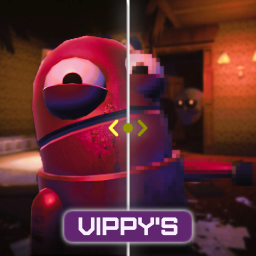
Better than REPO HD. Better than vanilla. Graphics overhaul that goes both ways — squeeze more FPS on potato PCs or push visuals on high-end rigs. Auto-detects your hardware and picks the best settings. Full in-game settings menu. DLSS, FSR, SMAA, shadow control, 21:9 / 32:9 / 16:10 / 4:3 aspect-ratio support, FOV slider, the works.
Replaces REPO HD. Everything it does, plus DLSS, auto-benchmark, CPU/GPU-aware tuning, performance optimizations, ultrawide / aspect-ratio fixes, and way more control. If you have REPO HD installed, remove it.
v1.6.3 — 16:10 / 4:3 / 5:4 aspect support. The same un-squashed world-view path that's been there for 21:9 / 32:9 since 1.6.0 now also kicks in for narrower-than-16:9 panels. If your monitor is 1920×1200, 1680×1050, or any 4:3 / 5:4 mode and the game was letterboxing top and bottom, that's gone. Plus a fix for the
<>arrows on the in-game graphics sliders — clicks now register, they were silently dead before.
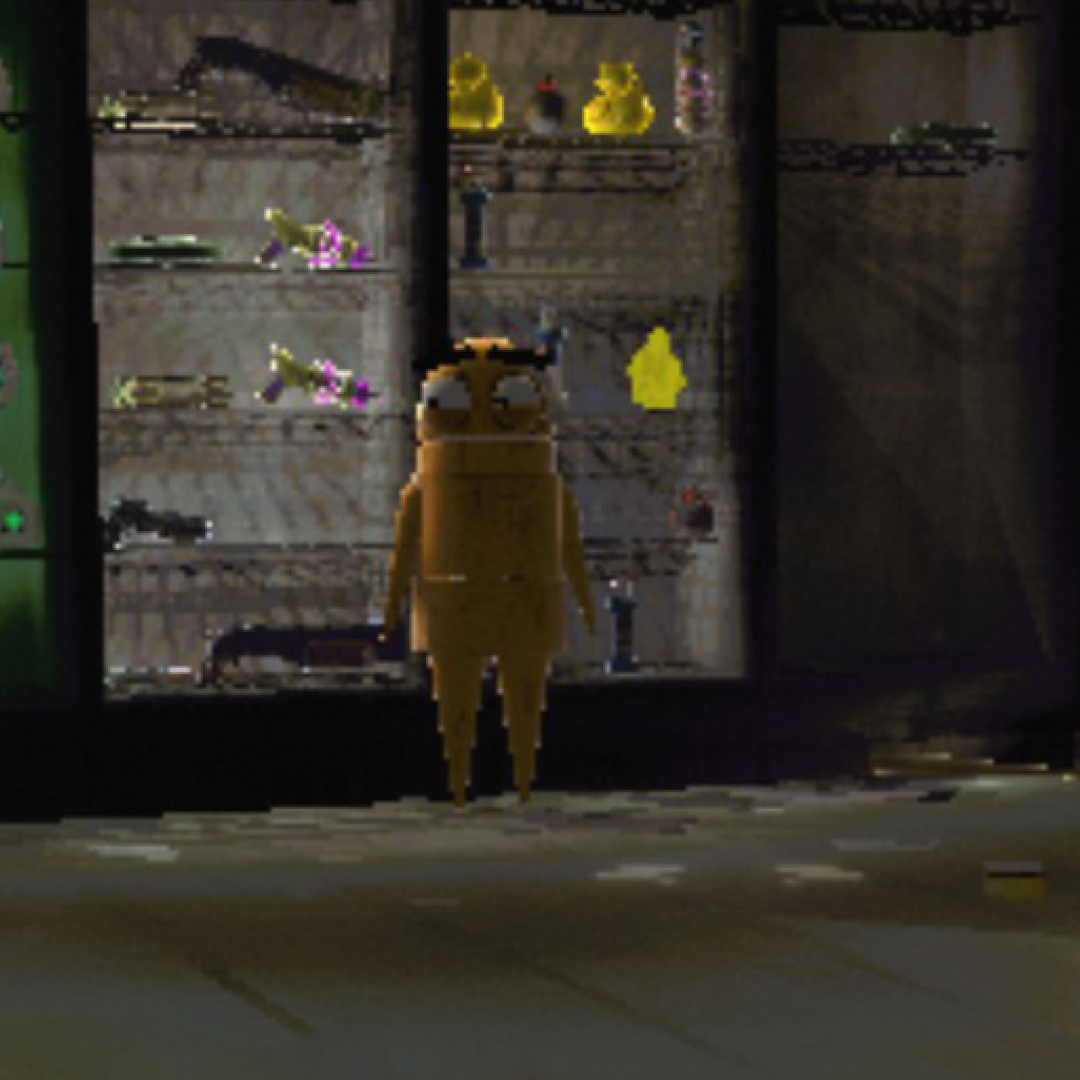
| Vanilla | REPO Fidelity |
 |
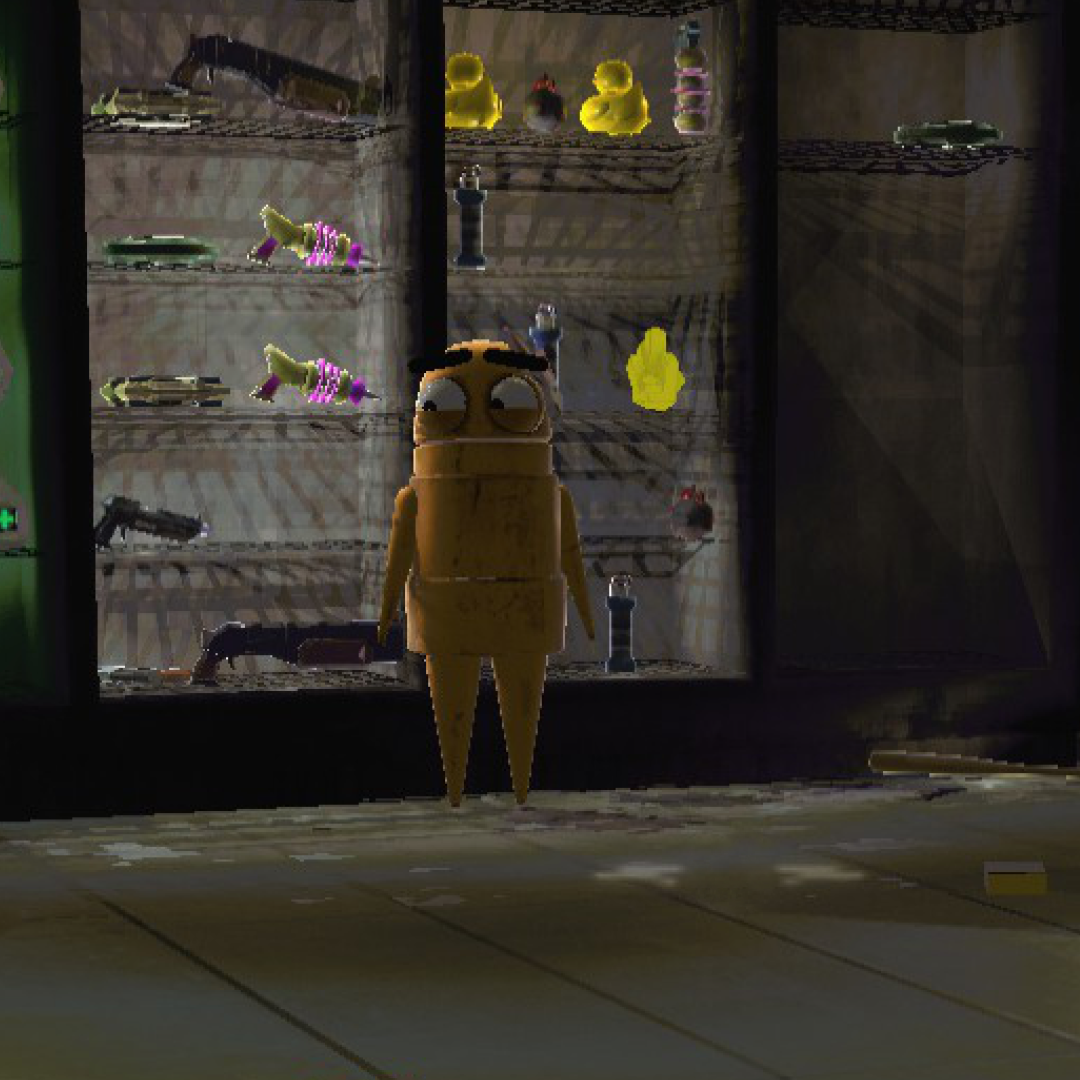 |
Cleaner edges, better shadow quality, no more pixelated mess. Notice the grating detail and wall panels.
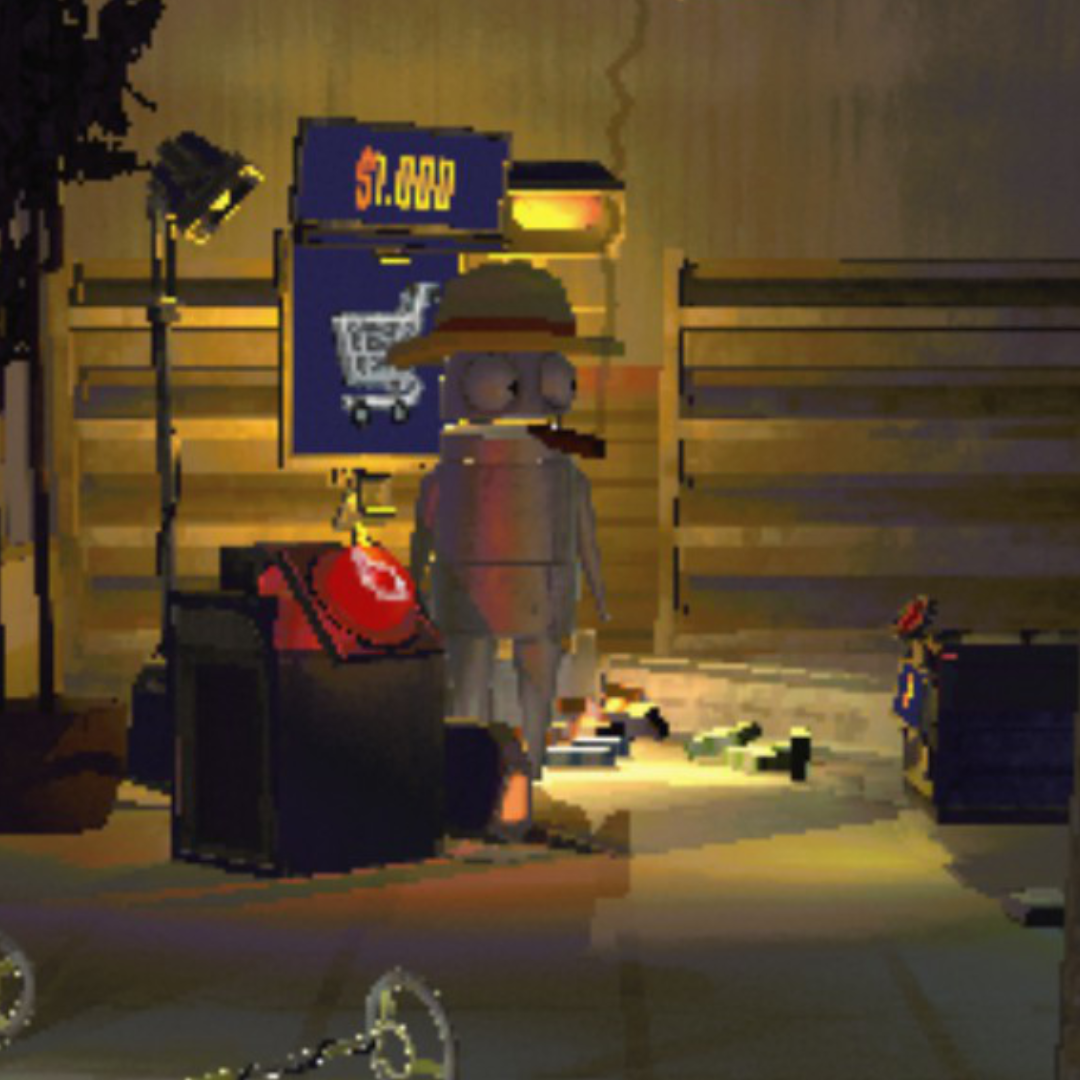
| Vanilla | REPO Fidelity |
 |
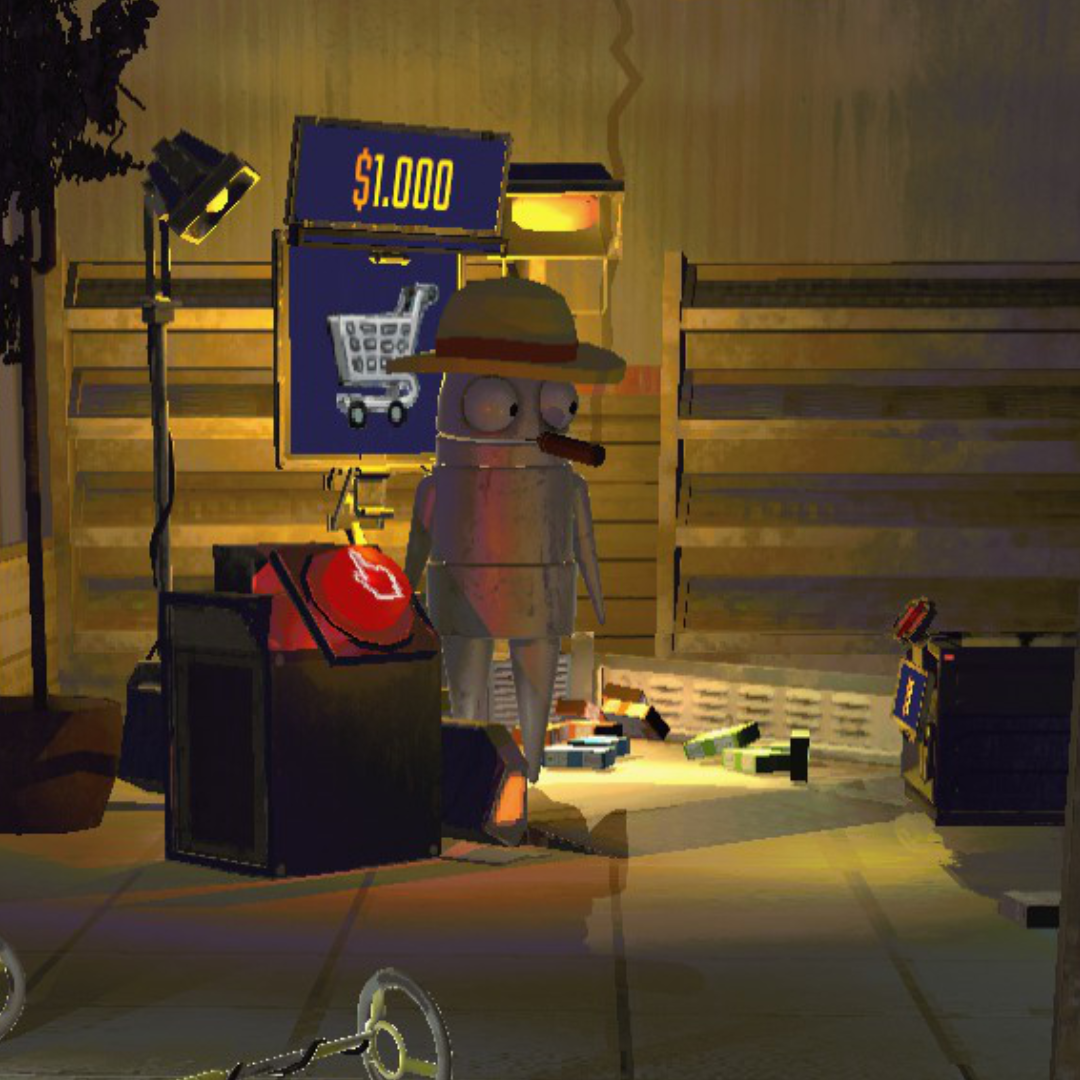 |
| Vanilla | REPO Fidelity |
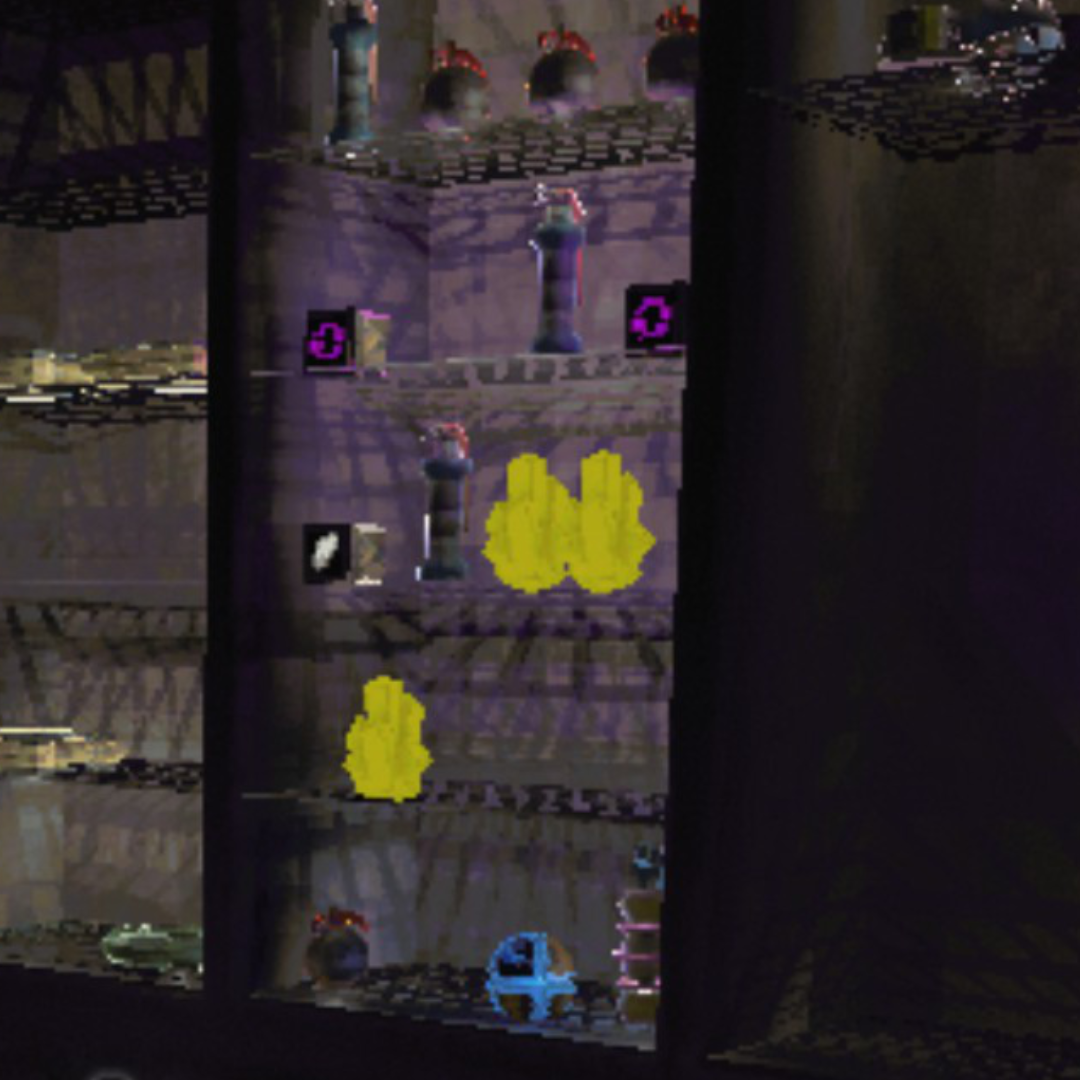 |
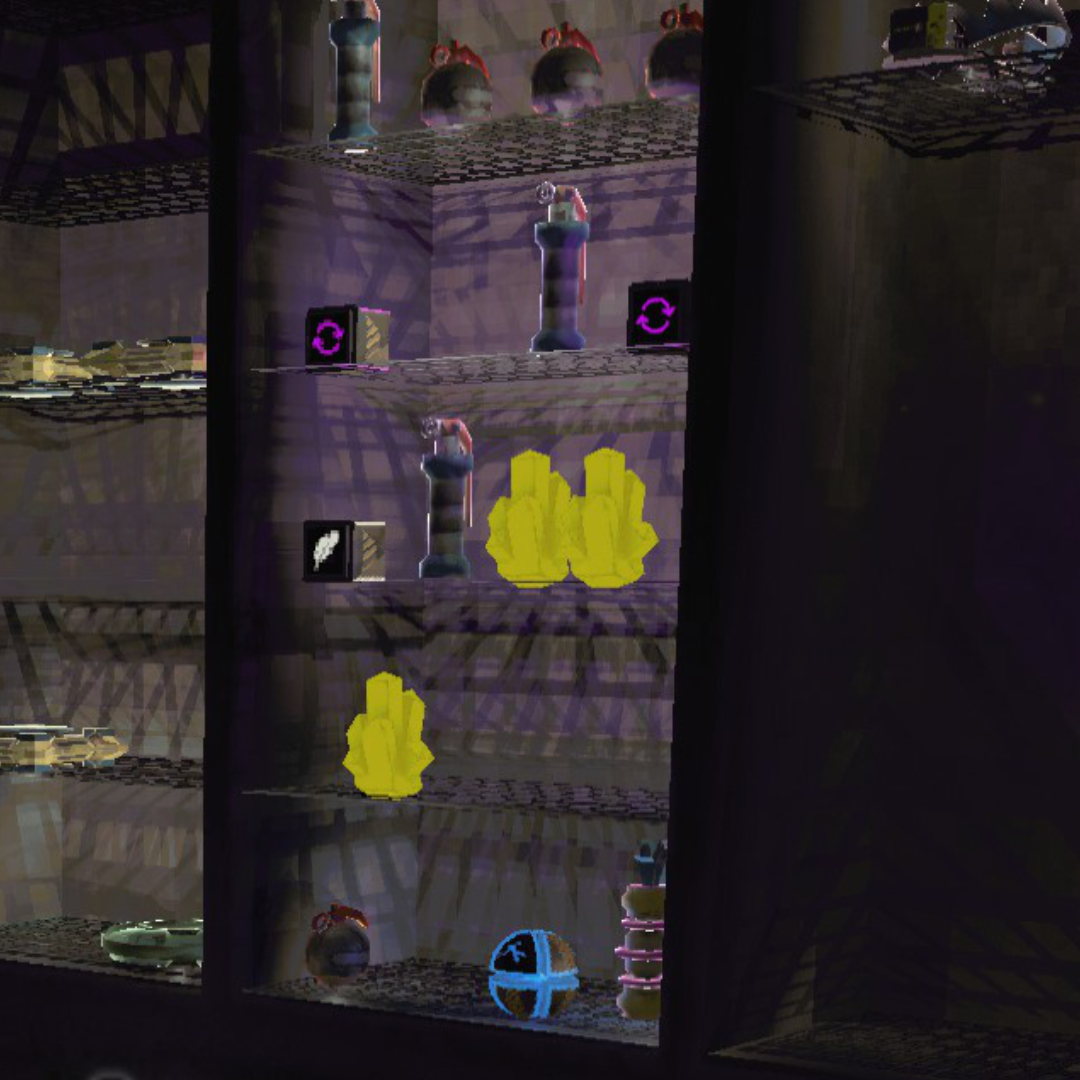 |
Hazard stripes, text, and fine geometry all render without the jagged staircase edges.
| Vanilla | REPO Fidelity |
 |
 |
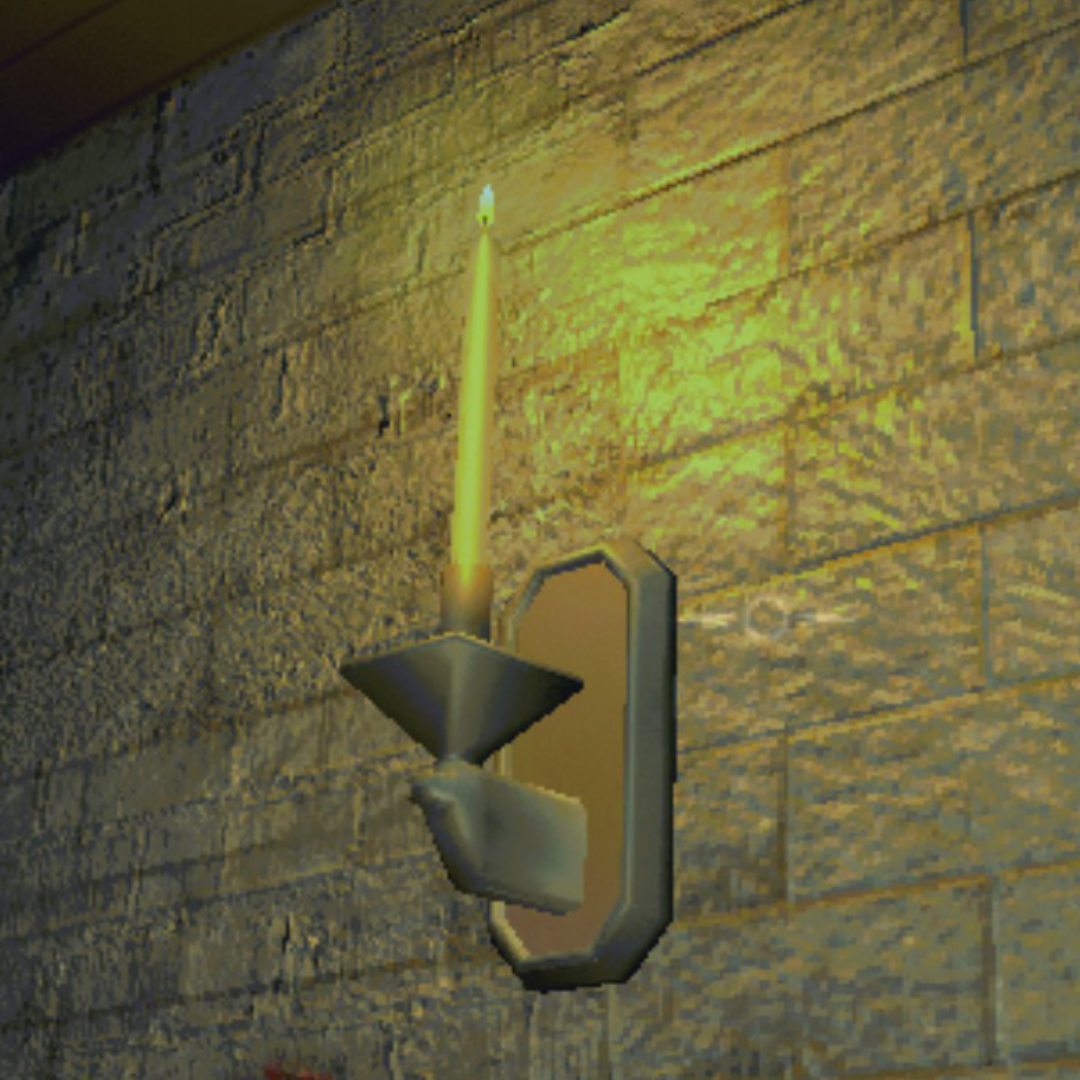
| Vanilla | REPO Fidelity |
 |
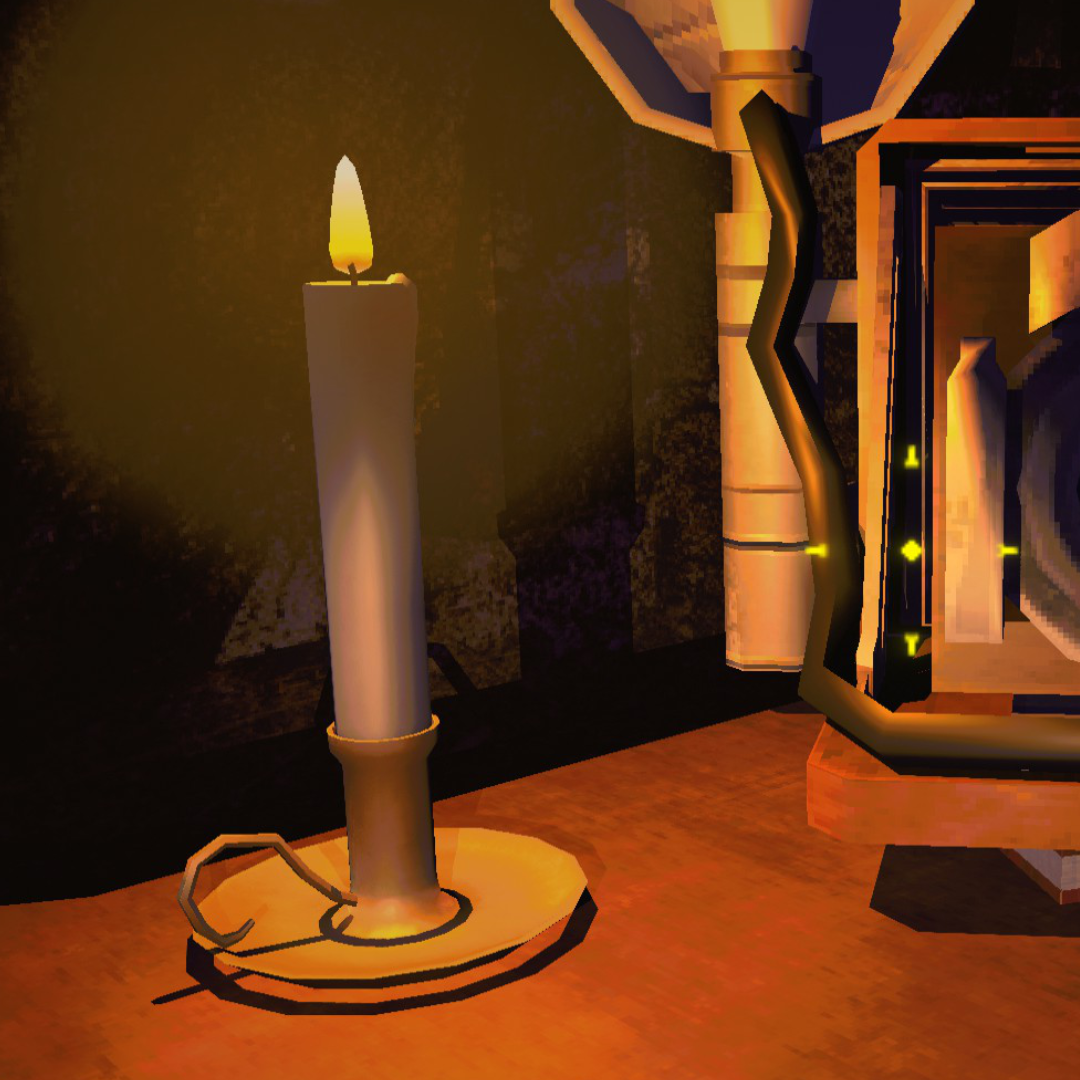 |
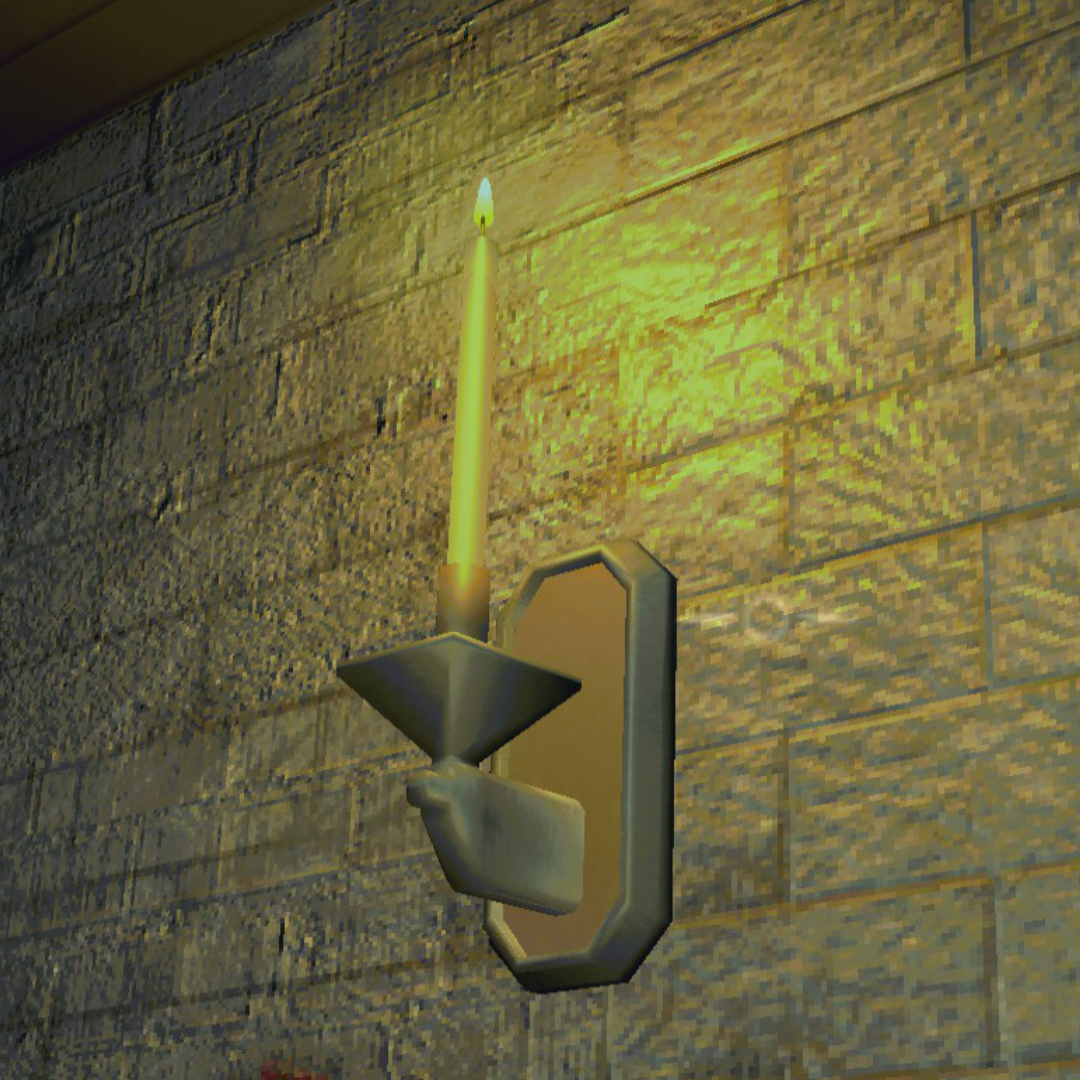
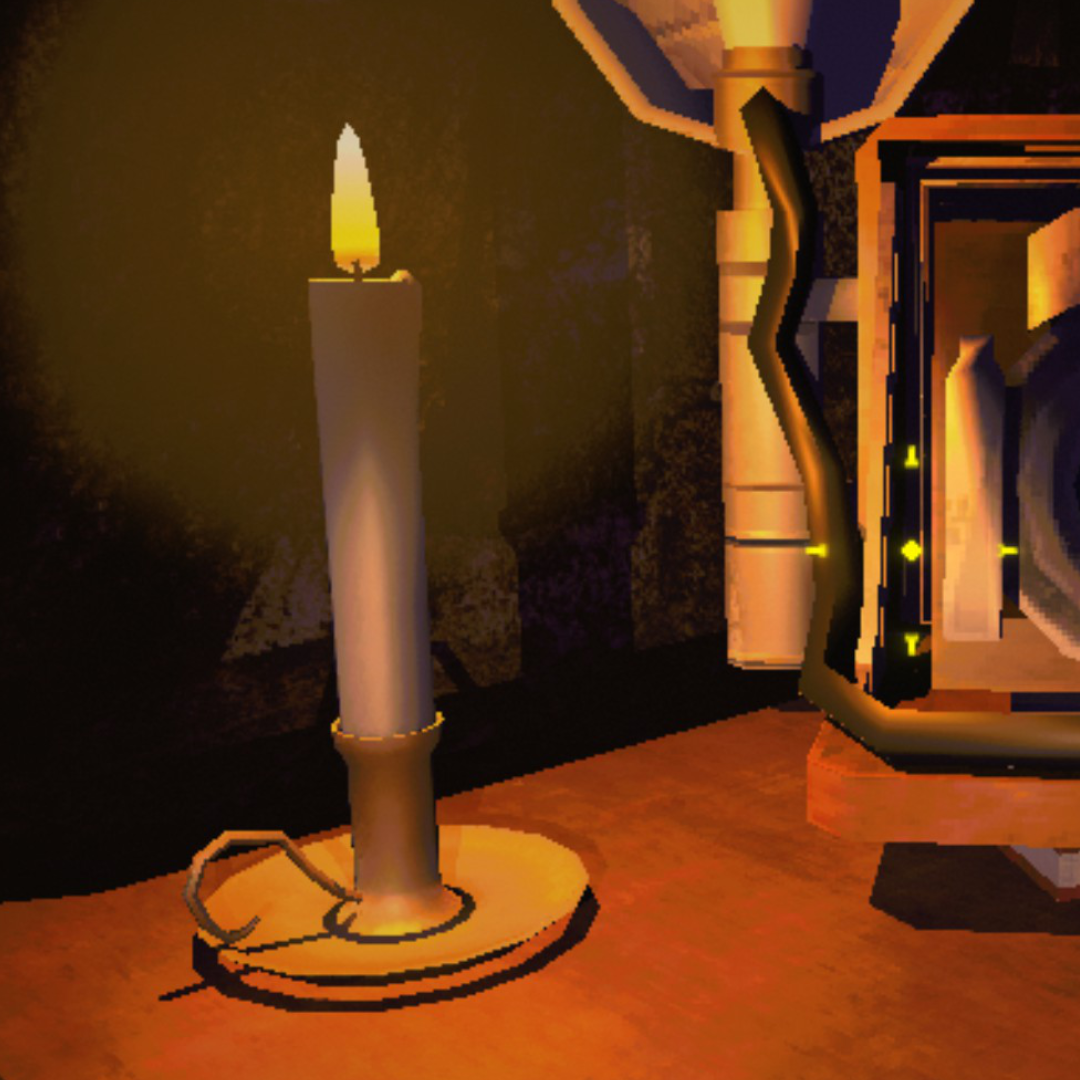
Brickwork, candlelight, and shadow edges all sharpen up. Look at the wall texture and the base of the candle.
| Vanilla | REPO Fidelity |
 |
 |
| Vanilla | REPO Fidelity |
 |
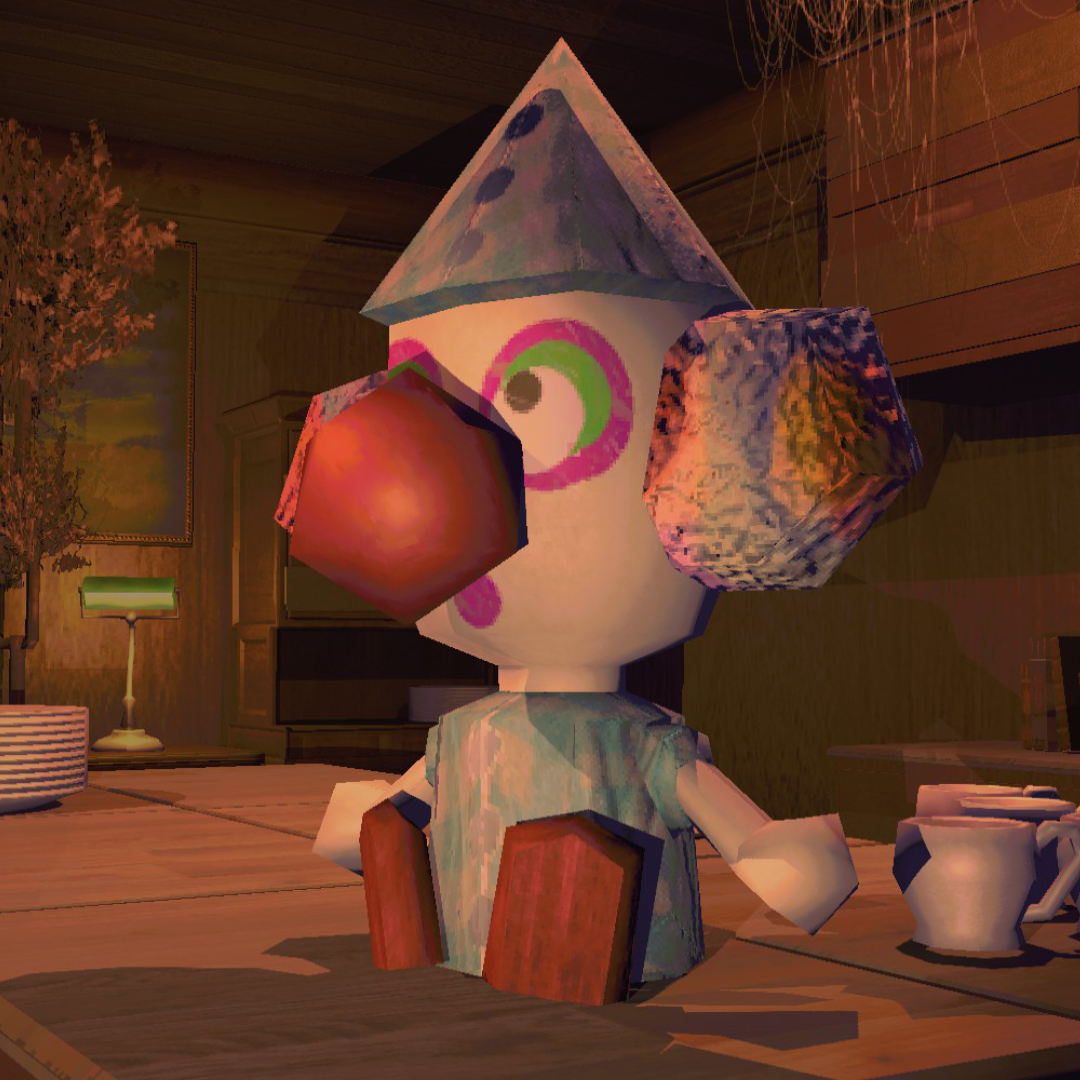 |
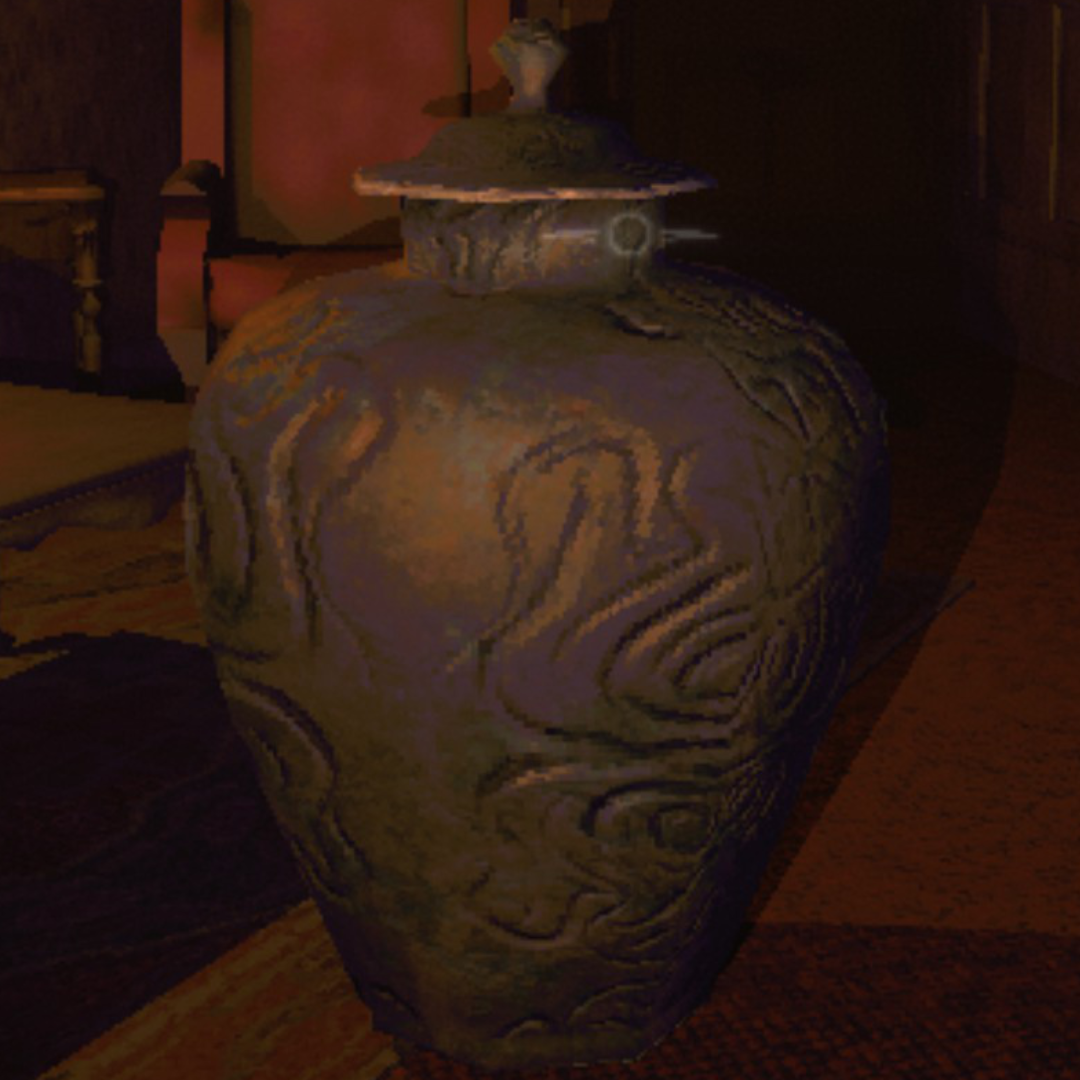
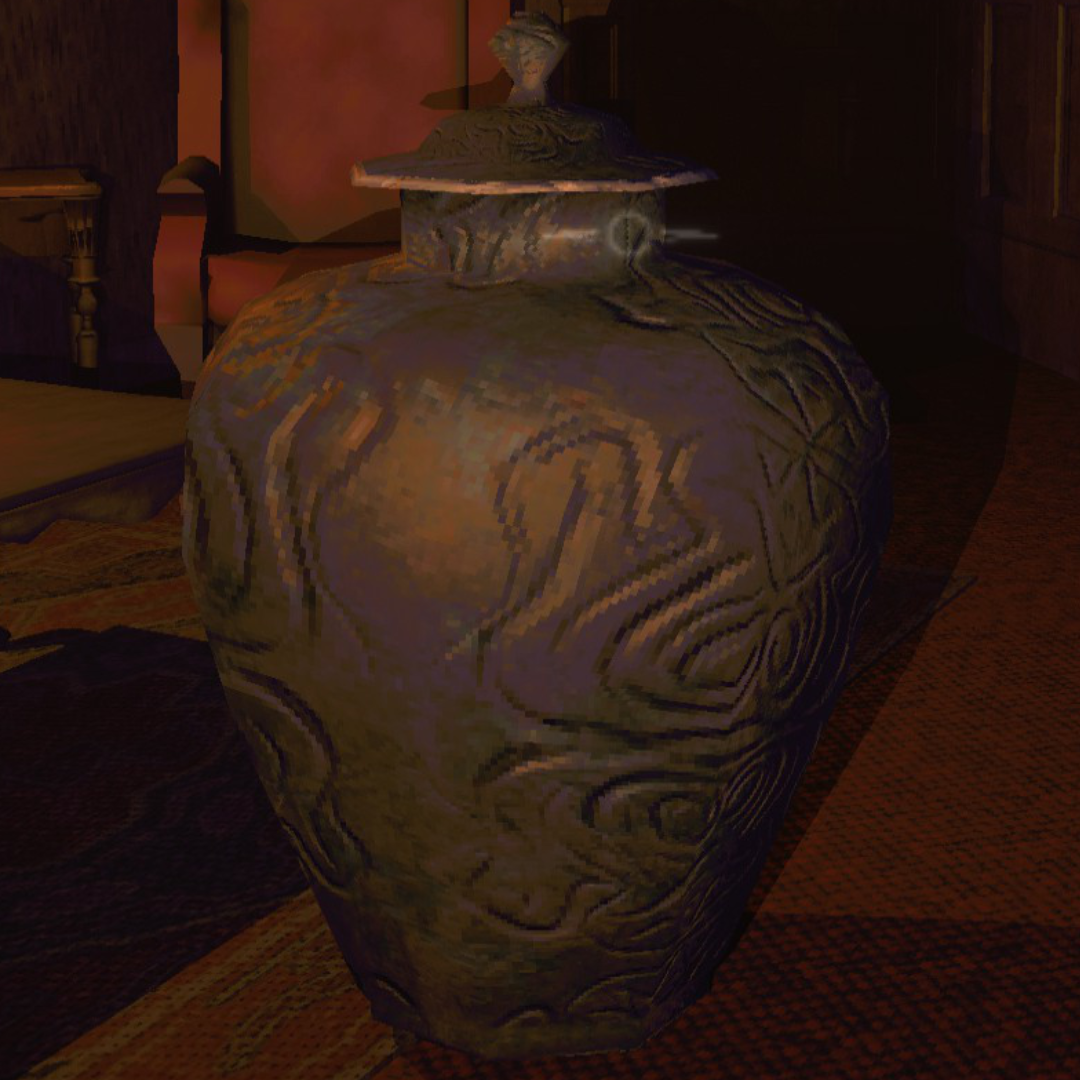
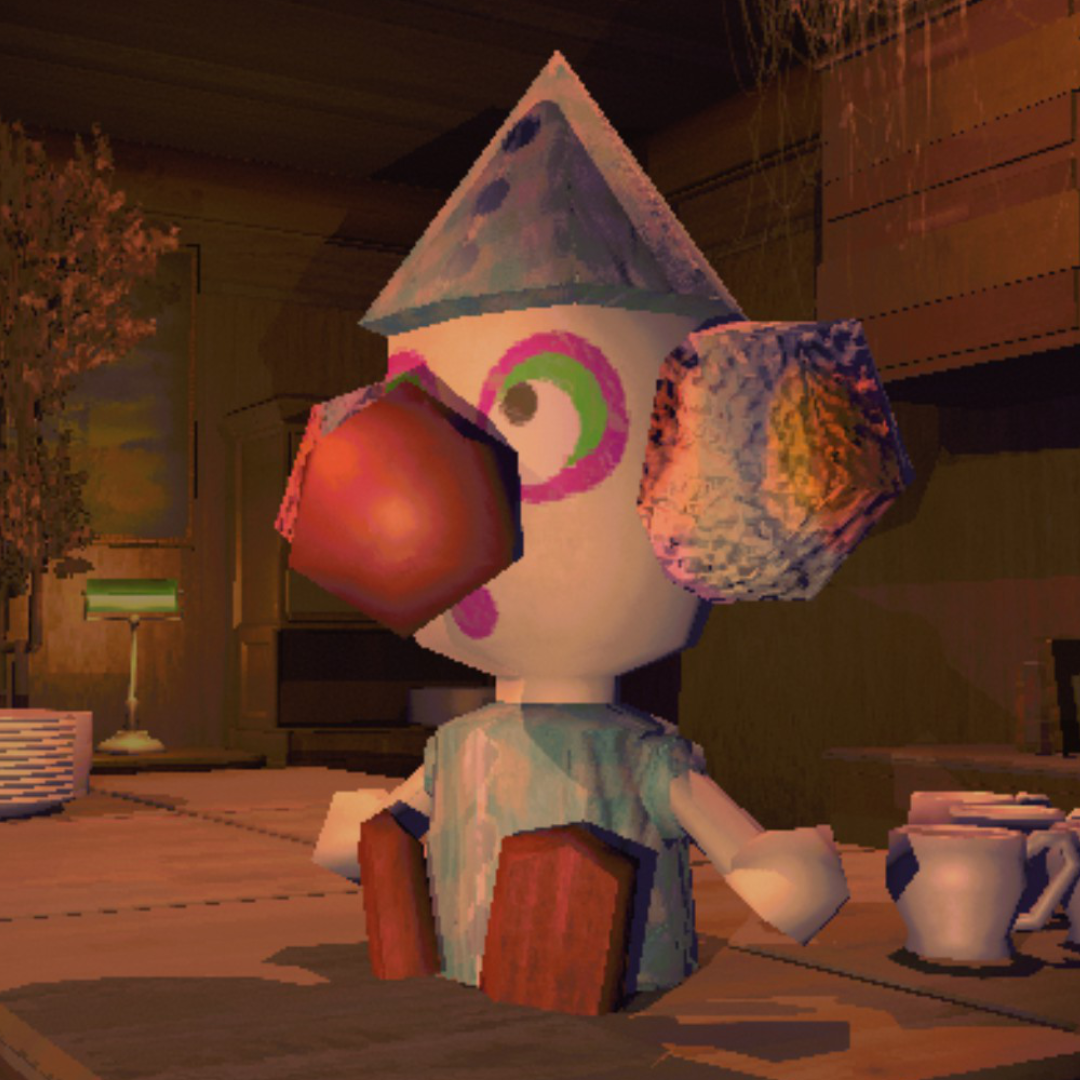
Surface detail on the vase and sharper edges on the clown figure. Shadows render properly instead of blocky artifacts.
Upscaling & Anti-Aliasing
Quality Settings
Performance Optimizations
Ultrawide & Field of View
Smart Auto-Benchmark
autotune.json — separate from your settingsAll presets adapt to your hardware. CPU-bound machines keep 100% render scale since dropping resolution wouldn't help FPS anyway. Potato through Medium use the game's native render system with zero pipeline overhead — upscalers only activate at High and above.
| Preset | Render Scale | AA | Shadows | Target |
|---|---|---|---|---|
| Auto | Benchmarked | Benchmarked | Benchmarked | Auto-tuned for your hardware. Re-runs on mod update or hardware change |
| Potato | 50% | Off | Low / 10m | Faster than vanilla. Cuts everything for max FPS |
| Low | 50% | SMAA | Low / 20m | Near-vanilla FPS with cleaner image |
| Medium | 75% | SMAA | Med / 30m | Big visual upgrade, no upscaler overhead |
| High | 75–100% | DLSS/FSR | High / 85m | Premium. Upscaler handles AA |
| Ultra | 100% | DLAA/FSR | Ultra / 150m | Maxed everything |
| Custom | Any | Any | Any | Tweak individually. Per-setting perf toggles |
Replaces the game's Graphics page. All vanilla display settings (window mode, VSync, max FPS, gamma) plus every mod setting. Preset selector or go Custom.
| Setting | Range | Default | Description |
|---|---|---|---|
| Preset | Auto–Custom | Auto | Quality level. Auto uses benchmarked profile |
| Upscaler | DLSS / FSR / Off | Auto | DLSS on NVIDIA, FSR on AMD/Intel, Off if CPU-bound |
| Resolution | Monitor-specific | Native | Output resolution. Filtered to your aspect ratio |
| Render Scale | 33–100% | 100% | Internal resolution before upscaling to selected resolution |
| Anti-Aliasing | SMAA / FXAA / Off | SMAA | Post-process AA (disabled when upscaler provides AA) |
| Shadow Quality | Off / Low / Med / High / Ultra | Varies | Shadow map resolution |
| Shadow Distance | 5–200m | Varies | Max shadow render distance |
| Shadow Limit | 0–50 | Varies | Max nearby shadows. 0 = unlimited. Closest lights get priority |
| Pixel Lights | 1–16 | Varies | Per-object dynamic lights |
| LOD Bias | 0.5–4.0 | Varies | Level of detail distance |
| Texture Quality | Full | Full | Locked to full — R.E.P.O.'s textures are too small for mip reduction to matter |
| Anisotropic Filtering | Off / 4x / 8x / 16x | 8x | Texture sharpness at angles |
| Light Distance | 10–100m | 50m | Max light render range |
| Fog Distance | 0.3–1.1x | 1.0x | Fog end distance multiplier. Below 1.0x pulls the fog wall in for extra savings |
| Vertical FOV | 0–110° | 0 (auto) | Camera FOV. 0 picks an aspect-aware default (vanilla on 16:9, ~80° on 21:9, 90° on 32:9). Any non-zero value overrides |
| Ultra-Wide UI Fix | On / Off | On | Fills the screen with the world view on aspects above 16:9. Toggle off to keep vanilla 16:9 letterbox |
| Mod Toggle Key | F5–F10 | F10 | Disables mod entirely for vanilla comparison |
F10 (configurable) toggles the entire mod off for vanilla comparison — everything reverts including performance optimizations.
F11 toggles the performance optimization layer on and off. Unlike F10, the visual layer (upscaler, AA, shadow quality) stays active — only the per-frame hacks (tiny renderer culls, shadow budget, CPU patches, etc.) revert to vanilla.
F9 runs the cost probe — a ~90s sweep that measures per-marker frame cost, per-camera render time, scene composition, and a preset × fog × upscaler comparison matrix normalized to Ultra + DLAA + fog 1.0×. Writes frame_cost.txt and copies the report to the clipboard. Off by default — enable F9 Cost Probe in the Graphics menu to arm it.
BepInEx/plugins/DLSS DLL is bundled. No extra downloads.
Remove it. REPO Fidelity does everything REPO HD does:
Report bugs on GitHub.
| Purpose | Where |
|---|---|
| Bug reports & suggestions | GitHub Issues |
| R.E.P.O. Modding community | Discord |