
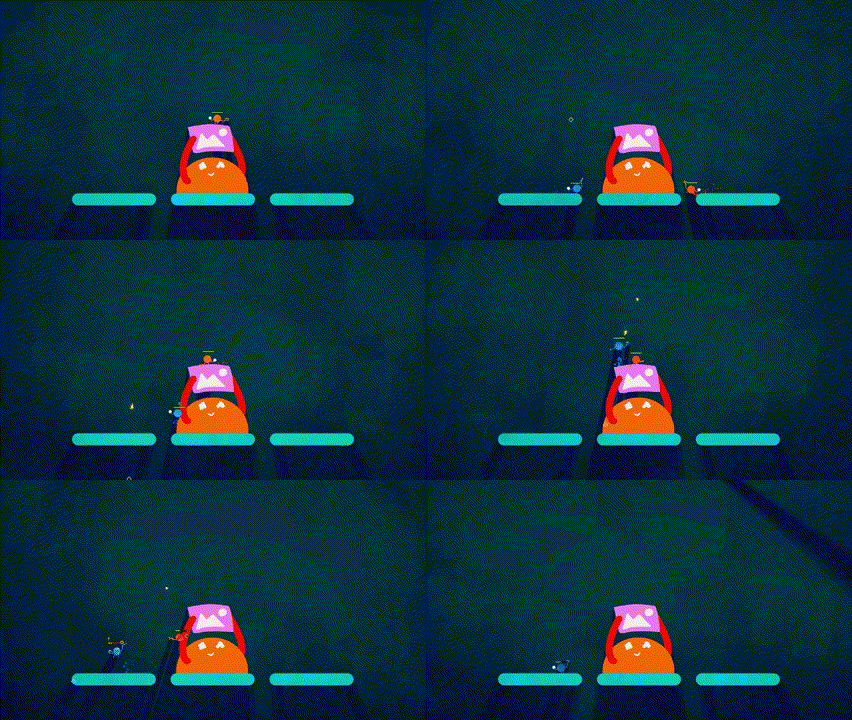
This adds MapImageObjects to the editor! Create maps with custom images!
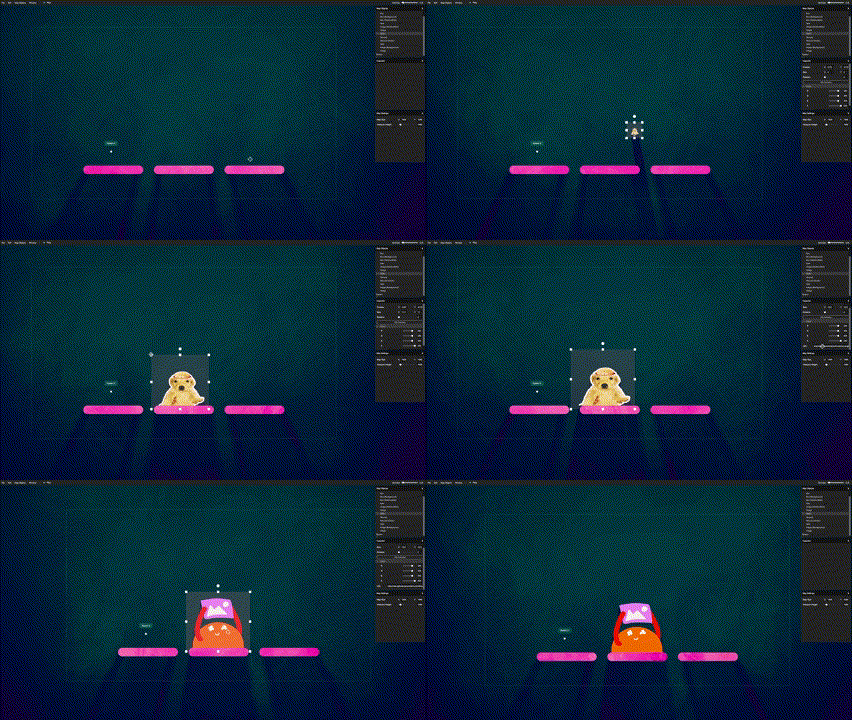

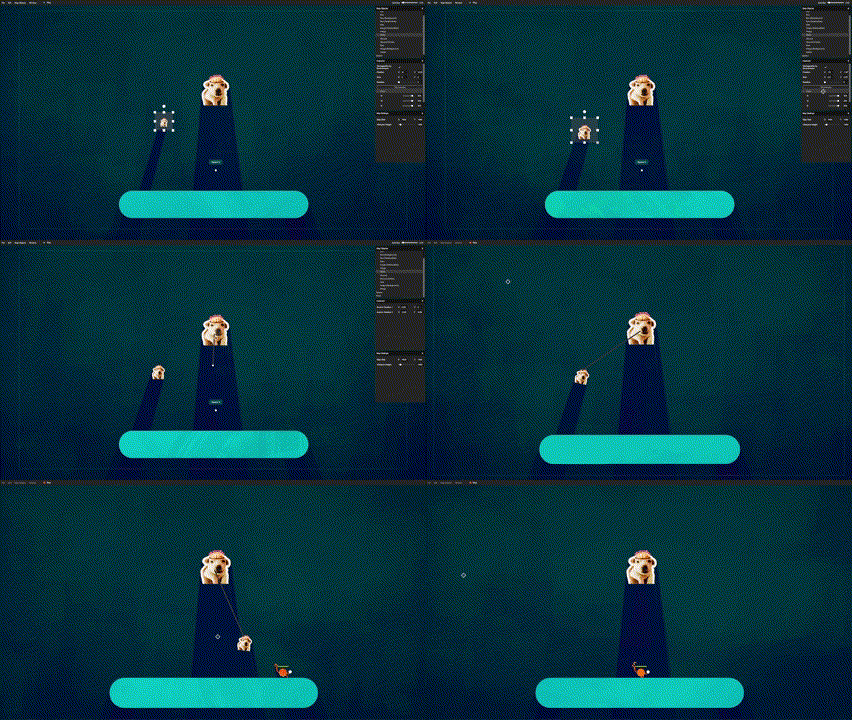
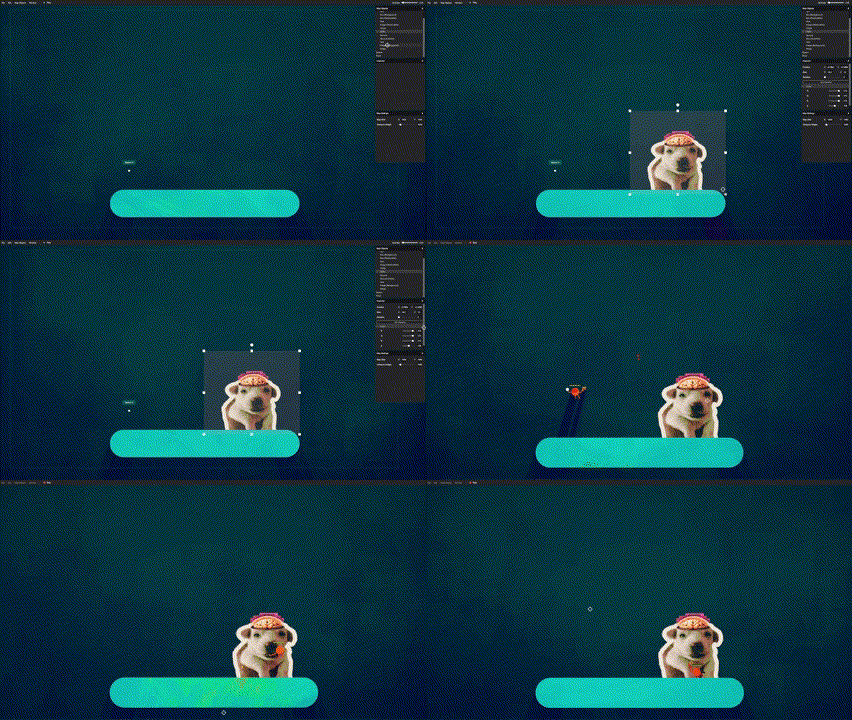
(Make sure to set these as a bit transparent so that bullets render over the top (I can't fix this)).
⚠ [WARNING] This mod uses urls to load images while you play the game! ⚠
The mods will automatically install in the Thunderstore mod manager.
There are two mods: One for map-makers and one for users. (If you are a map-maker, you will need both). Both mods can be found in the releases on the GitHub.
If you do install manually, make sure to also install the related dependencies depending on which one you go for:
Make it a bit transparrent, some good values are
Loading images with transparency (the 'A' channel) lower than 128 do this. I have no idea why.
The shadows are determined by the collision, and Unity generates collision based on the texture. If the texture has a low resolution (like with pixel art), Unity will generate lower-resolution collision. It's a pain, but the solution is to upscale the image to a higher resolution or create the collision manually using invisible objects.
Here's a good place to learn. But the gist is to zip up all your maps together with a manifest, readme and an icon, then upload to Thunderstore.
Submit an issue on GitHub!
