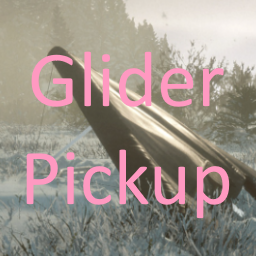
You can now conveniently carry your glider with you at all times!
Default key to pick up and place the glider is Numpad1, easily configurable in GliderPickup.cfg or more efficiently using BepInEx ConfigurationManager.
How to Pick Up the Glider:
- Locate the glider you wish to pick up and stand directly beside it (IMPORTANT)
- Allow the glider to remain on the ground next to you
- Press the key specified in the config file/ConfigurationManager or the default key NUMPAD1
- Voila! The glider disappears from the ground and you're now carrying it.
How to Retrieve the Glider from Your Inventory:
- You must have picked up the glider before attempting to place it down - :)
- Press the key specified in the config file/ConfigurationManager or the default key NUMPAD1
- The glider will appear in your hands, and you're ready to glide.
Please note that the plugin is currently somewhat unoptimized, but efficiency improvements are planned for the near future. At the moment, the hang glider does not appear in your inventory or on your backpack; this may be implemented in a future update. If two gliders are within a radius of 2 units from you, one of them will be permanently removed, so be cautious and stand next to only one glider at a time when picking it up. Consider taking a backup of your save before using this mod.
Remember to Remove the Glider from Your Backpack Before Exiting the World! - This issue will be addressed in a future update.
Remember To Drop It From Your Backpack Before Quitting The World! - Will be fixed in future update
Requires BepInEx IL2CPP
Installation
- Download BepInEx from the link above or use Thunderstore mod manager
- Drag contents of the BepInEx zip file into Sons of the Forest game directory (right click in steam > browse local files)
- Open GliderPickup.zip drag BepInEx into the base game directory
- Enjoy!