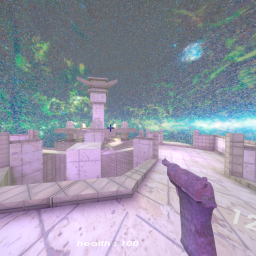
Replaces the skybox on every map with your own 360° images. Pick a skybox from a dropdown in ModMenu's settings panel. Vanilla compatible — purely client-side, other players see vanilla.
Open BepInEx/plugins/CustomSkybox/templates/Template.png in any image editor (GIMP,
Photoshop, Krita, Paint.NET, Aseprite — anything). It's a 4096×2048 labeled canvas
with the horizon, zenith, nadir, cardinal directions, and a grid drawn on it so you
can see where everything will land on the sphere.
Paint over it however you like, then save it as .png or .jpg directly into
BepInEx/plugins/CustomSkybox/ (any name you want). Restart the game and it shows up
in the dropdown.
You don't have to draw from scratch — drop any equirectangular .png / .jpg /
.jpeg file into BepInEx/plugins/CustomSkybox/ and it shows up in the dropdown.
Filename (without extension) is what you'll see.
Good free sources:
The image must be equirectangular (2:1 width-to-height ratio, e.g. 2048×1024, 4096×2048, 8192×4096). The bundled skyboxes are 4096×2048 — that's twice the base game's resolution, sharp without bloating the install.
Bundled images are individually licensed: