JujutsuCube
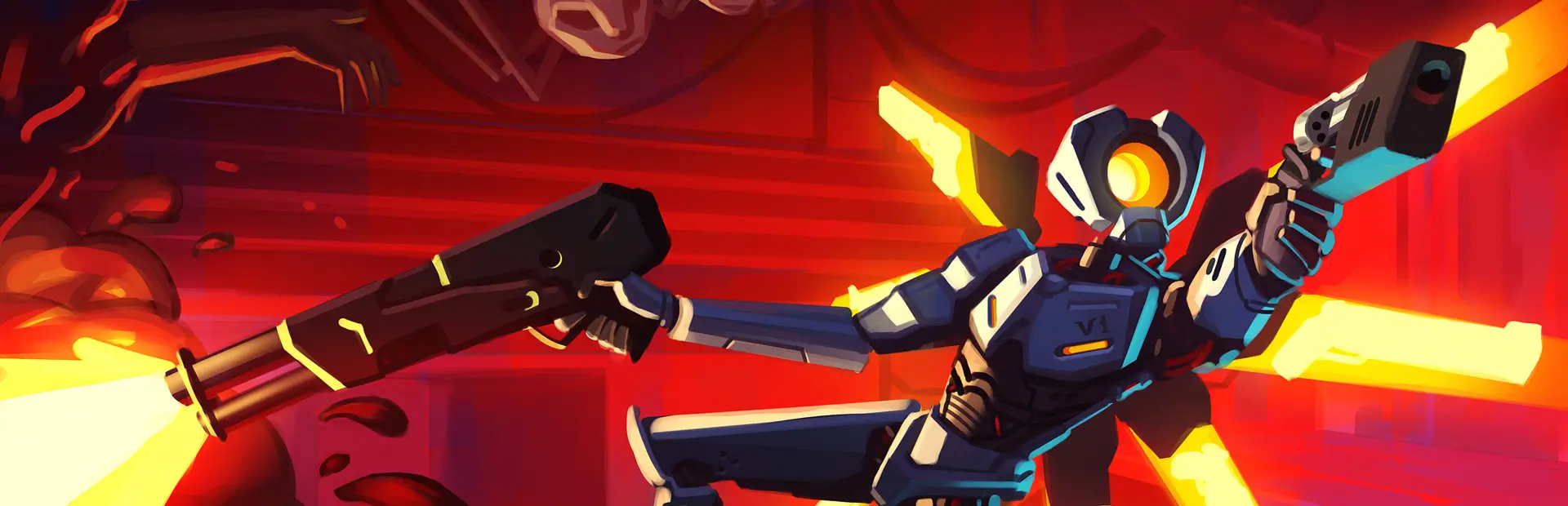
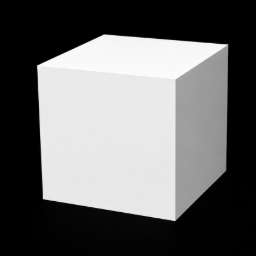
A ShrineMod weapon for ULTRAKILL that adds the "Shrine" — a configurable cube weapon with fast slashes, charged piercing attacks, Domain Expansion, and a Positive Mode (Reverse Cursed Technique).
Table of Contents
Features
- Rapid-fire primary slashes (hitscan) and charged secondary piercing slash with AoE explosion.
- Two distinct modes: Normal Mode (style mechanics, Black Flash) and Positive Mode (high damage + healing).
- Domain Expansion: deploy a persistent damaging sphere that follows you.
- Black Flash mechanic: heavy damage multipliers, hitstop, and chain attacks.
- Fully configurable via BepInEx config file.
Controls
- Equip: Weapon Slot 5 or press
7
- Toggle Positive Mode:
Y (configurable)
- Primary Attack: Left click — rapid slashes
- Secondary Attack: Hold Right Click to charge, release to fire piercing slash + AoE
- Switch slash shape: Mouse Wheel (Normal Mode)
- Domain Expansion: Hold Middle Mouse to charge, release to deploy
- Reverse Cursed Technique (Positive Mode): Middle Mouse Click
Modes
Normal Mode
- Primary: rapid hitscan slashes (Damage: 4–6 per hit)
- Secondary (charged): piercing wide slash that spawns a multi-hit AoE on impact (Damage: ~170 per hit ×7)
- Slash shapes: Thin & Long (vertical) and Thin & Wide (horizontal)
- Black Flash: small chance to trigger huge damage (×2.5), hitstop and style bonuses; chains between 1–36 extra attacks
Positive Mode
- The cube turns yellow; Black Flash is disabled.
- Damage multiplier (default ×16) and healing on hit (Primary/Secondary configurable).
- Rapid-fire slashes when scrolling the wheel (alternative to switching shapes).
- Reverse Cursed Technique (RCT): in Positive Mode, Middle Mouse instantly heals to 200 HP and spawns a yellow sphere that halves enemies' health periodically while active.
Domain Expansion
- Hold Middle Mouse to charge a Domain; release to deploy a black sphere that follows you.
- Enemies inside take continuous primary and secondary damage; domain duration and radius are configurable.
- Domain ticks have a configurable chance to trigger a Black Flash.
Configuration
After running the game once, edit the config at BepInEx/config/com.yourname.jujutsucube.cfg.
Example (values shown are defaults used by the mod):
[General]
WeaponSlot = 5
UseOldCube = false
PositiveModeKey = Y

[BlackFlash]
BaseChance = 5.0
ChainModifierChance = 10.0

[Domain]
MinHoldTime = 10.0
DurationMultiplier = 1.5
Radius = 8.0

[PositiveMode]
DamageMultiplier = 16.0
PrimaryHeal = 5
SecondaryHeal = 20
Installation
- Install BepInEx in your ULTRAKILL directory.
- Build the project with
dotnet build -c Release or download the pre-built JujutsuCube.dll.
- Copy
JujutsuCube.dll to ULTRAKILL/BepInEx/plugins/.
- Launch the game and equip the Shrine via Slot 5 or by pressing
7.
Contributing
Contributions, bug reports and feature requests are welcome. Open an issue or a pull request with details and steps to reproduce.
Credits
- Original mod and configuration by the mod author(s).
- Inspired by the Jujutsu mechanics and ULTRAKILL community mods.
License
This project is released under the MIT License. See the LICENSE file for details.