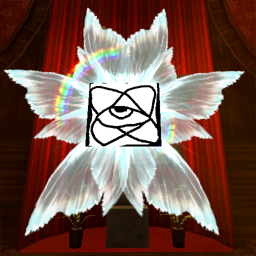
There should be an "Open Textures Folder" button. Click it to open the mod's appdata folder (generating upon starting the game with the mod installed).
Inside there is a "textures" folder. The mod will select a random image from this folder every time a providence is spawned.
There is also an optional "rare textures" folder. You can set the probability for images to be picked from that folder instead of the regular one in the Configgy menu.
Linux User Guide
If you're playing through Proton, the mod's appdata folder will be in steamapps/compatdata/1229490/pfx/drive_c/users/steamuser/Application Data/CustomProvidence
Manual Installation
Install BepInEx and Configgy
Download this mod by pressing "Manual Download"
Inside there should be a CustomProvidence folder
Drag the CustomProvidence folder to BepInEx/plugins