Valheim
You are viewing a potentially older version of this package. View Latest Version
| Description | Installing | Contact Author | Other Info | Config | Source | Changelog | Screenshots |
|---|
Ever sailed past a visible coastline, but it didn't appear on your world map? That's because the default radius around the player that is uncovered on the world map is smaller than your view distance! This mod allows you to increase that explore radius over time as you uncover more of your map.
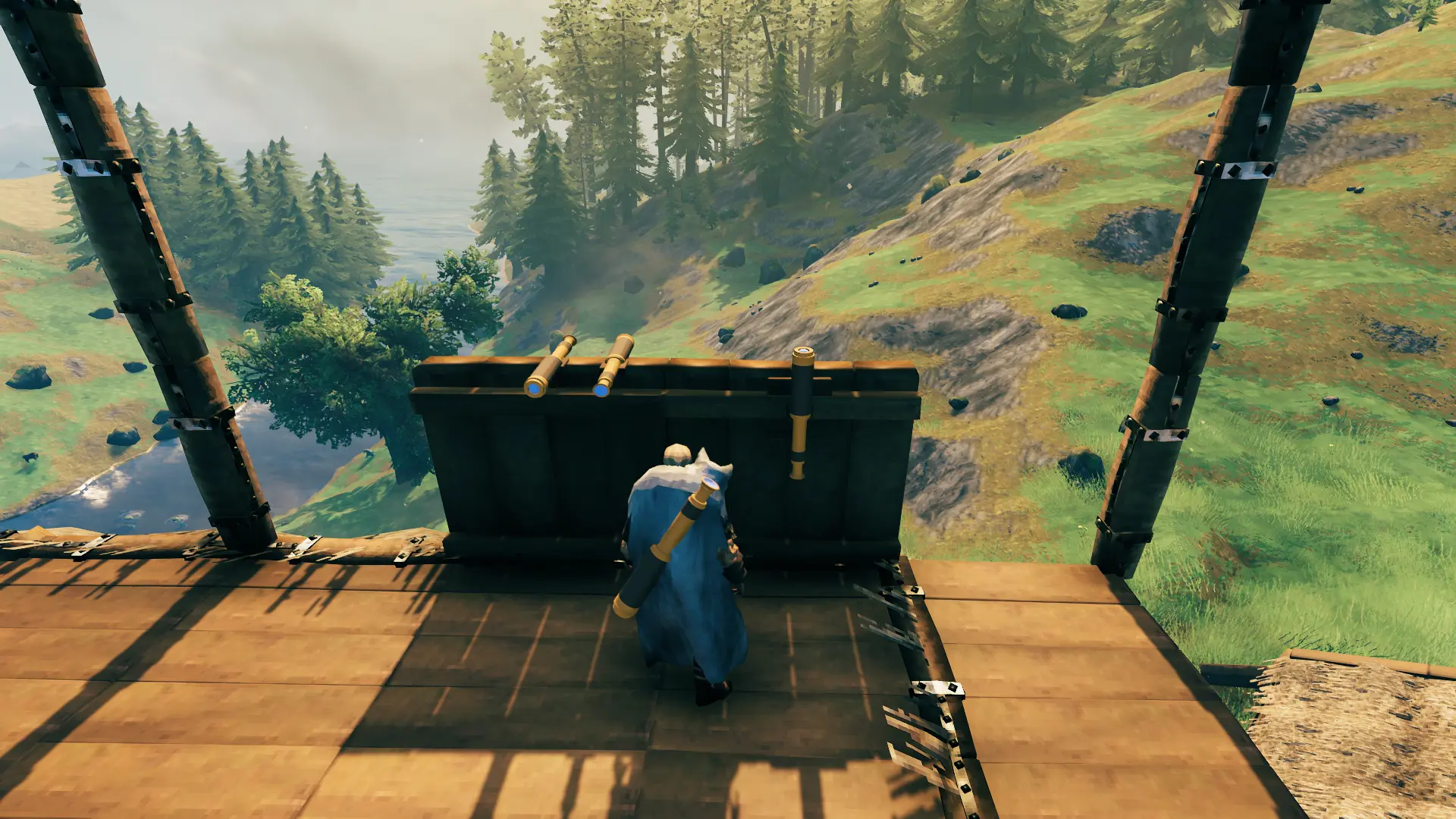
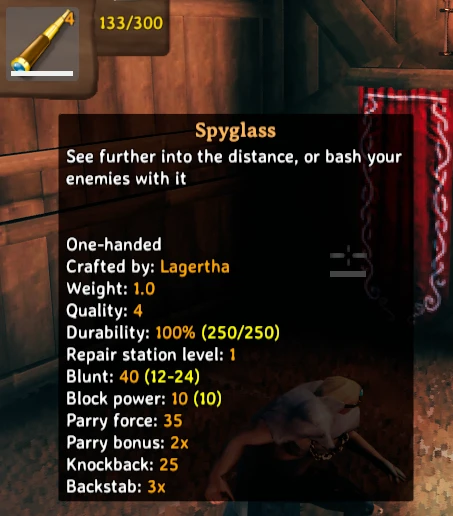
This mod also includes a craftable spyglass item that doubles as a weapon. Use it to bash your enemies or to see their cowardly faces up close... but from a safe distance! Uses custom mesh, textures, and logic.
The custom skill as well as the spyglass can be enabled/disabled via the mod's config file, generated after the mod is loaded at least once (see Config & Other Info below).
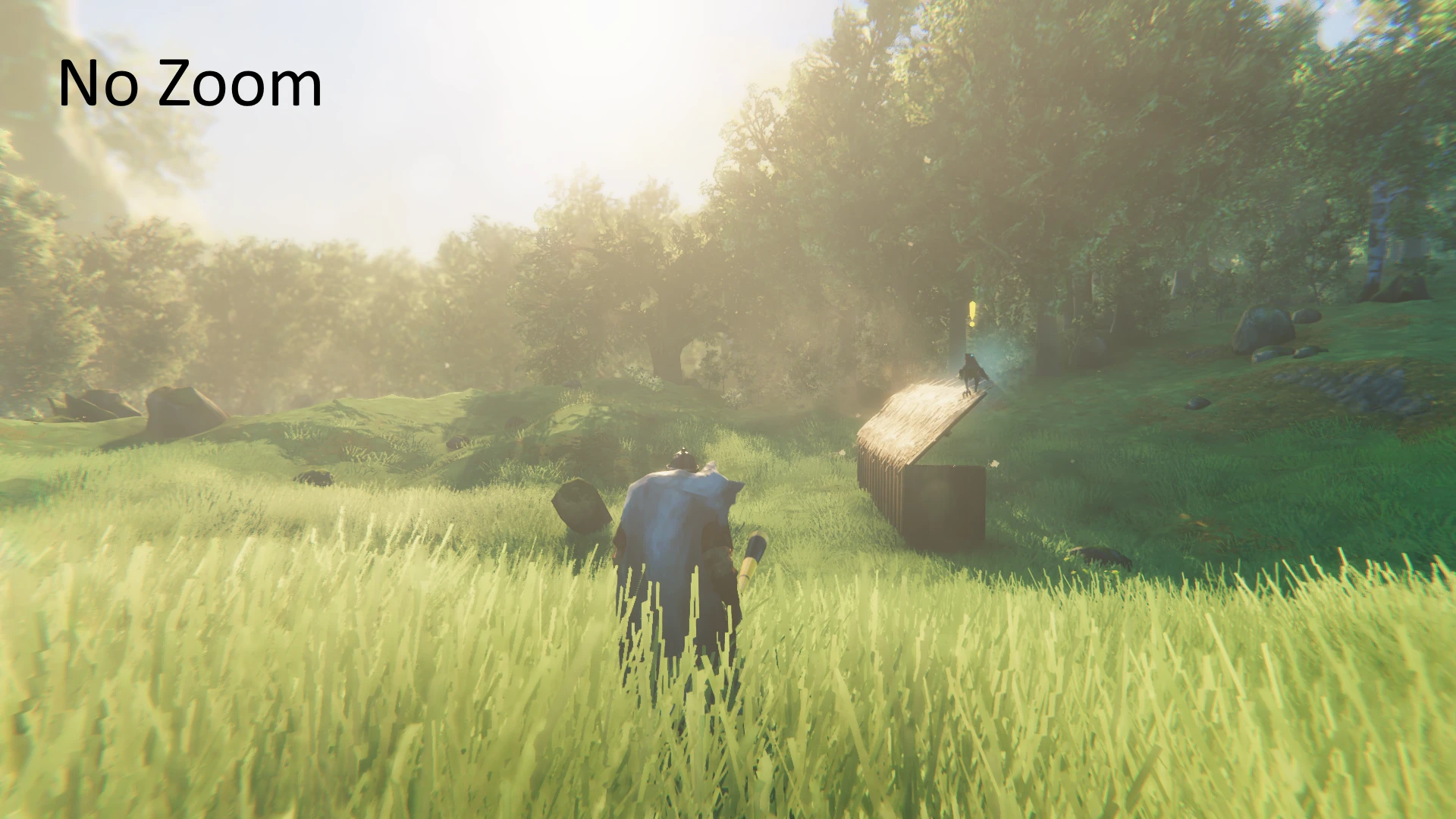
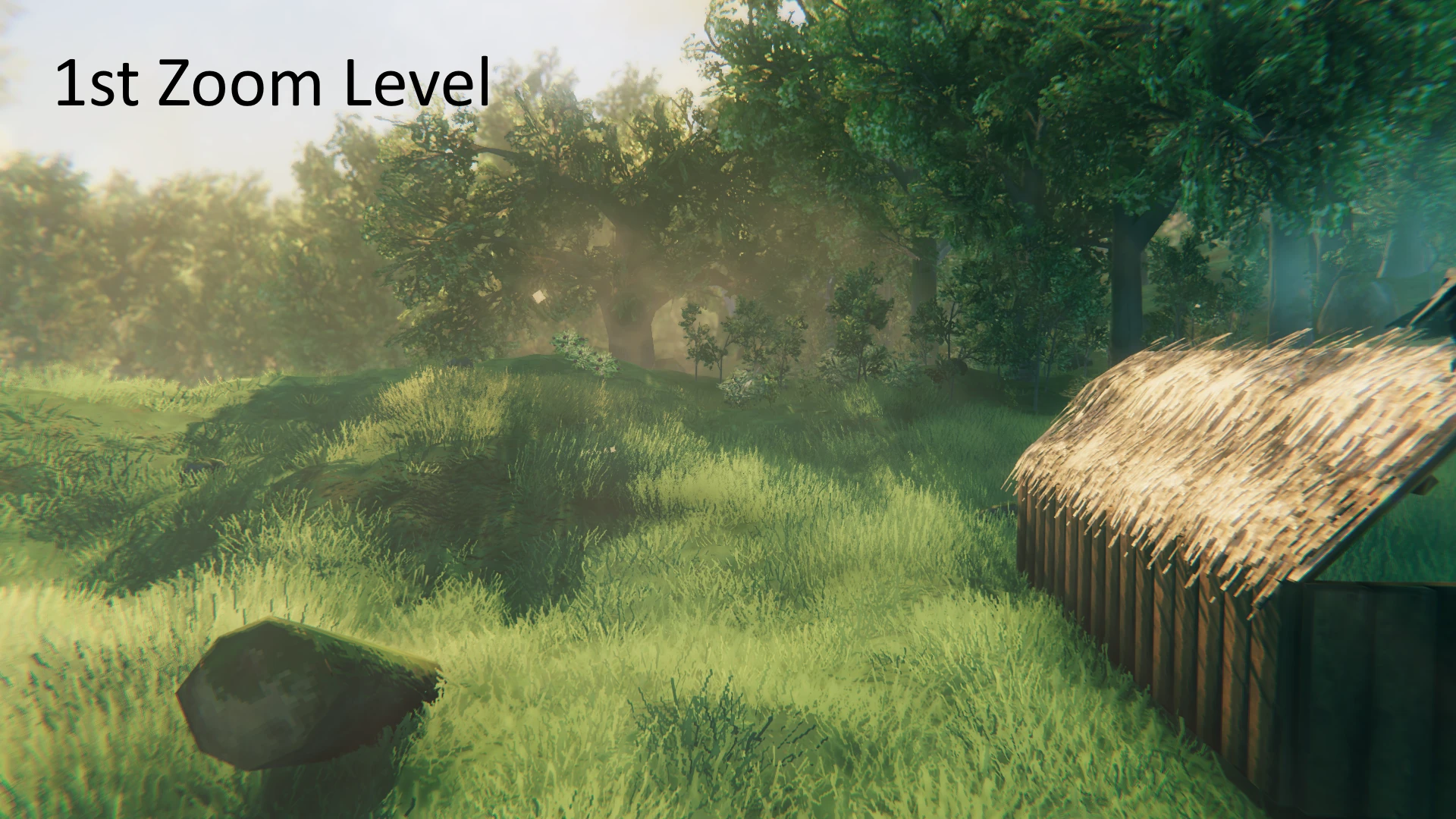
Crafted and upgraded at a workbench. By default, right click will zoom in. Hold left shift and press right click to decrease zoom level by 1. Optional third key can be set to fully zoom out, or press 'r' to sheathe your Spyglass. Controls and functionality are configurable.
Recipe is: 2x Obsidian, 2x Bronze, 1x Crystal
Extract the Advize_CartographySkill.dll file into your BepinEx/plugins folder. Directory structure should look like this:
BepInEx ->
    plugins ->
        Advize_CartographySkill.dll
You can reach me on the Nexus to provide bug reports or feedback https://www.nexusmods.com/valheim/mods/394
Mod is highly configurable, a config file will be generated after first loading the mod and can be found in BepInEx/config/advize.CartographySkill.cfg
Localization Support: A file named Advize_CartographySkill.json will be generated alongside the .dll file after the game is first launched. In it you will find the ability to change the Spyglass name and description text. Any changes made to this file will be loaded by the mod.
Note: As of 1.5.0: Clients will by default receive configuration settings from a server hosting the mod unless ServerIsAuthoritative is set to false in the config file (server side). However, settings falling under the [Controls] and [Troubleshooting] categories of the config file will not be enforced by the server. Though authoritative, servers will not permanently alter a client's locally stored configuration file.
This is thanks to a custom implementation of the AuthoritativeConfig code written by Nextek for their Speedy Paths mod.
This config can be edited out of game with a text editor, or modified in game using the Configuration Manager mod (recommended). By default, one should be able to reach cartography level 100 before exploring an entire world; but it will not add xp for parts you've already discovered (yet). If you need to increase the level higher and you've discovered your whole world, you'll need to uncover parts of the map in a new world.
Controls can be changed in the mod config - use this as your guide: https://docs.unity3d.com/Manual/class-InputManager.html
Alternatively, take a look at the following list: https://gist.github.com/C0DEF52/b1168e6ed3d1f567fc919f2942037bab
If using mods such as Map Sync Mod to produce map discovery as a result of irregular means, use the custom console command 'cartxpsync' to allow cartography XP to be awarded for synchronized discoveries. At present, this must be entered manually after map data has been synced via another mod.
## Settings file was created by plugin CartographySkill v2.0.0
## Plugin GUID: advize.CartographySkill

[Controls]

## Key to increase zoom level. See https://docs.unity3d.com/Manual/class-InputManager.html
# Setting type: String
# Default value: mouse 1
IncreaseZoomKey = mouse 1

## Hold this key while pressing IncreaseZoomKey to decrease zoom level. See https://docs.unity3d.com/Manual/class-InputManager.html
# Setting type: String
# Default value: left shift
DecreaseZoomModifierKey = left shift

## Optional key to fully zoom out. See https://docs.unity3d.com/Manual/class-InputManager.html
# Setting type: String
# Default value:
RemoveZoomKey =

[General]

## Nexus mod ID for updates.
# Setting type: Int32
# Default value: 394
NexusID = 394

## Amount to increase base explore radius by per skill level
# Setting type: Single
# Default value: 1
RadiusIncreasePerLevel = 1

## BaseExploreRadius (Vanilla value is 100)
# Setting type: Single
# Default value: 100
BaseExploreRadius = 100

[Progression]
## Enables the cartography skill
# Setting type: Boolean
# Default value: true
EnableSkill = true

## Experience gain when cartography skill XP is awarded
# Setting type: Single
# Default value: 0.5
LevelingIncrement = 0.5

## Amount of map tiles that need to be discovered before XP is awarded (influences BetterUI xp gain spam)
# Setting type: Int32
# Default value: 100
TileDiscoveryRequirement = 100

[ServerAuthoritativeConfig]

## <Server Only> Forces Clients to use Server defined configs.
# Setting type: Boolean
# Default value: true
ServerIsAuthoritative = false

[Spyglass]

## Enables the spyglass item
# Setting type: Boolean
# Default value: true
EnableSpyglass = true

## Influences field of view when zoomed, recommended range is 0 (disabled) to 5
# Setting type: Single
# Default value: 5
FovReductionFactor = 5

## Increase/Decrease camera zoom distance
# Setting type: Single
# Default value: 5
ZoomMultiplier = 5

[Troubleshooting]

## Enable mod debug messages in console
# Setting type: Boolean
# Default value: false
EnableDebugMessages = false
Github Repo: Advize_ValheimMods
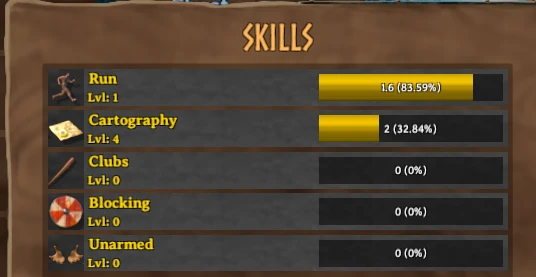
Skill in Skills Window
Spyglass 3D Model
Spyglass Item Tooltip (Item icon is outdated)
No Zoom (Spyglass model in screenshot is outdated)
1st Zoom Level
2nd Zoom Level
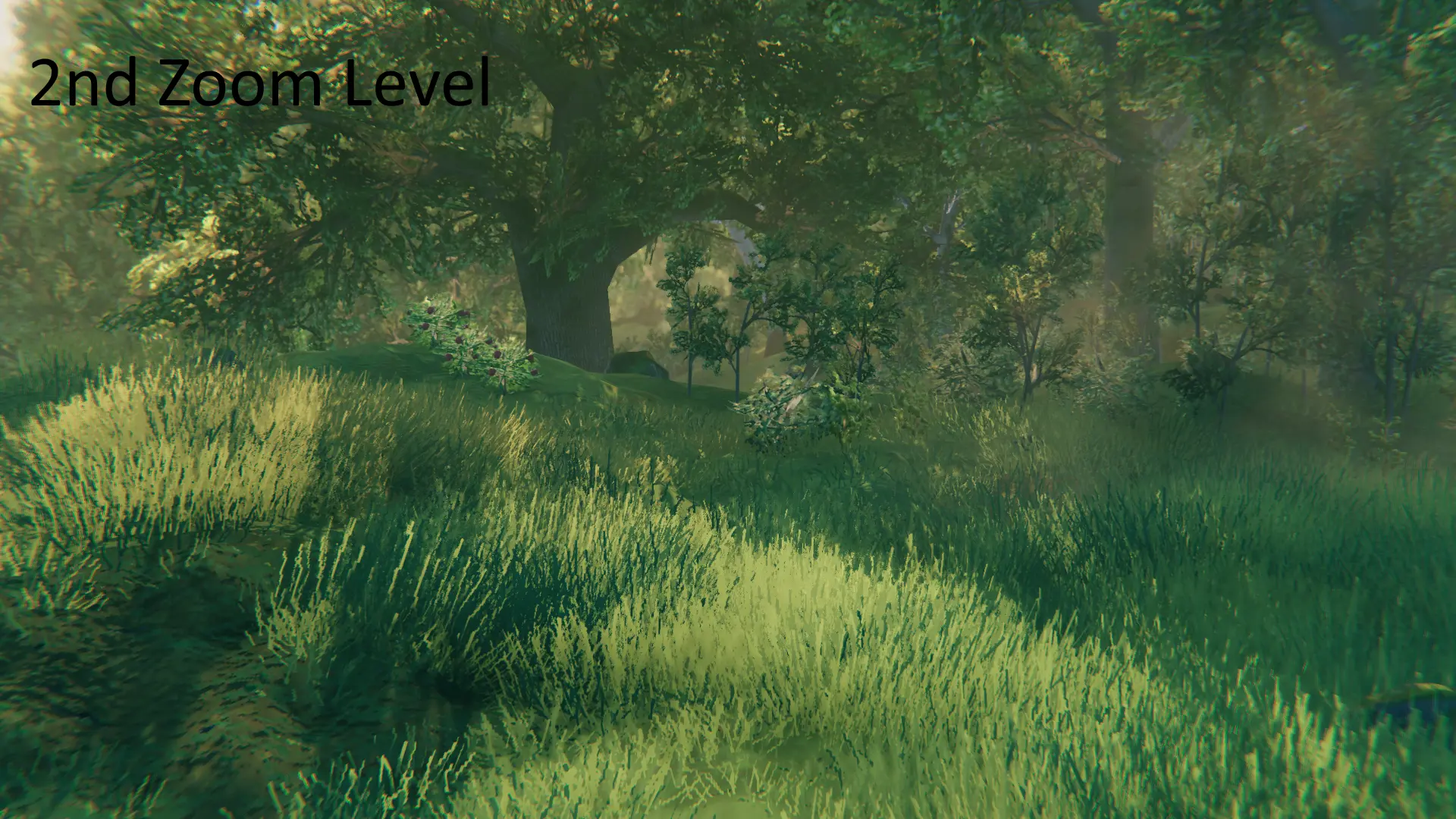
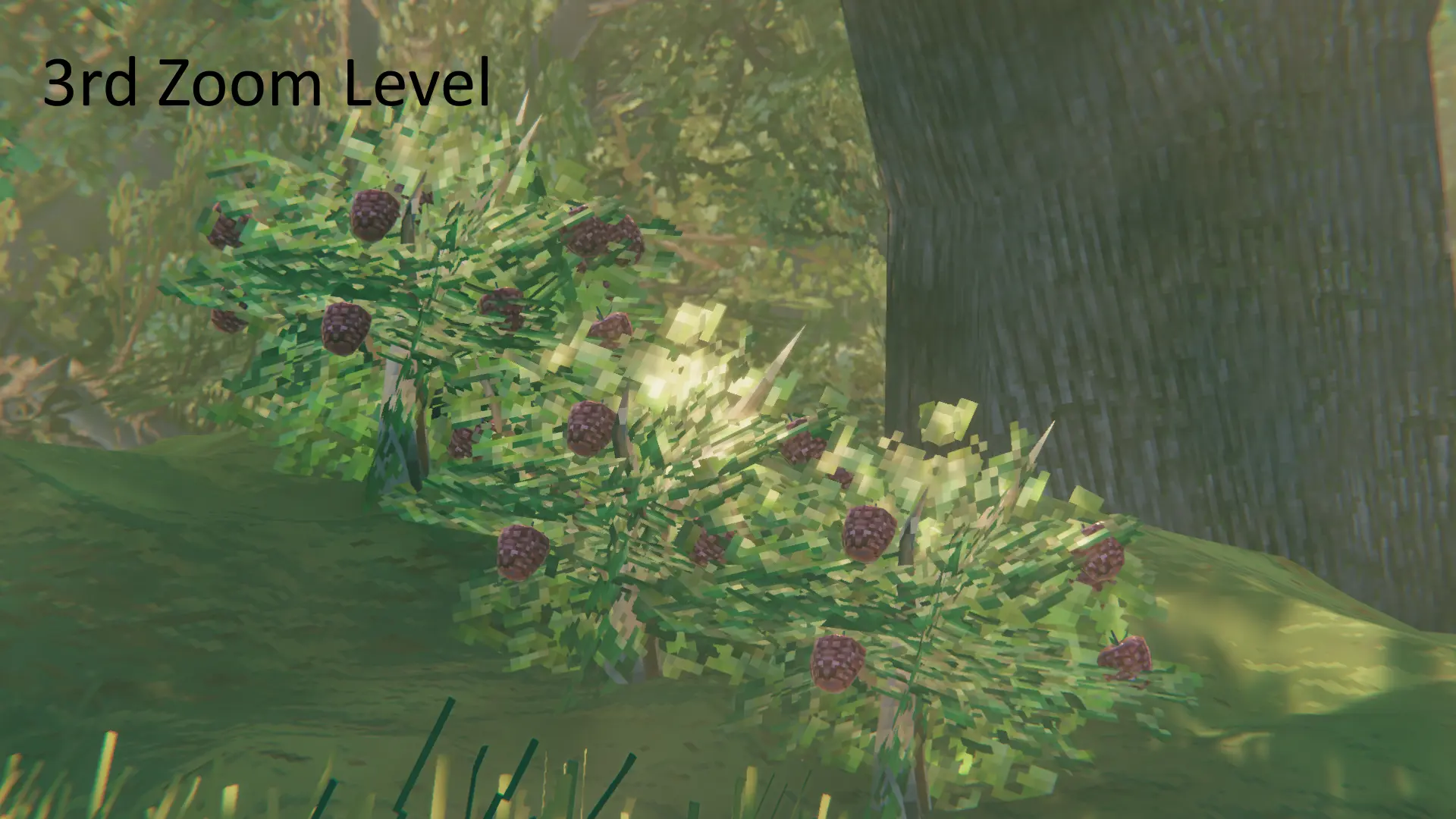
3rd Zoom Level