Description
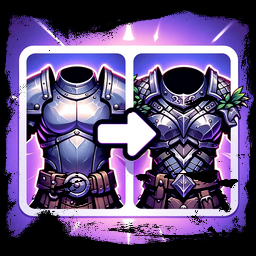
- Enable transmogrification of your armor, so that your equipped armor can look like whatever other armor you want whilst retaining its properties.
- The transmog visuals will be saved in your character, so logging off and on is not a problem.
- The visuals can be switched on and off or replaced at any time.
Instructions
First use
- Equip the armor you would like to be always visible.
- Use the 'Save Transmog' hotkey (see the default hotkey below) to save your visual.
- That's it. Now you can equip whatever other armor you want but the visual will remain as the one saved.
Second use
- First, make sure the transmog visual is disabled by using the 'Toogle Transmog' hotkey (see the default hotkey below).
- Repeat the steps listed under section 'first use'.
Toogle transmog (visual)
- You can enable or disable the transmog visual at any time by using the 'Toogle Transmog' hotkey (see the default hotkey below).
Hotkeys
Below are the default hotkeys for the commands that this mod introduces.
All hotkeys can be changed in the config file. It is recommended, however, that you use a configuration manager mod (such as the 'Official BepInEx Configuration Manager' mod by Azumatt) to bind the hotkeys directly in-game.
| Command |
Default Hotkey |
Comments |
| Save Transmog |
Left Alt + Minus Sign (-) |
This will capture your current visual and apply to all other armors. Make sure the transmog visual is switched off before doing so (hotkey below). |
| Toogle Transmog |
Left Alt + Equals Sign (=) |
Turn the transmog visual on and off. |
Join me on discord to report bugs and give me feedback:
Link: https://discord.gg/gSQHmE3yap
Release notes:
v1.0.2
- Fixed a bug that was preventing the cape from being hidden at all times if the player wished so.
v1.0.1
- Fixed a bug which was applying the transmog to all humanoids, including enemies.
v1.0.0