

Valheim
You are viewing a potentially older version of this package. View Latest Version
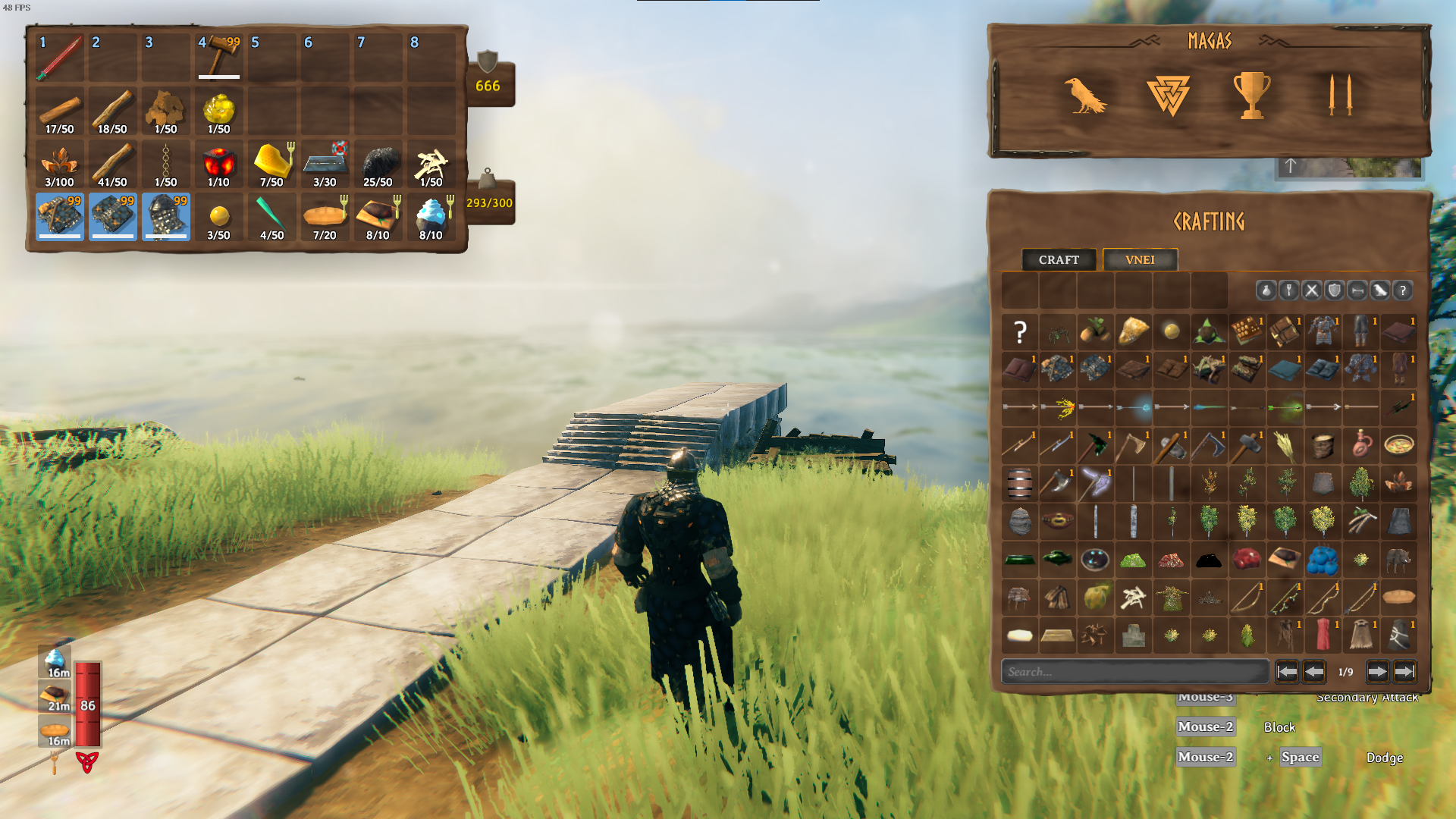
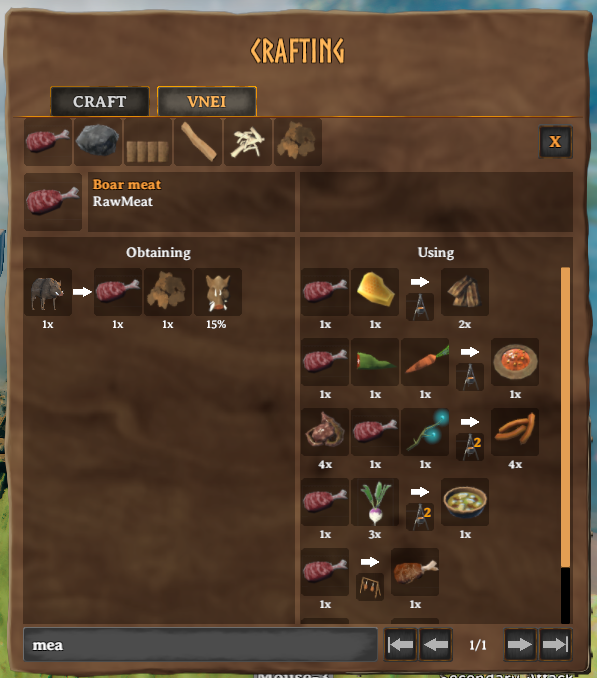
VNEI shows all items and recipes from the vanilla game and other mods inside an ingame GUI for easy access.
This mod requires BepInEx and Jötunn.
Extract the content of VNEI/plugins into the BepInEx/plugins folder
This is a client side mod and not everyone has to use it if you are playing in multiplayer. If items or recipes from other mods are missing, please contact me.
The config file is generated at BepInEx/config/com.maxsch.valheim.vnei.cfg after the first launch, see there for detailed information.
Interesting configs:
Show Only Known: Hide unknown items and recipes to discover them while playing the game
Press 'R' to view a recipe of an item while hovering over it. Works in the inventory, too.
Press LeftArrow/RightArrow to navigate through the history of last viewed items.
The mod name of every item is added to the tooltip. Can be disabled in the config file.
Items can be blacklisted at BepInEx/config/com.maxsch.valheim.vnei.blacklist.txt.
The internal item name has to be used, one name on every line.
If an item is blacklisted it will not show up in the search and recipes using it will be disabled.
Requires a restart to take effect.
If devcommands are enabled, items can be right clicked to spawn them. This is only possible at a local game or when the user is an admin at a server. Shift + RightClick spawns a whole stack.
Export all indexed items as a file to the BepInEx root path:
| Command | Description |
|---|---|
| vnei_export_csv [comma|semicolon|tab] | table format, can be read by Excel or similar programs. The separator is optional and comma by default |
| vnei_export_yaml [exclude_item1,exclude_item2,...] [exclude_mod1,exclude_mod2,...] | creates a CLLC ItemConfig.yml like file with the option to exclude certain items or mods |
| vnei_export_text | simple text |
See contributing.
Other mods can use events to include custom recipes that can't be indexed. See more here.
See here.