

Valheim
You are viewing a potentially older version of this package. View Latest Version
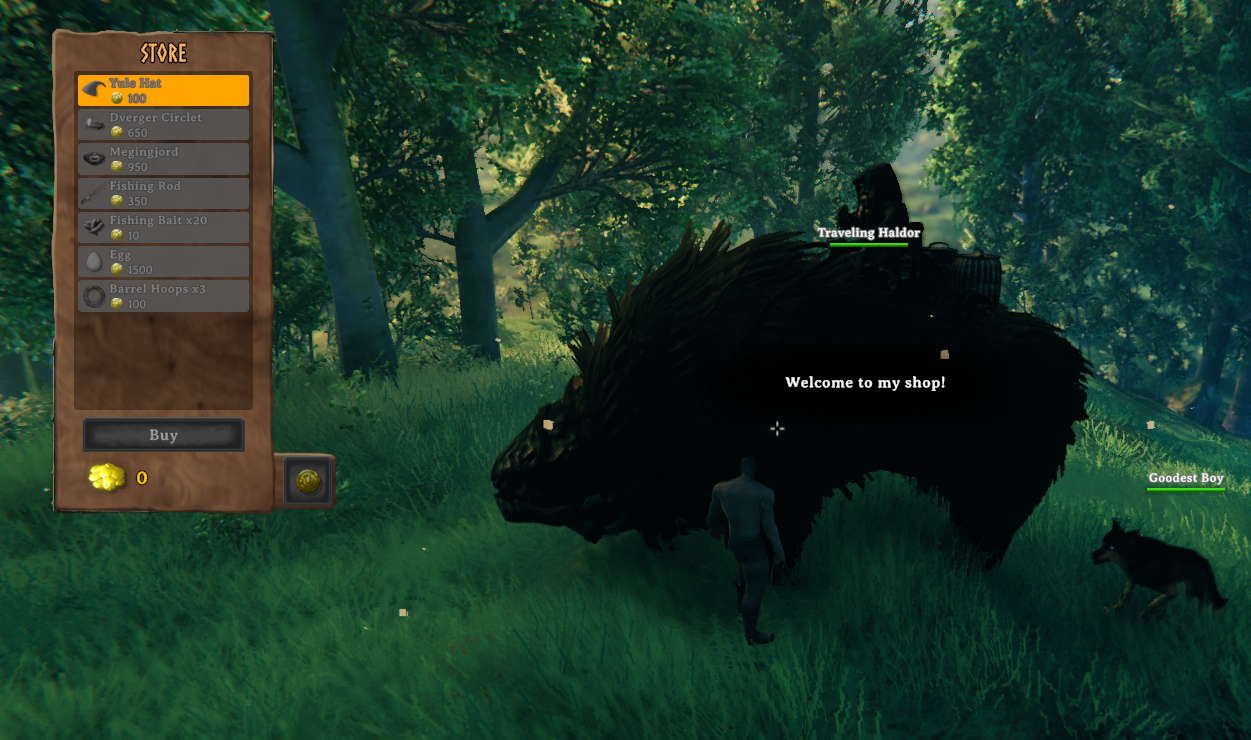
Welcome to the Traveling Haldor Mod! This mod brings a dynamic and immersive trading experience to your Valheim adventure by introducing a roaming trader, Haldor, who appears in different biomes and regions with customizable behavior and inventory.
Supports EpicLoot Bounties
Traveling Haldor Token
Traveling Despawn Settings
Dynamic Trader Spawning
Customizable Trader Behavior
Biome and Region Specific Spawning
Global Key Requirement for Events
defeated_gdkingDay/Night Specific Spawning
Always, Day, NightTrader Inventory Customization
New Console Command: Clear All Haldors
clear_traveling_haldors
Event Interval (Days): How often (in in-game days) Traveling Haldor appears.Event Chance: Chance (0-1) of the event occurring when the interval is reached.Event Duration (Seconds): How long Haldor stays in one place.Global Key Requirement: Global key required to trigger the event. Default value is defeated_gdking. Acceptable values: defeated_bonemass, defeated_gdking, defeated_goblinking, defeated_dragon, defeated_eikthyr, defeated_queen, defeated_fader, defeated_serpent, KilledTroll, killed_surtling, KilledBat.Specific Spawn Time: Specify when Haldor can spawn. Acceptable values: Always, Day, Night.Spawn Distance (Meters): Distance from the player at which the trader spawns.Max Haldor Count: Sets the maximum number of Traveling Haldors that can exist at one time.Force Despawn: If true Haldor will despawn when trapped by player builds.TradeItems: List of items Haldor sells. Format: PrefabName,Amount,Cost,RequiredGlobalKey.Greetings: Custom greetings for the trader. Separate multiple greetings with ;.Goodbyes: Custom goodbyes for the trader. Separate multiple goodbyes with ;.TradeDialogues: Custom trade dialogues for the trader. Separate multiple dialogues with ;.Enable Location Variability: Enable or disable trader location variability.Spawn Regions: Possible spawn regions for the trader. Separate multiple regions with ;.BepInEx\plugins folder.BepInEx\config\org.bepinex.plugins.travelinghaldor.cfg to suit your preferences.

Visit my BuyMeACoffee for a free Admin craft Shark Hat and Tuna Sword!

Special Thanks to Rusty and Blaxxun for all her help with code and managers