I originally created this mod with my close friends in mind.
It has since grown into a modular suite of accessibility enhancements, and I plan to keep expanding it.
If there are features you'd like to see added, feel free to join the Discord and share your ideas ❤️
 |
 |
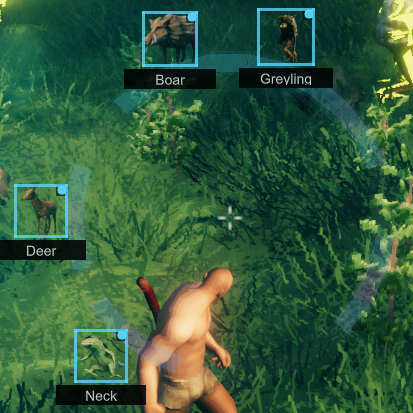 |
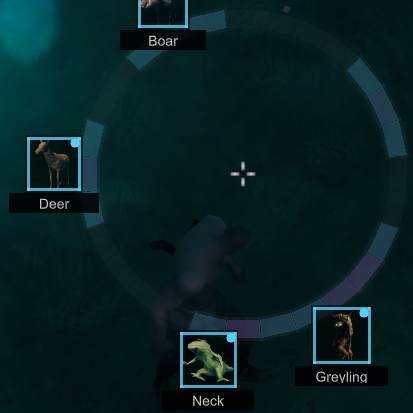 |
|---|---|---|---|
| Default Mode | Outline Mode | Border Mode | Outline + Border Mode |
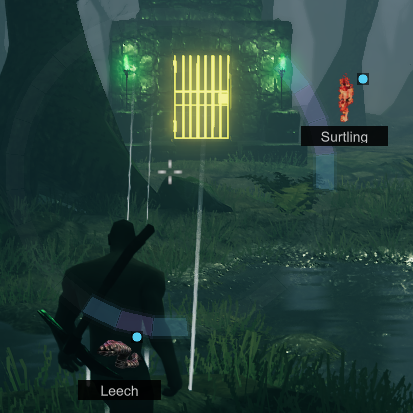 |
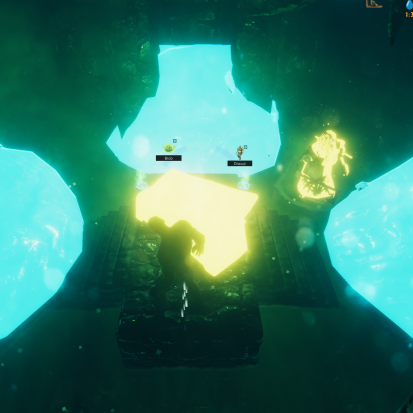 |
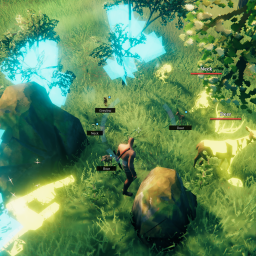 |
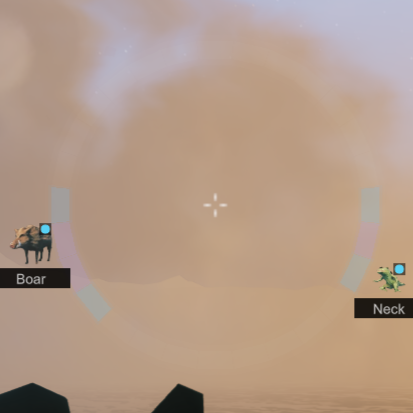 |
|---|---|---|---|
| Door Visibility Enhancement | Ore Detection | Multiple Simultaneous Highlights | Distance Affects Icon Size |
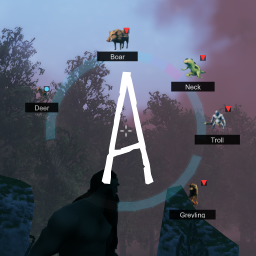
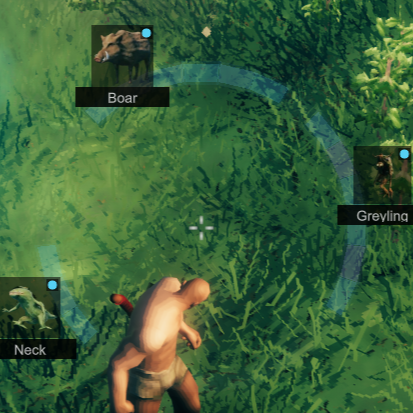
- Directional Threat Radar Ring
- Segment-Based Threat Weighting

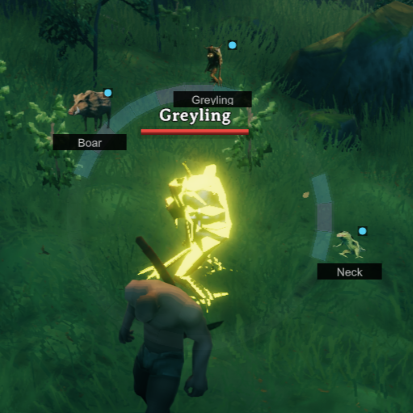
- Silhouette Creature Highlighting (Preset + Intensity)
- Bumper Proximity Indicators (Preset + Intensity)
- Optional Proximity-Based Screen Shake
- Audio Awareness Synchronization
- Fully configurable color presets and scaling
- Multiplayer-safe and dedicated-server compatible
Threat Radar Ring
Directional segmented awareness ring that detects nearby creatures.
- Configurable detection range
- Threat intensity scaling
- Segment-based directional feedback
- Audio-priority weighting
- Colorblind-friendly support
Silhouettes
Creature & Interactable highlight.
- Preset color dropdown (Custom, Magenta, Cyan, Yellow, Red)
- Independent RGB intensity multiplier
- Preserves configurable alpha transparency
- Live-updating color and intensity changes
Bumper Indicators
Highlights nearby items.
- Independent color preset dropdown
- Independent intensity multiplier
- Live-updating color changes
Light Aura
A light that follows you everywhere.
- Player-centric light
- Turn it on/off with an assignable hotkey
- Config it's intensity and range
Accessibility is highly configurable via BepInEx configuration.
- Radar detection radius
- Threat intensity scaling
- Silhouette color presets + intensity
- Bumper color presets + intensity
- Screen shake toggle + strength
- Light Aura + intensity + range
An in-game configuration manager is highly recommended.
This is a client-side mod.
It does not need to be installed on servers, but is safe if present server-side.
Installation:
Ensure you are running the latest version of BepInEx (linked above).Place the mod DLL into
BepInEx/Plugins/, including on dedicated servers if applicable.Mod managers will usually handle installation automatically and are recommended.
Spencer & Katie | Primary design inspiration, love y'all!
ASharpPen | Technical guidance and problem solving
Blind Pingu | Design inpsiration for low-vision add-ons
Ulvar Hraefr | Design inspiration for screen-shake


Thanks for using my mods and sharing the love of Valheim ❤️