

Valheim
You are viewing a potentially older version of this package. View Latest Version

WackysDatabase by Wackymole Version 1.1.0
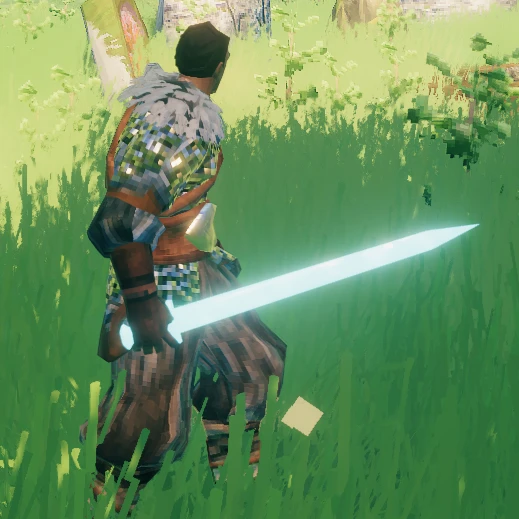
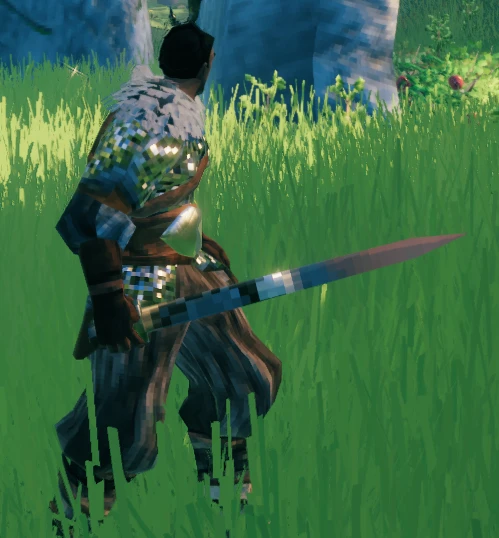
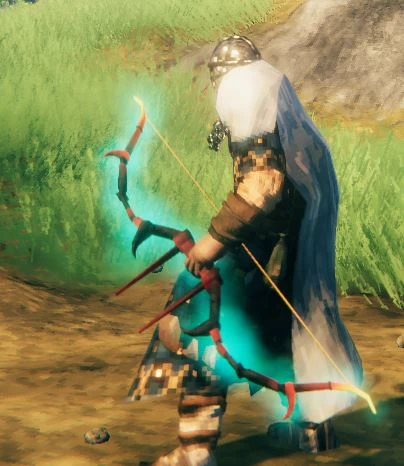
The short summary is OpenDatabase + ServerSync + Recipecustomization + Armor Customization + PieceLvlRequirements + some other small fields + item/piece/recipe cloning + material changing for cloned items/pieces + name changing for items/pieces(translating)
Download and extract the latest version of WackysDatabase into the BepInEx plugin folder (usually Valheim/BepInEx/plugins )
Now run Valheim and join a world. After that go to Valheim/BepInEx/plugins/. There should be a folder called wackysDatabase, inside of that folder are currently three folders /Items/ /Recipes/ and /Pieces/.
Put the mod on the Server to force Server Sync. The Jsons files only have to be on the Server. No need to share the Jsons.
For Multiplayer, the mod has been locked down to prevent easy cheating, but I recommend https://valheim.thunderstore.io/package/Azumatt/AzuAntiCheat/ and https://valheim.thunderstore.io/package/Smoothbrain/ServerCharacters/ as well.
The configs and their defaults are:
Force Server Config = true // forces server sync
Enable this mod = true
IsDebug = true // tells you what is being loaded/ other basic actions
StringisDebug = false // debugs your strings.. extra logs
IsAutoReload = false // auto reloads instead of wackydb_reload
wackydb_reload - Primary way to reload all the Json files in wackysDatabase folder
wackydb_dump (2) <item/recipe/piece> <ItemName> - dump individual preloaded object to log
wackydb_dump_all - writes a dump log file for all previously loaded info. May or may not work with clones. (doesn't work on multiplayer)
wackydb_save_recipe (1) <ItemName> - saves a Recipe Json in wackysDatabase Recipe Folder
wackydb_save_piece (1) <ItemName> - saves a Piece for easy editing in Json (piecehammer only works for clones)
wackydb_save_item (1) <ItemName> - saves a Item Json in wackysDatabase Item Folder
wackydb_help -- commands
wackydb_clone (3) <recipe/item/piece> <Prefab to clone> <Unique name for the clone> - clone an object and change it differently than a base game object.
There is a optional 4th argument<original item prefab to use for recipe>(Optional 4th argument for a cloned item's recipes only) For example you can already have item WackySword loaded in game, but now want a recipe. WackySword Uses SwordIron - wackydb_clone recipe WackySword RWackySword SwordIron - otherwise manually edit
wackydb_clone_recipeitem (2) <Prefab to clone> <clone name>(clones item and recipe at same time)( Recipe name will be Rname) - instead of cloning an item and then recipe, do both at once. Saves you the trouble of manually editing recipe name and prefab.
wackydb_vfx - future use
wackydb_material - saves a Materials.txt file in wackysDatabase for the different types of materials you can use for cloned items/pieces.
-Don't use the '@' symbol. I use it to break strings apart. It will break everything.
name: is GameObject name must be unique
m_name: is the in game name - can be used for translating
clone: whether an object is a clone or not - true/false
clonePrefabName: if it is a clone, the object needs to reference the original prefab.
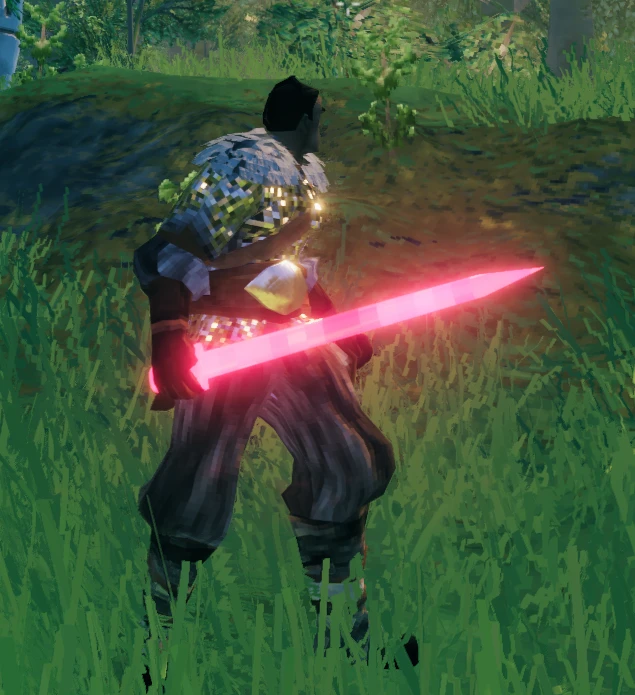
cloneMaterial: You can change the material(colorish) of a cloned object. Images on nexus https://www.nexusmods.com/valheim/mods/1825 of the various changes you can make. Use wackydb_material to view a list of materials. Probably up to a 1/3 don't work or make the object invisible.
m_damages: how much and what type of damage is inflicted.
m_damagesPerLevel: how much and what type of damage per upgraded lvl
m_armor: If object is equitable, like armor. Gives armor value to player
m_value: if value is >0. Then the object becomes salable at Trader. The Object Description gets a yellow Valuable notice. Just like base game you don't know what object you are selling to Trader.
damageModifiers: - From https://www.nexusmods.com/valheim/mods/1162 - Thx aedenthorn - I did not add the water damage.
Damage modifiers are a list of colon-separated pairs, e.g. for the Wolf Chest armor: - "damageModifiers":["Frost:Resistant"]
The first value is the damage type, the second value is the resistance level.
Valid damage types include:
Blunt Slash Pierce Chop Pickaxe Physical Fire Frost Lightning Elemental Poison Spirit
Valid resistence levels include:
Normal Resistant Weak Immune Ignore VeryResistant VeryWeak
m_blockPower: Very useful for shields m_blockPowerPerLevel:
m_timedBlockBonus is the Parry bonus
m_attackStamina set both Primary and Secondary attacks. Will expand upon in future.
The rest you can probably figure out.
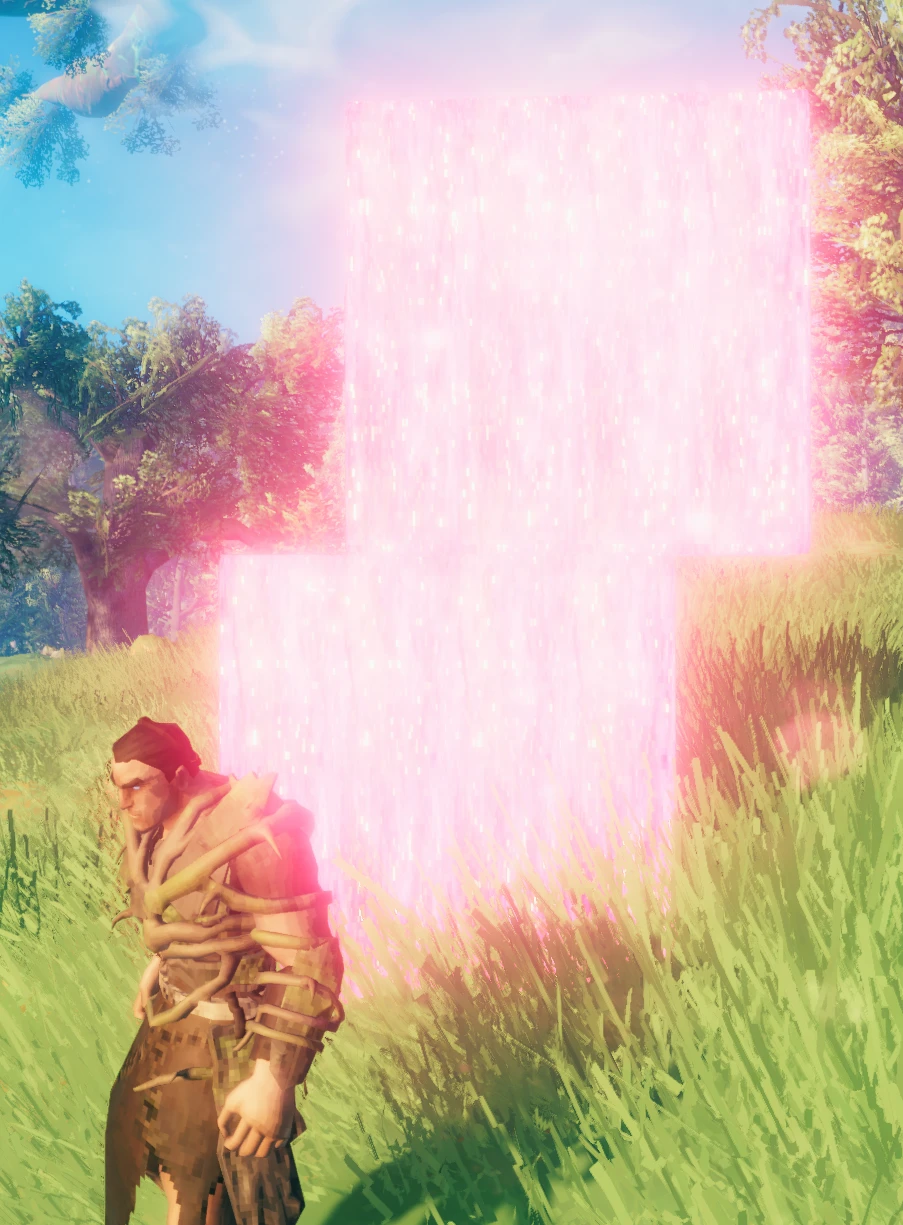
piecehammer: default is the Hammer or Hoe: it can't really check for modded Hammers. Change this to the modded hammer prefab manually.
adminonly: Makes certain pieces only for admins.
craftingStation: What craftingstation needs to be near you to build the piece. Default: $piece_workbench
minStationLevel: Checks what level craftingstation is needed before building piece.
reqs: requirements to build: Item:amount:amountPerLevel:refundable,
cloneMaterial: You can change the material(colorish) of a cloned object. Images on nexus https://www.nexusmods.com/valheim/mods/1825 of the various changes you can make. Use wackydb_material to view a list of materials. Probably up to a 1/3 don't work or make the object invisible.
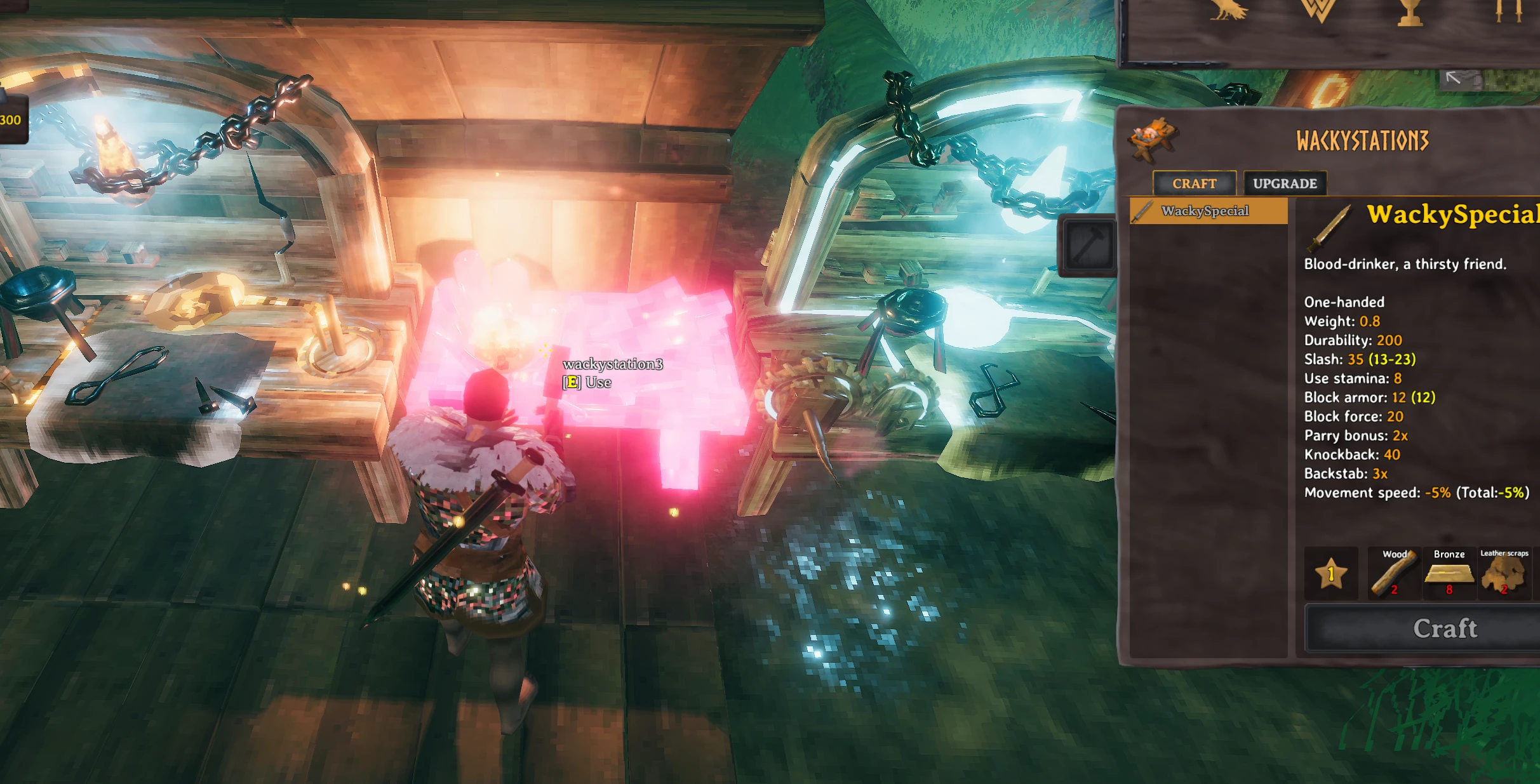 Recipes NEED to have a unique name.
If cloning a recipe of a cloned item, clonePrefabName needs to be cloned item prefab.
Recipe searches for prefab to put recipe next to it.
Arrows x50 will be put above Arrow x20
reqs: requirements to build: Item:amount:amountPerLevel:refundable,
    Version 1.10
        All About Pieces with this Update!
        Adds ability to clone an existing CraftingStation piece and make it a new CraftingStation
            - The CraftingStation name is "name", add recipes to it with this name.
        Fixed other mods custom pieces. You should be able access and even clone other mods pieces now.
        Added piecehammerCategory so you can change the category where piece appears on the hammer.
            - Mods might use numbers instead of words though.
        Added m_knockback Added m_backstabbonus Made m_attackStamina set both Primary and Secondary attacks.
    Version 1.05
        Mod Release
This mod should load last. It needs to so it can touch all other mods.
You can make changes to that OP bow and make it more realistic on damage or build requirements. Or even set a build piece to adminonly.
clone the Item and change the material to make it a more appealing color.
Submit pull requests to https://github.com/Wacky-Mole/WackysDatabase . The primary purpose of this mod is to edit objects though, not to create clones/mocks.
(Note!: If you want json files to have default values, close the game and delete the wackysDatabase folder).
Planned features
Credits: A Lot of the credit goes to aedenthorn and all of his Many Mods! https://github.com/aedenthorn/ValheimMods Thank you AzumattDev for the template. It is very good https://github.com/AzumattDev/ItemManagerModTemplate Thanks to the Odin Discord server, for being active and good for the valheim community. Do whatever you want with this mod. // except sale it as per Aedenthorn Permissions https://www.nexusmods.com/valheim/mods/1245 Taking from Azu OpenDatabase code and the orginal now. https://www.nexusmods.com/valheim/mods/319?tab=description CustomArmor code from https://github.com/aedenthorn/ValheimMods/blob/master/CustomArmorStats/BepInExPlugin.cs Thank you to Azumatt and Aedenthorn and the JVL team.