
Vigil
You are viewing a potentially older version of this package. View Latest Version


A lightweight mod manager for Thunderstore, built with SvelteKit and Tauri.
Coming soon
Through Thunderstore
Gale_X.X.X_x64_en-US.msi file inside of the unzipped folder.Through Github
Gale_X.X.X_x64_en-US.msi file for your desired version (the latest is recommended).[!NOTE] You might get a prompt saying "Windows has protected your PC". In this case, click
More InfoandRun Anyway.
[!TIP] If you're unsure about the safety of this app, I would suggest running it through a service like VirusTotal. It's also worth noting that this project is fully open-source, which means any developer could look at the code and easily spot any malware.
TBD
TBD
Firstly, make sure you have done all of the Tauri prerequisites.
Additionally, make sure you have git and the tauri CLI installed (or install it with cargo install tauri-cli).
After you have cloned the repository, run the following to start a dev server:
npm install
cargo tauri dev
To build Gale, run:
cargo tauri build
After a while, it will output both an .msi and an .exe installer in the src-tauri/target/release/bundle folder.
[!NOTE] If you want to modify/distribute the app, keep in mind the license.
Install the required tools and build chain
[!NOTE] The examples use a Debian flavor package manager. Use your system specific package manager such as Yum or Pacman instead.
To build Gale on Linux you will likely require the following packages:
Rust Dependencies
sudo apt update
sudo apt install libwebkit2gtk-4.0-dev \
    build-essential \
    curl \
    wget \
    file \
    libssl-dev \
    libgtk-3-dev \
    libayatana-appindicator3-dev \
    librsvg2-dev
Cargo/Rust
sudo apt install cargo
NVM
If your system does not have the latest node available you can install nvm by following the instructions here.
You can install a version of node that will work with Gale by using:
nvm install 20
Then you set the node version for your current terminal by using this command:
nvm use 20
You will need to set your node version before using any NPM commands later in this guide.
Install the Tauri CLI
cargo install tauri-cli
This will take a while, especially if you've never compiled anything with Rust before.
Start the dev server
nvm use 20
npm install
cargo tauri dev
Build Gale
cargo tauri build
After a while, this it will output both an executable and an installable package (a .deb for debian-based systems) in the src-tauri/target/release/bundle directory.
[!NOTE] If you want to modify/distribute the app, keep in mind the license.
Mod list
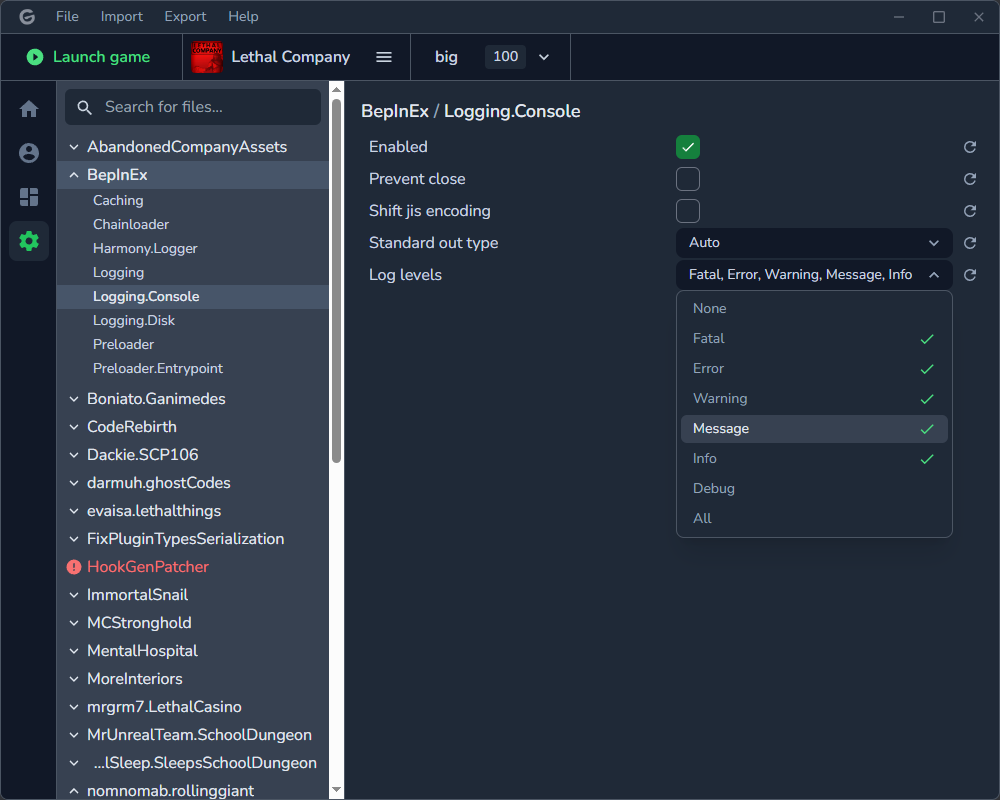
Profile
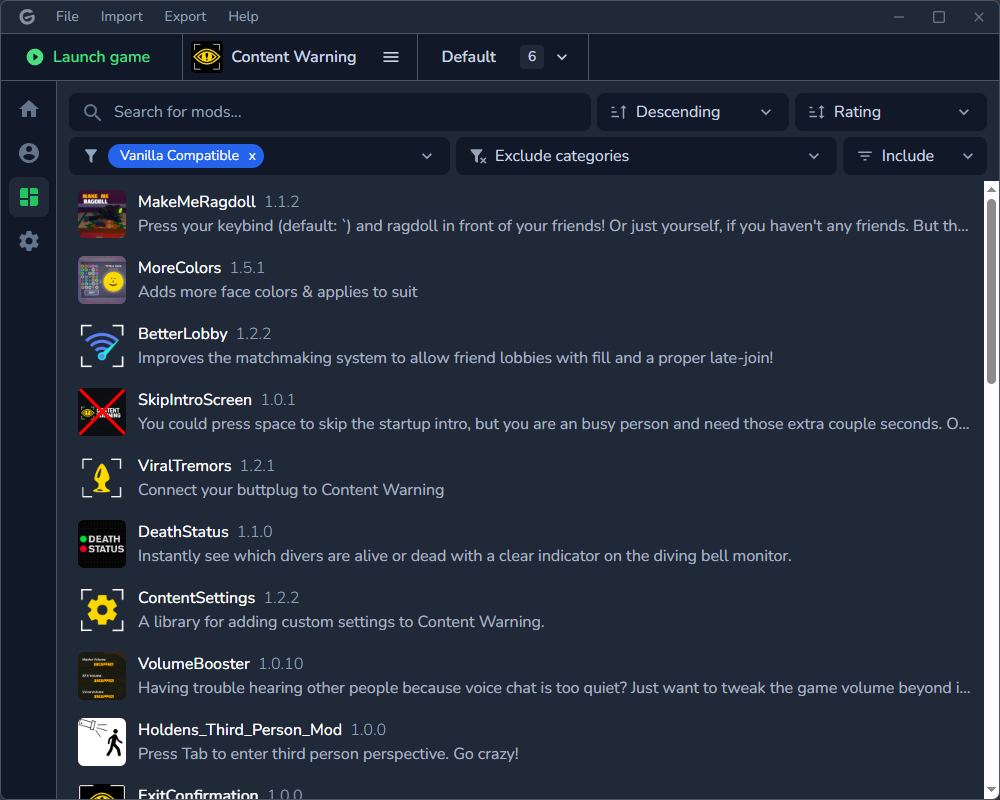
Config editor
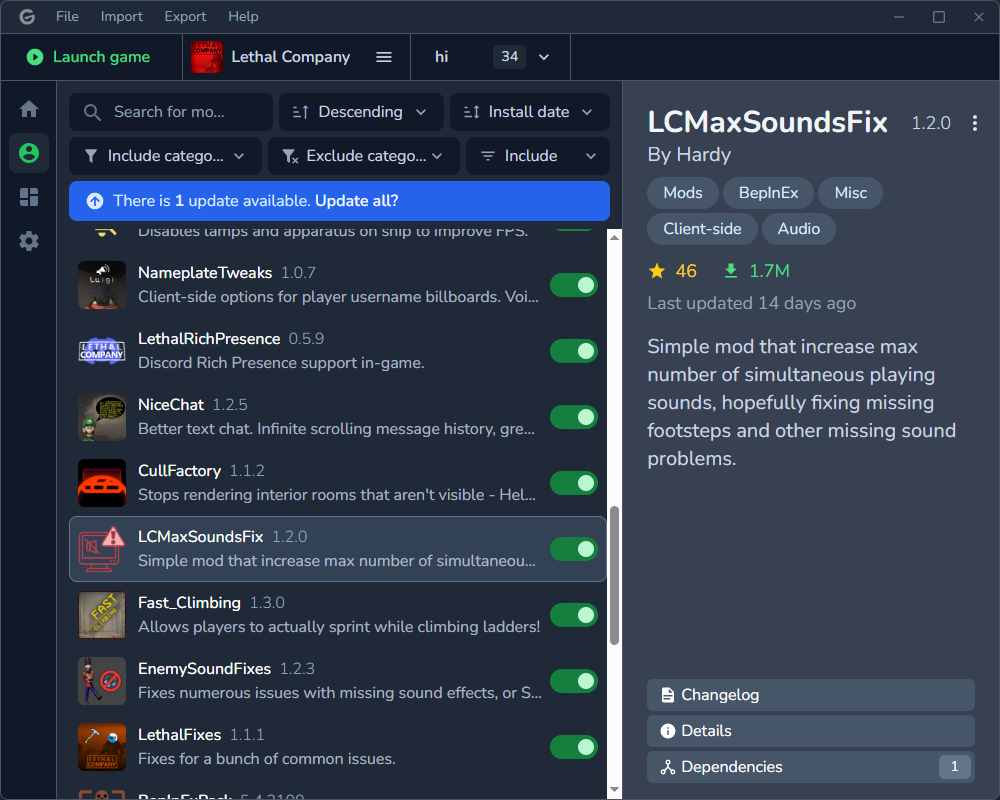
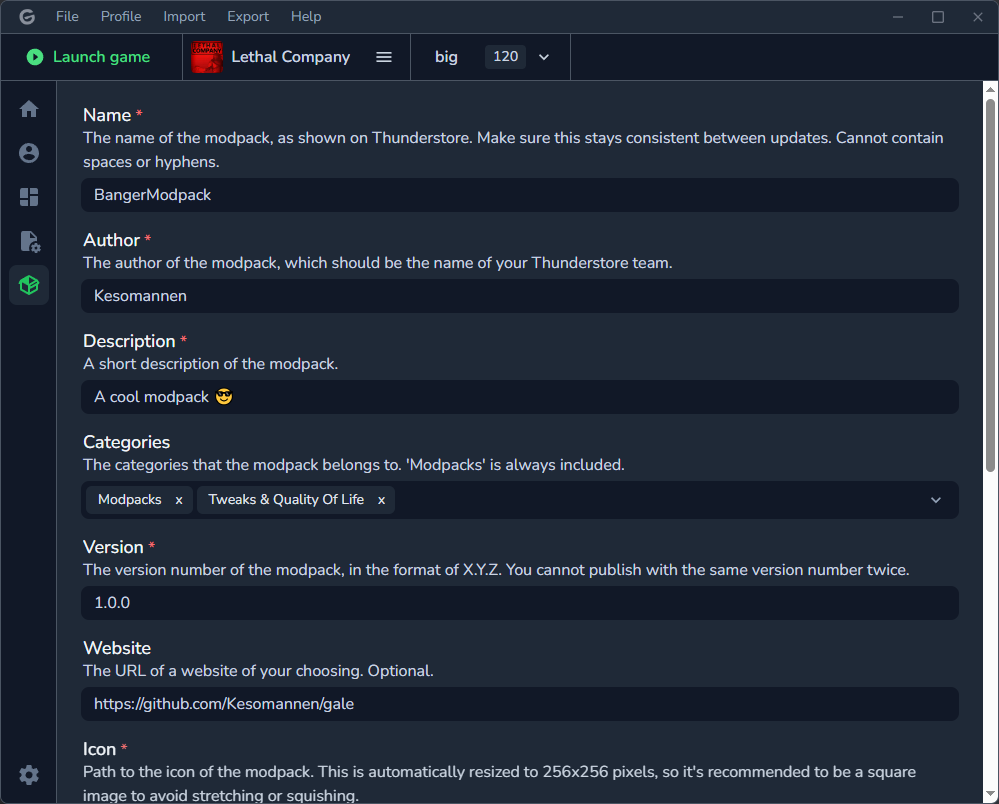
Modpack export
Material icons licensed under Apache 2.0.
Thanks to Ebkr for helping to navigate the thunderstore API and BepInEx, and of course making the original mod manager!