Cozy Cassettes
Adds easy to make, user created, cassette style playlists to WEBFISHING!
When updating please backup your "Cassettes" folder as some mod-loaders will delete it!
Cassette Playlists
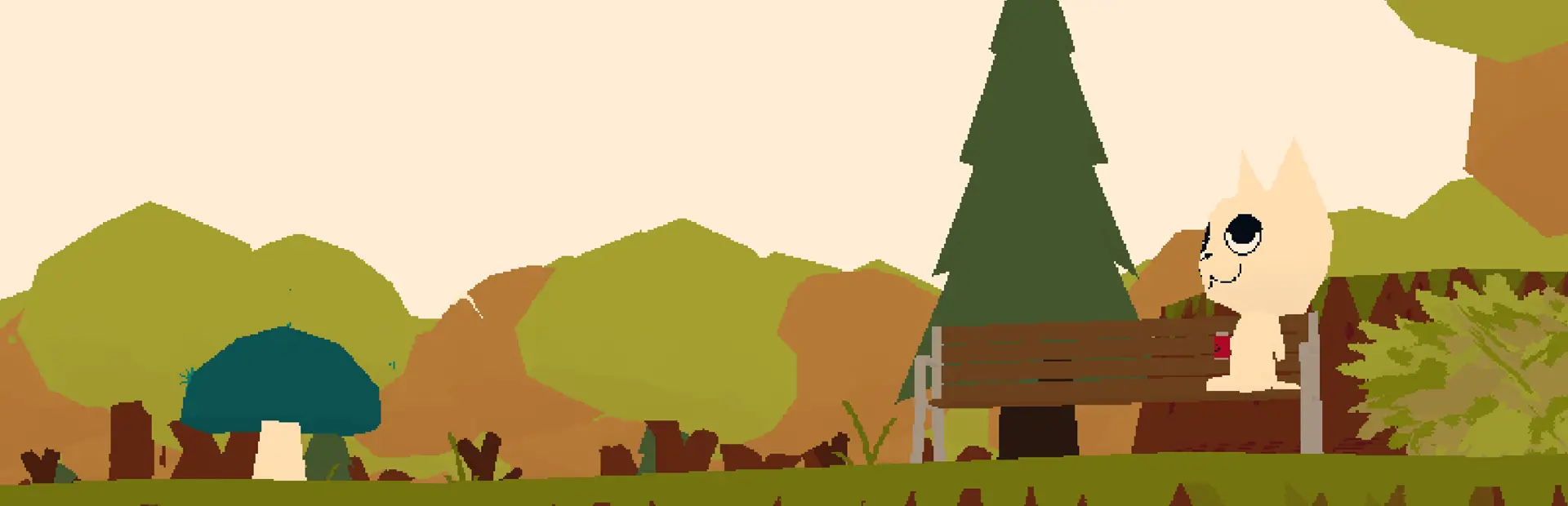
The vanilla boombox is pretty lame, but with Cozy Cassettes you can create your own playlists to be played, in the form of old analog style cassettes!

 WIP GUI
Features
- Infinite custom playlists, generated in-game as cassette tapes!
- Support for .mp3 and .ogg files!
- Realistic cassette player controls!
- Client side or server side if you send others your created cassette playlists!
- Cassette tape skins/colors!
- Cool SFX!
- Digital cassettes with more modern day features like instant song skipping, current song labels, etc! [COMING SOON]
- YouTube support? (PotatoRadio already does that well, might look into if requested though)! [COMING MAYBE?]
Creating Cassette Tapes
- Navigate to the "Cassettes" folder located in the Moose1002.CozyCassettes folder in your WEBFISHING mod folder. (If the folder doesn't exist simply run the game once to create it).
- Create a folder in your "Cassettes" folder, and name it whatever you'd like. (AVOID SYMBOLS! Spaces are fine! This is needed to give your cassette an ID!)
- Put .mp3's and/or .ogg's in your new playlist folder.
- Launch the game! Cozy Cassettes will then register your cassette to the game and add it to your inventory when you join.
- [Optional] Cozy Cassettes works just fine on the client, but if you want to listen with your friends, send them the folder you created in step 2 for them to add to their "Cassettes" folder.


Customizing Cassette Tapes
After launching the game at least once after you've made a new folder for a cassette, a tape.json file will be created allowing you to further customize your tapes!
- name: Whatever you'd like the tape to be displayed as to others, and in the cassette player. This can be named whatever, symbols are fine here! This will default to the folder name on creation.
- design: The design you'd like your cassette to have. See "Design Values" for values to put here.
- type: [CURRENTLY WIP] Changes between an analog and a digital cassette.
Design Values
Put one of these in your tape.json! Otherwise it defaults to red!
In order as shown:
- Colored: "red", "yellow", "black", "pink", "green"
- Solid Colored: "solid_red", "solid_yellow", "solid_white", "solid_pink"
- Brand: "max1", "max2"
- Special: "digital", "og", "pride", "weezer"

Save Game Note
I have not had any issues with my save games in my testing, but to be safe, when adding/removing cassettes, make a backup!
I'm not responsible! I made a disclaimer!
If you have any questions/suggestions/problems/etc please reach out to me!
Also feel free to send me your mixtapes! I'd love to hear what ya'll make!