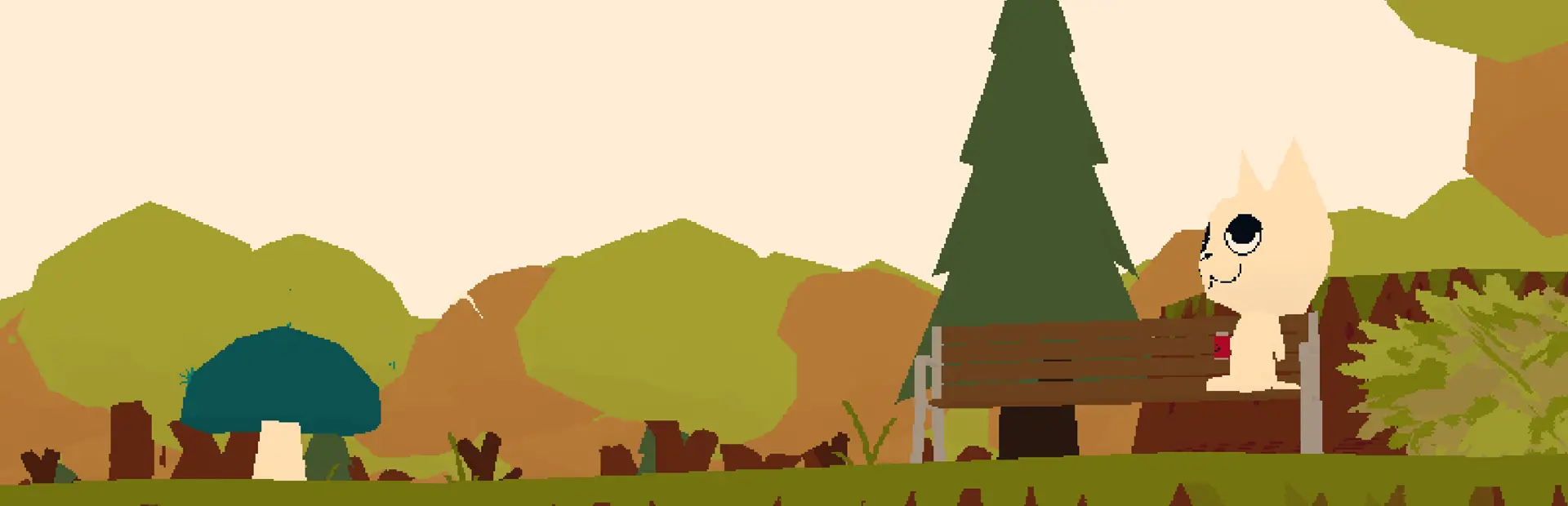
Now Includes a Working Script!
Setup if not using R2ModMan
- Extract the files.
- Place ONLY the "PurplePuppy-Stamps" folder in the game's mods folder.
In-Game Instructions
Key Bindings
-
MINUS Key (-)
Opens the Image Pawcessing GUI, which includes a save menu.
Once an image finishes processing, it becomes available for in-game use.
-
EQUALS Key (=)
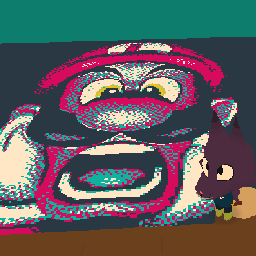
- Spawns an image at the cursor position.
- Plays a GIF if one has been placed down.
-
SHIFT + EQUALS Keys (Shift + =)
- Spawns an image where the player is.
- Toggles GIF playback speed if a GIF has been placed down.
-
CTRL + EQUALS Keys (Ctrl + =)
Spawns an image to viewing at the dock.
-
BACKSPACE Key
Works as Ctrl+Z, undoing the last placed images in order.
General Information
- Patience is key: The GUI might take a moment to launch, but it can remain open :3
- You can paste images directly into the GUI.
- Images are automatically adjusted to be upright relative to the player camera.
- In-game canvases can display a single 200x200 image. For optimal results, keep images at or below this size.
- Off-canvas: Only one image can be placed at a time.
- Be mindful of performance and lag, especially when playing GIFs. People play on potatoes.
Beta Notice
This project is currently in BETA, so expect some BUGS. Feedback is appreciated!