
WEBFISHING
You are viewing a potentially older version of this package. View Latest Version
A stamp and art saving mod for for WEBFISHING using GDWeave
%appdata%/local/webfishing_stamps_modborderless fix modKeybinds are fully customizable using the game's built in controls settings, courtesy BlueberryWolfiAPIs
F4 Key
PLUS Key (+)
SHIFT is held.CTRL is held.1, 2, 3, or 4, respectively.Minus Key (-)
BACKSPACE Key
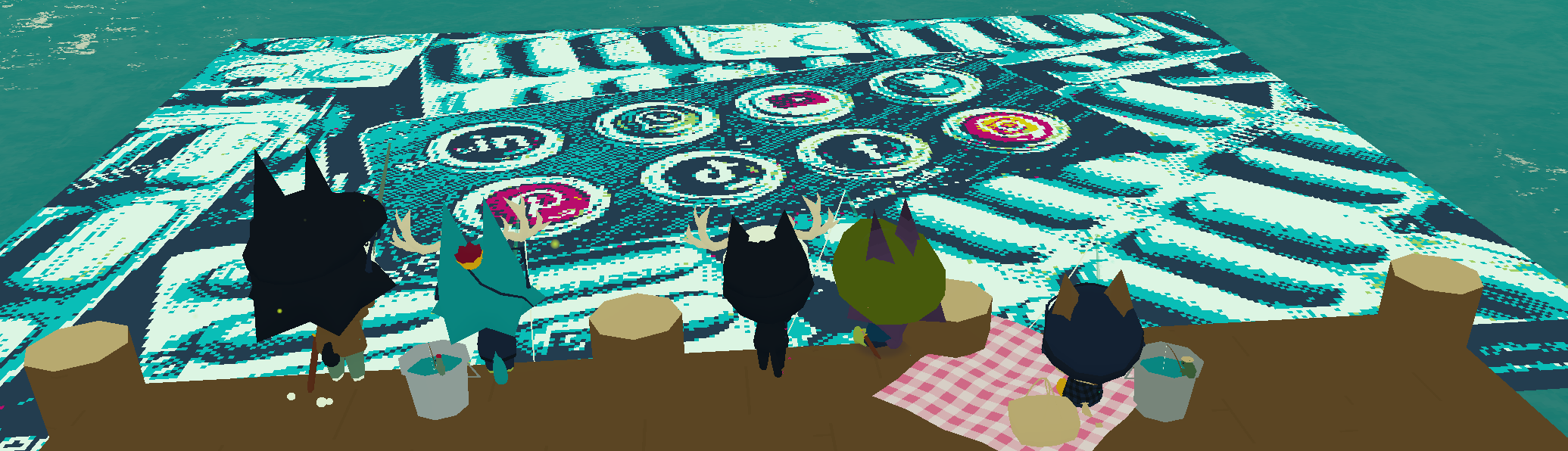
Here’s a quick guide to the different image processing methods and when to use them:
Color Match: Simple and reliable, maps each pixel to the closest chalk color. Great for clean, predictable results. If you're unsure where to start, pick this.
K-Means Mapping: Groups similar colors into clusters. Perfect for reducing noise and simplifying complex images. Adjust the clusters to control how stylized the result looks.
Hybrid Dither: Dynamically switches between Atkinson and Floyd-Steinberg dithering based on texture. Use this for images with a mix of smooth and detailed areas.
Pattern Dither: Uses a repeating 8x8 Bayer matrix for a retro, pixel-art effect. Best for artsy look or... nostalgia?
Atkinson Dither: Lightweight dithering. Great for small images! It was used on early Mac computers for monochrome displays.
Stucki Dither: Smooths gradients with wide error diffusion. Ideal for larger images where you want less noise and softer transitions.
Floyd Dither: A classic dithering method that balances smooth gradients and simplicity. Best for medium to large images.
Jarvis Dither: Similar to Stucki but diffuses errors over an even larger area. Great for very detailed or gradient-heavy images.
Sierra Dither: A faster, simplified alternative to Jarvis. Good for medium images.
Random Dither: Introduces noise for a chaotic, natural texture. Great for breaking up banding or adding a hand-drawn feel.
If you're looking for consistency, use Color Match. For more artistic results, experiment with the dithering methods to find what works best!
Choose what chalk colors to use by enabling or disabling them.
LAB is a color space that better reflects how humans perceive color, improving the accuracy of color matching compared to RGB.
Basically, if you aren't happy with a result, try turning it off! It's on by default but not always better~
Sometimes disabling green chalk will make LAB results look better :3
If you wish to know the location of a specific canvas, please refer to the below map.

Ensure to not accidentally download from Code
PurplePuppy-Stamps and be careful to not rename it.BlueberryWolfi.APIsWEBFISHING/GDWeave/Mods/