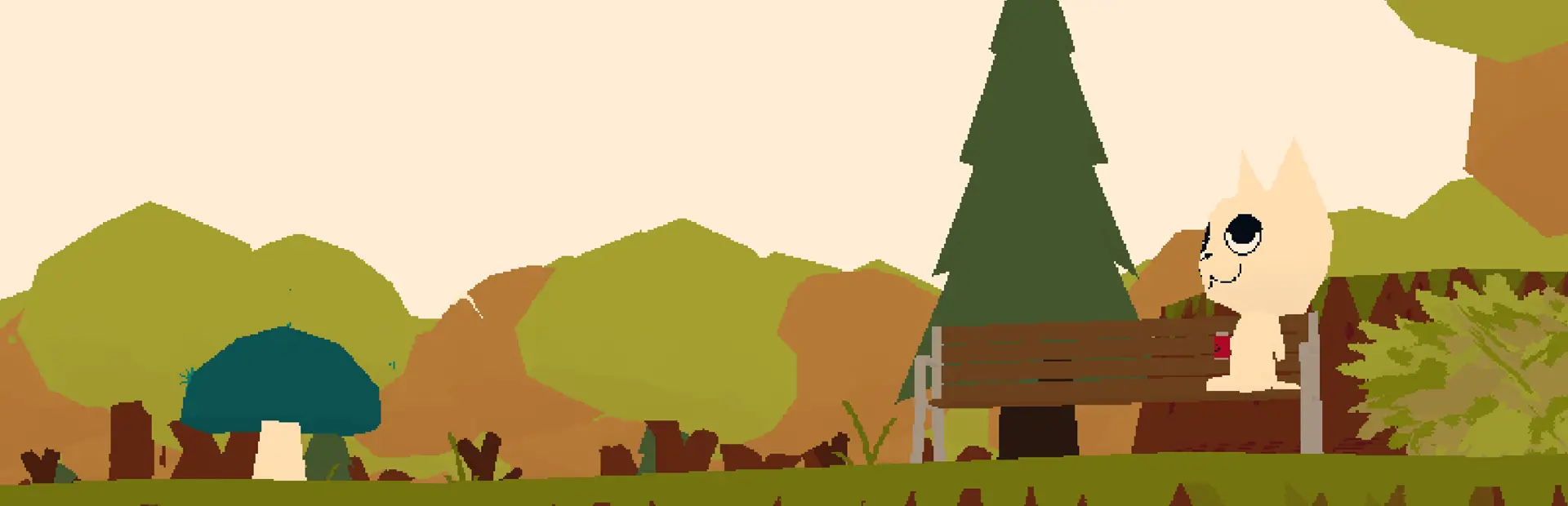
BetterFireplace
Description
This mod improves the ambiance around campfire areas by enhancing the campfire sound.
Installation Instructions
Install with r2modman
- Open r2modman and select WEBFISHING as your game.
- Click Online, search for "Better Fireplace", and click Download.
- Manual Installation (Optional)
- Place the extracted
bytefrags.BetterFireplace folder inside the Mods directory of your WEBFISHING game folder (created by GDWeave).
HOW DO I GET THE LIGHT EFFECT?!
- Day/Night: Ensure Day/Night is installed. Day/Night was not made by me.
Dependencies
- GDWeave: Ensure GDWeave is installed to enable mod support for WEBFISHING.
Compatibility
- Compatible with the latest version of WEBFISHING.
Troubleshooting
- Low Volume: Adjust your game sound settings or move closer to the campfire in-game.wn preview placeholder
Mod made by bytefrags.