Atlyss Emote Wheel
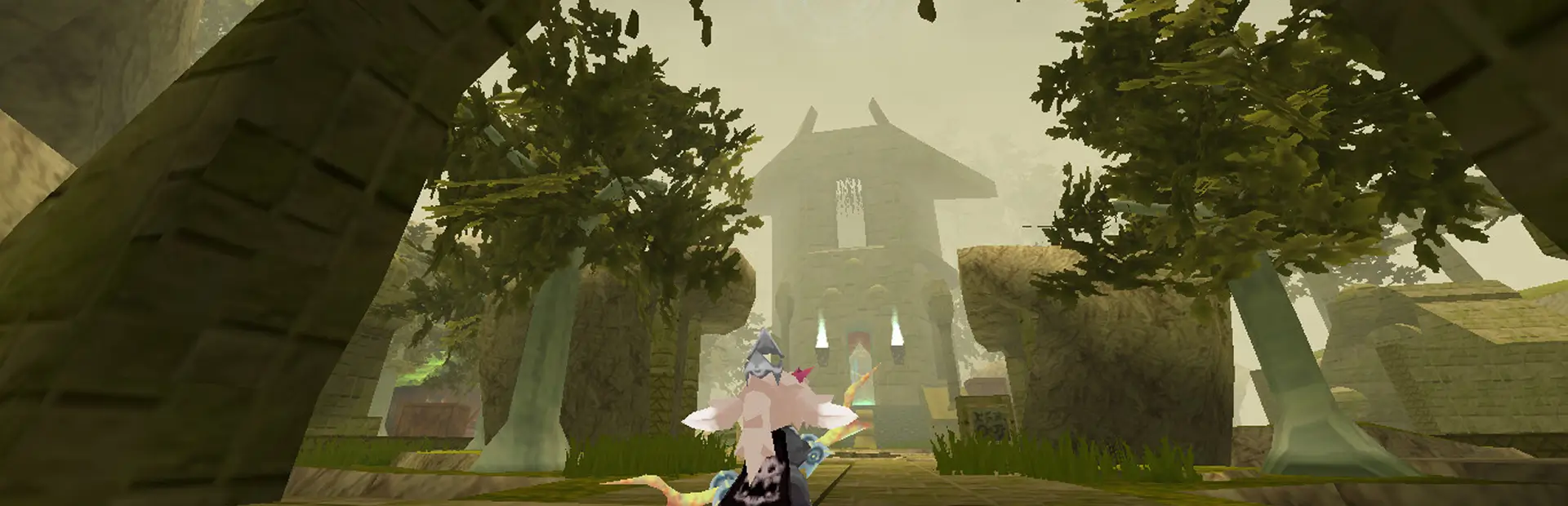
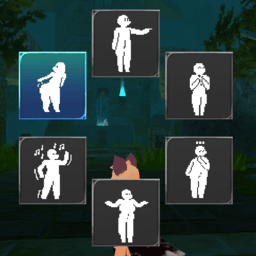
A mod that adds an emote wheel to Atlyss. Also adds custom emotes.
Source code is at: https://github.com/Snivyxxy/AtlyssEmoteWheel/tree/main
Install Instructions:
Put the AtlyssEmotes folder into the Bepinex Plugins folder.
Use the settings menu to set your emotes.
Making and Adding Custom Emotes:
Custom emote packs can be dragged and dropped in any folder named "EmotePackages" under ATLYSS/Bepinex/plugins.
To Create an emote:
- Decompile a copy of the game through AssetRipper. Doesn't need to be in a playable state, but new scripts should be usable, so maybe fix some bugs.
1a. Alternatively, pull a player model out of your decompiled copy of the game and shove it into a new project.
- Drop the AtlyssEmotes dll into your Unity project, along with the game's Assembly-CSharp.dll and all dlls that don't start with Unity/UnityEngine, or install their respective libraries.
- Also drop in all the files from BepinEx's core folder. Make sure, under the create menu, ScriptableObjects/Custom appears on the top
- Install AssetBundle Browser using this git link: https://github.com/Unity-Technologies/AssetBundles-Browser.git
- Make your emotes, using a player model from the base game, with the Animator on the master bone. Each emote bundle must include a EmotePackage data object named "_Package". This can be created through the right click create menu, under ScriptableObjects/Custom/EmotePackage
- To make an emote, create a scriptable emote through the right click menu, under ScriptableObjects/Custom/Emote. Adjust various details about the emote's crossfade between the intro and loop animation clips.
- To create the bundle file, open the AssetBundle Browser window through the Windows tab on the top of your project window, mark the emotes and package as in one asset bundle, and build through the AssetBundle Browser window.
- To use it, put the file in any folder named "EmotePackages" (case sensitive) in Bepinex's Plugins folder.
Additional Details:
- Emotes can be Loop Only, Loop with Intro, or Non Looping, depending on which animation clips are set. NonLooping animations don't have a good fade out system and I can't find a good solution to it.
- If the Is Vanilla bool is set, the emote will play the base emote state in the player's animator using the Emote ID field. Emote ID is not used for anything else.
- Unique icons and icon backgrounds can be set to give your emote pack its own distinct visual identity. Don't leave these blank.
- For scripts already on the player's animator gameObject in the base game, animation events should work.
If the mod breaks, contact me on discord (@snivyxxy)
Todo
- Add Chat Functionality to Custom Emotes
- Add controller support