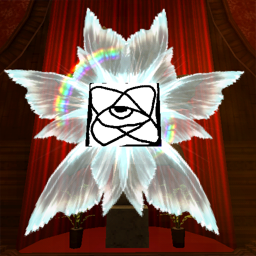
There is a "textures" folder in the mod folder. The mod will select a random image from this folder every time a providence is spawned.
If you're using r2modman, go to settings, then "Browse profile folder". Once you're in the profile folder, go into "BepInEx" then "plugins", then look for the mod folder. Inside there should be a "CustomProvidence" folder. The "textures" folder should be inside that one.
If, for some reason, there is no "textures" folder, you can create one yourself in the same folder as CustomProvidence.dll.
Manual Installation
Install BepInEx
Download this mod by pressing "Manual Download"
Inside there should be a plugins folder. And inside that one there should be a CustomProvidence folder
Drag the CustomProvidence folder to BepInEx/plugins