Support Me!


If you enjoy this mod and want to support its continued development.
Every bit of support helps keep the portals running smoothly!
Rare Magic Portal Plus (RMPP) is a feature-rich mod designed to overhaul how portals function in Valheim. It adds depth, challenge, and immersion to an otherwise straightforward teleportation mechanic. Whether you want to create a thriving portal economy, encourage multiplayer cooperation, enforce item restrictions, or simply customize your portals with vibrant colors, this mod is for you.
Portals become strategic tools for server admins rather than limitless shortcuts. With customizable Crystals, Keys, and Magical Portal Fluid, servers can implement scarcity to foster teamwork, competition, and a thriving in-game economy. From biome-themed portal colors to VIP player restrictions, this mod offers a broad array of options to make portals as unique and dynamic as your world.
If you're tired of the default portal mechanics and want more flexibility and control, Rare Magic Portal Plus is the solution!
This is a complex mod targeting multiplayer servers, so by default most of the settings are disabled.
By default all the portals can be built by players, add SwordCheat (non recoverable) if you want to restrict, and Biome Colors mode is enabled.
The idea behind Rare Magic Portal Plus (RMP) was straightforward: portals felt too overpowered, and I wanted to introduce mechanics that balanced their convenience with meaningful strategy. At the same time, I understood how crucial portals are for navigating dungeons and exploring the world. When Target Portal was released, I saw an opportunity to support its functionality while expanding on my vision.
For large servers, the demand for more portal prefab options was clear, and I realized this mod could potentially become a valuable contribution to the community. After dedicating over two years of work conceptualizing, refining, and developing RMP, it has become the feature-rich mod it is today.
Though the mod is completely free for several reasons, your contributions are always appreciated. If you like to support my efforts, your generosity helps keep the magic flowing and inspires me to continue enhancing the Valheim experience.
The default behavior of portals in Valheim. Players can teleport between linked portals without additional restrictions or special effects.
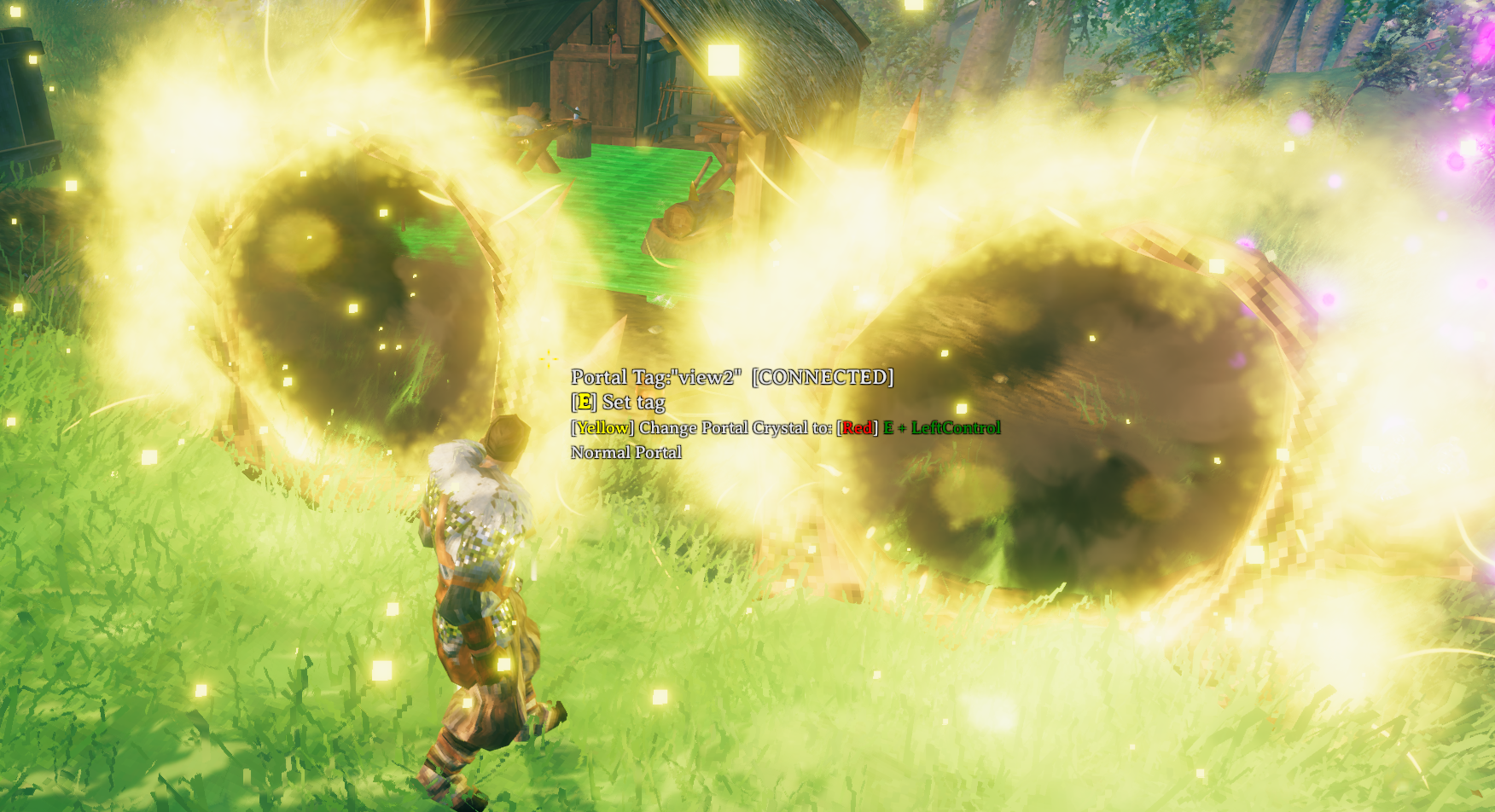
Most Portal modes can be combined with Portal Crystals, Keys, for even more control and strategy:
3.1.0 Added the ability to go through SEA based portals with your ship and buddies.
It is awesome, but has some limitations.
No pets or carts will be teleported.
Can be used in most modes, but I only tested Normal and Target Portal Modes.
Relative position saving only has as about a 50% chance of working.
If it restores a player to sitting at the rudder you need to sit up and sit back down to regain control or rudder.
Admin only placement. I might allow it to be set in world generation in the future, but I am still thinking about it.
Instance owner of area controls the ship transportation. Only when they cross the threshold does the ship transport with the other players on the ship.
Supports Crossplay teleportation.
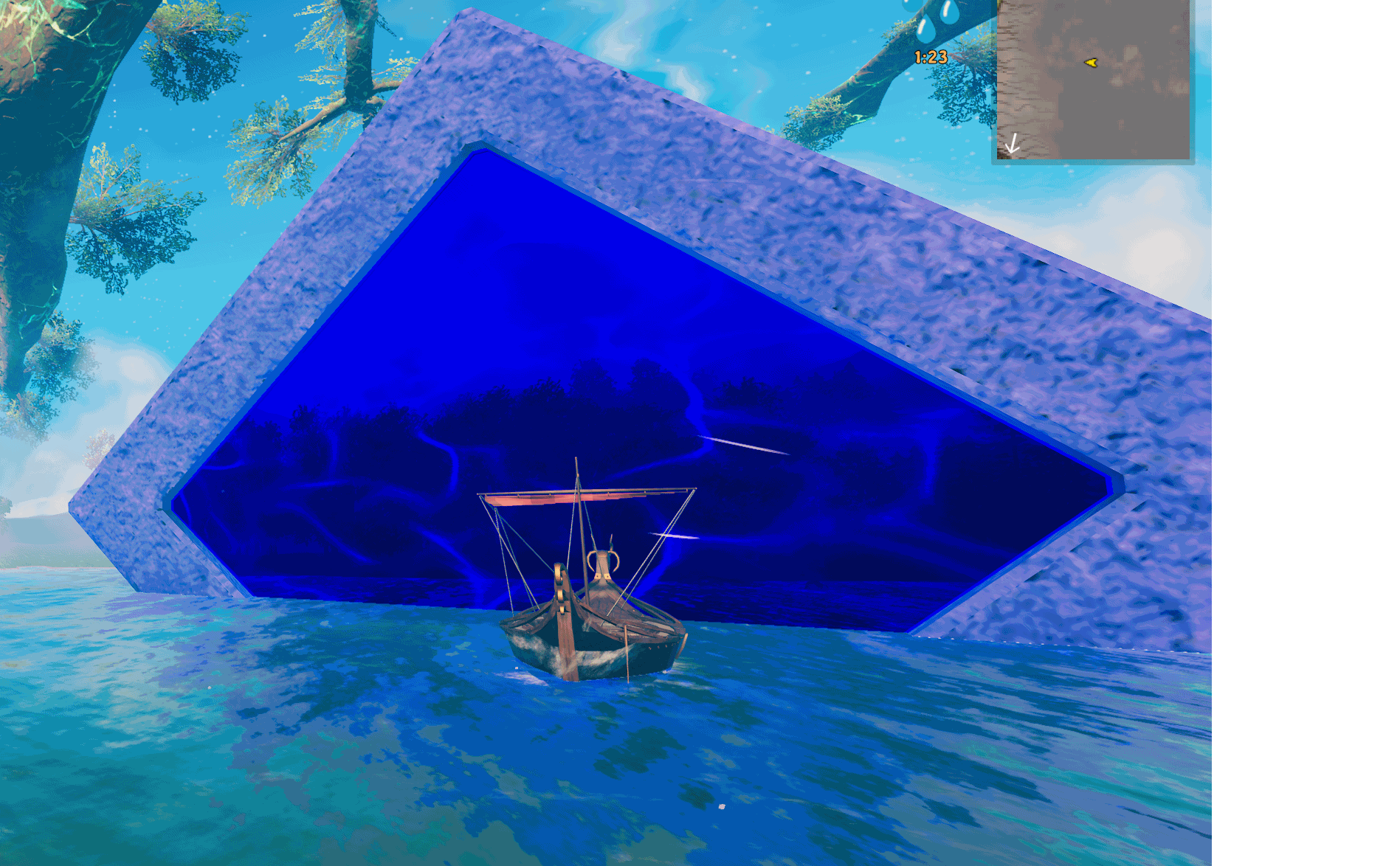
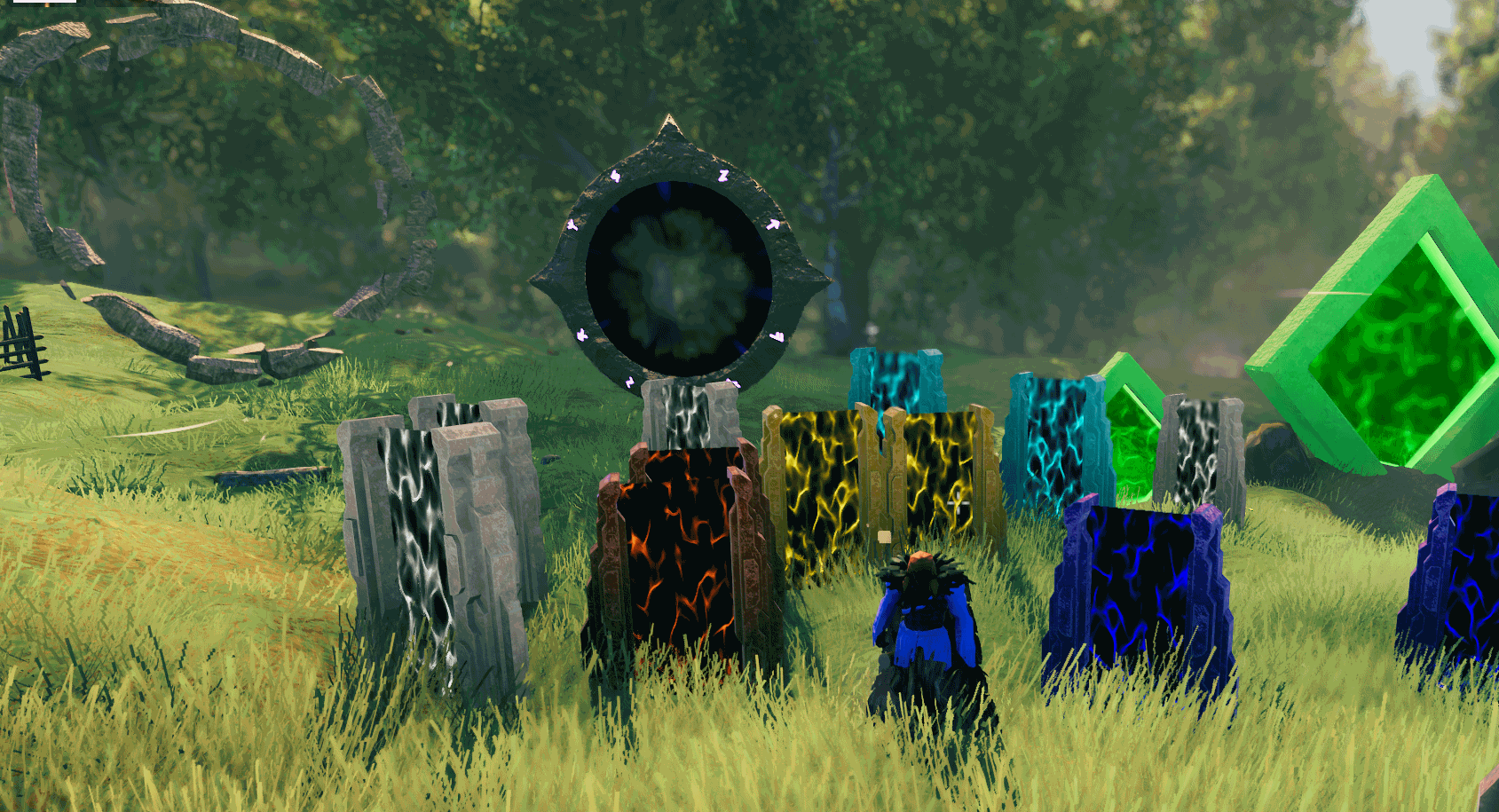
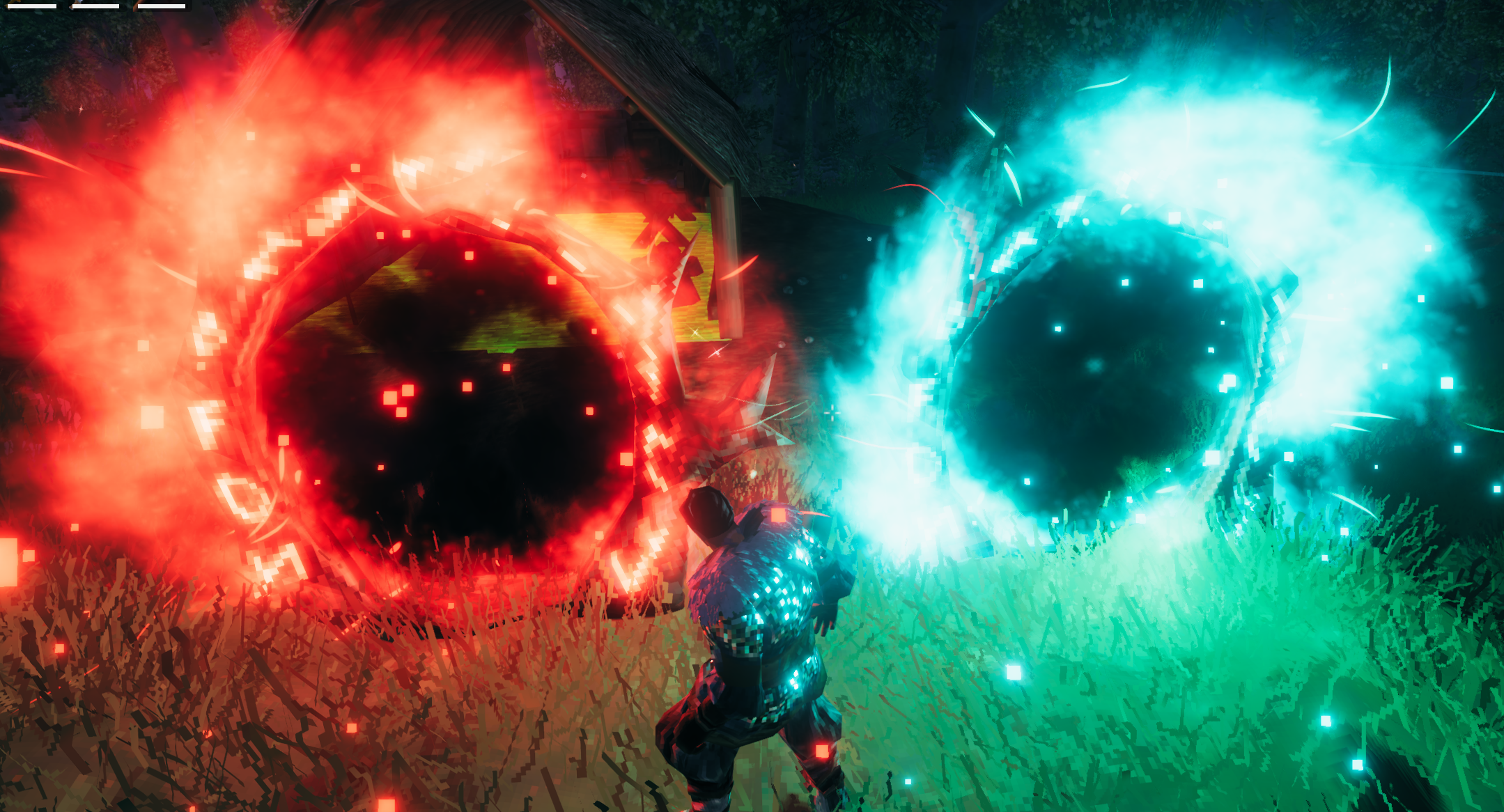
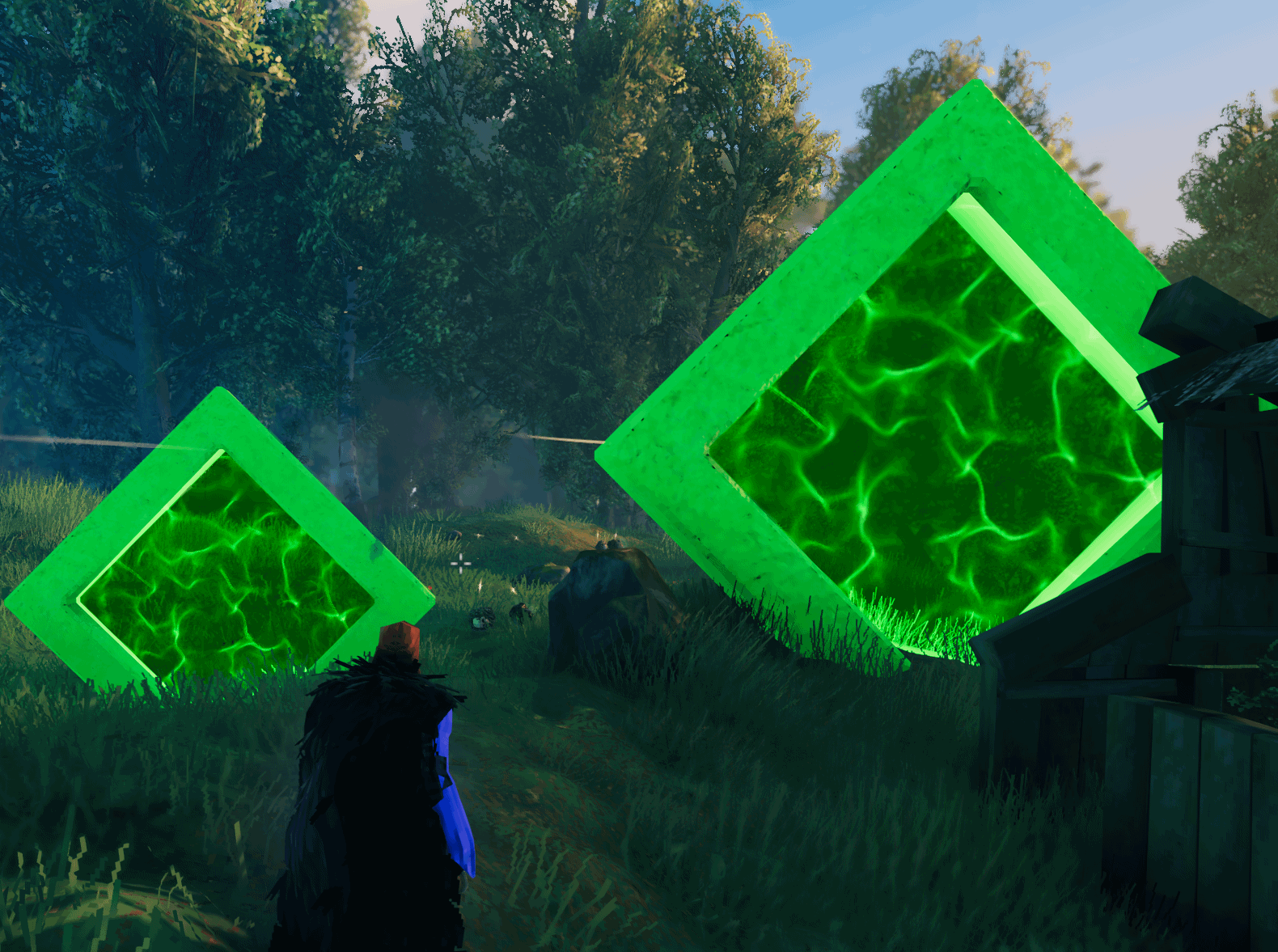
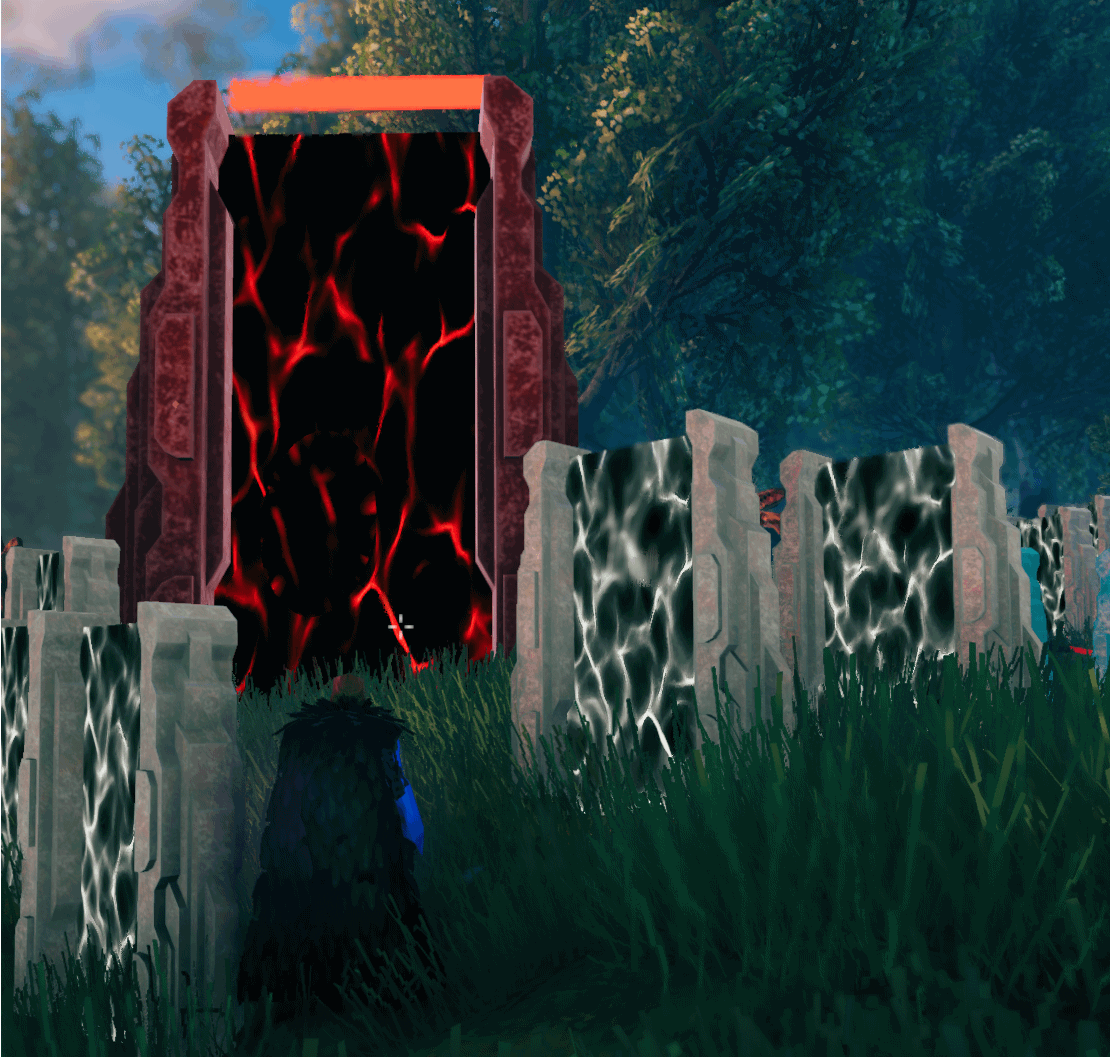
Portals don't have to be dull anymore! Customize portals with vibrant colors to match biomes, themes, or server events.
These can all be changed or manually changed
This system adds a layer of strategy and progression to portal use.
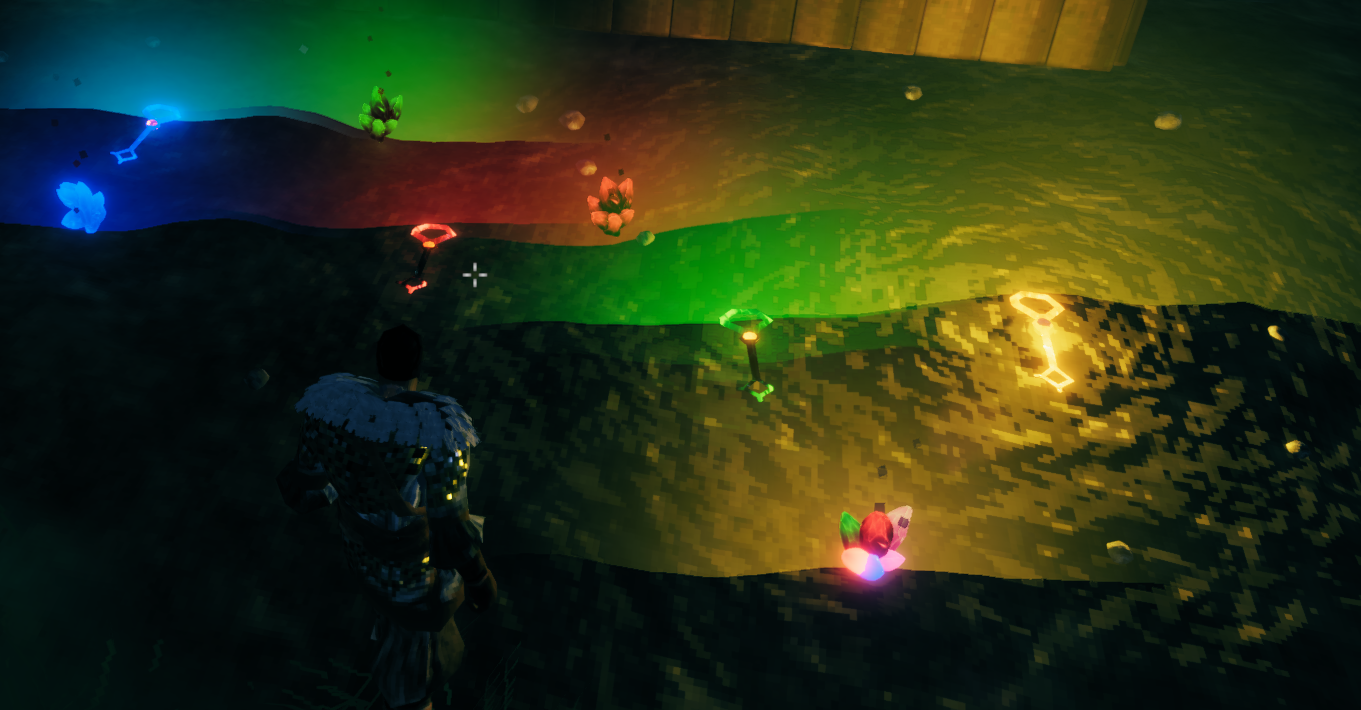
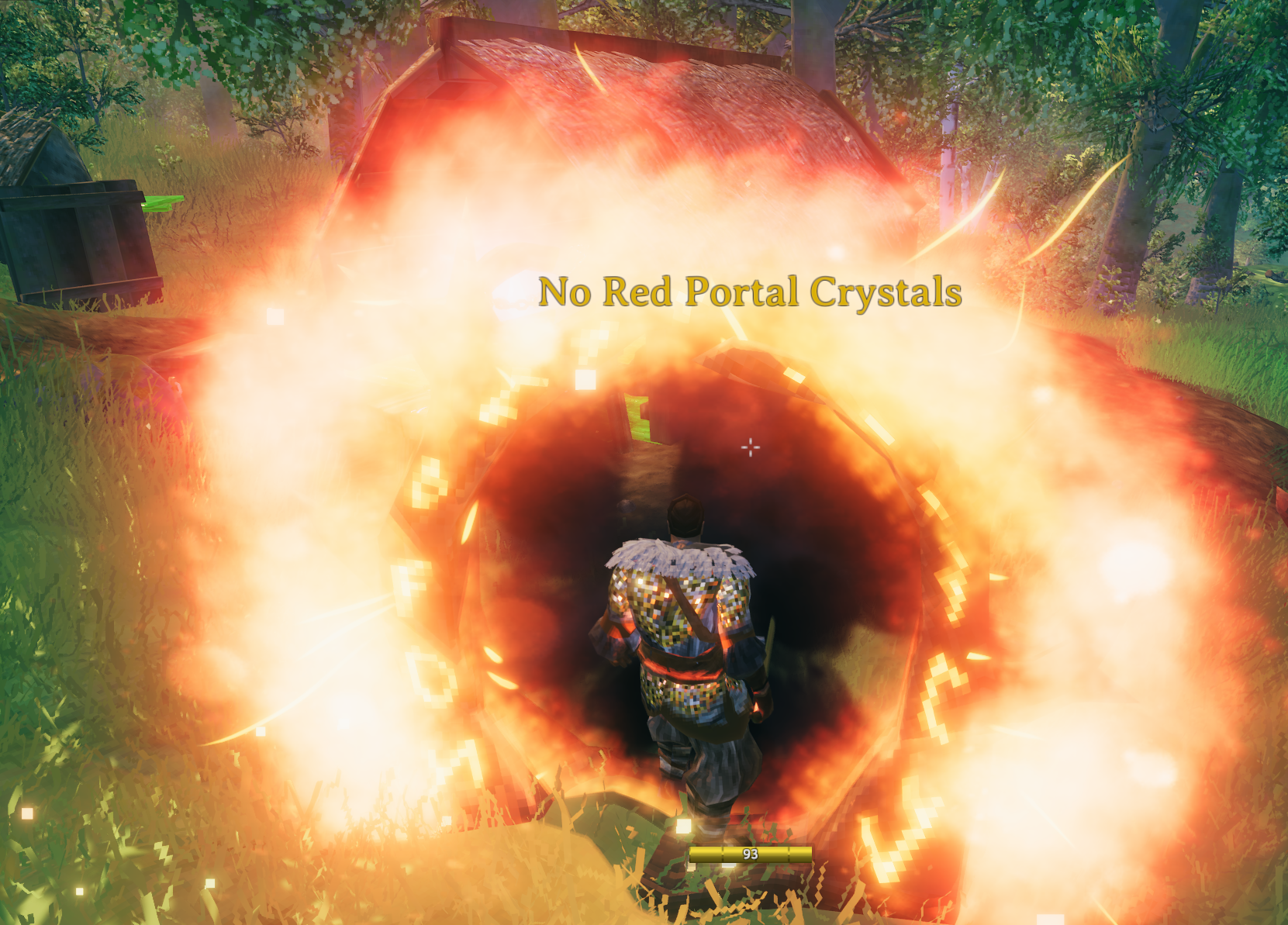
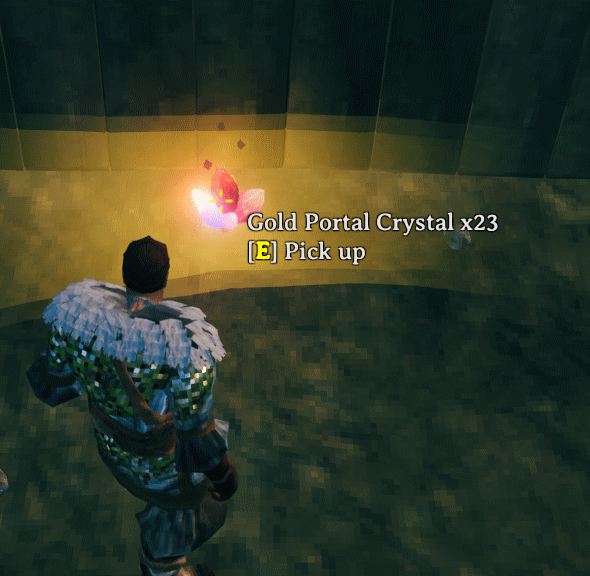
Take control of what players can transport through portals:
Promote fairness and balance by setting limits on portal creation:
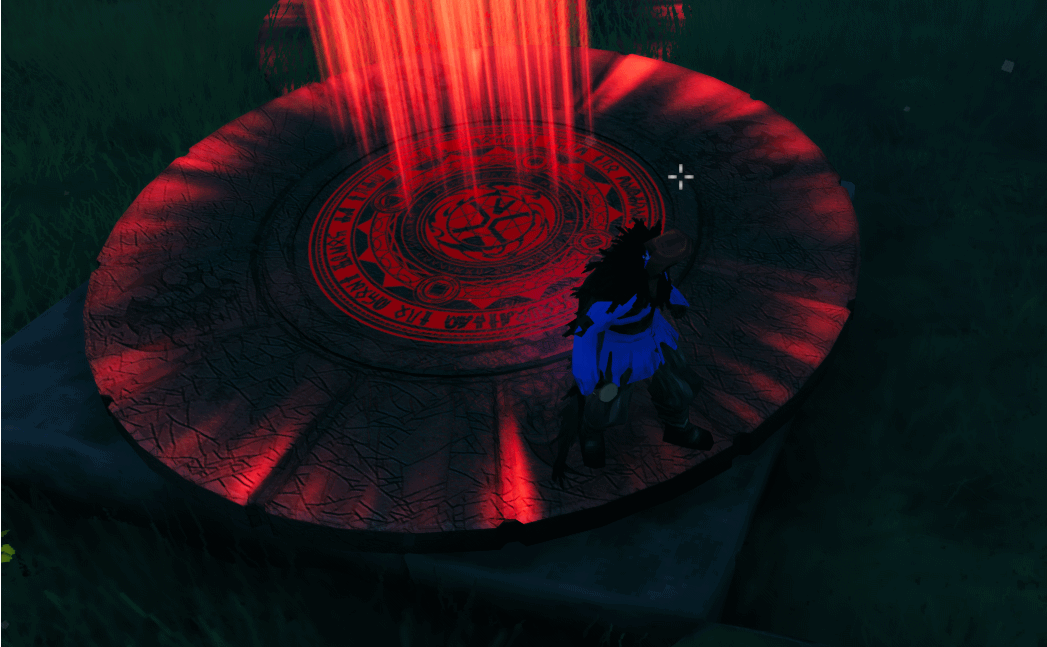
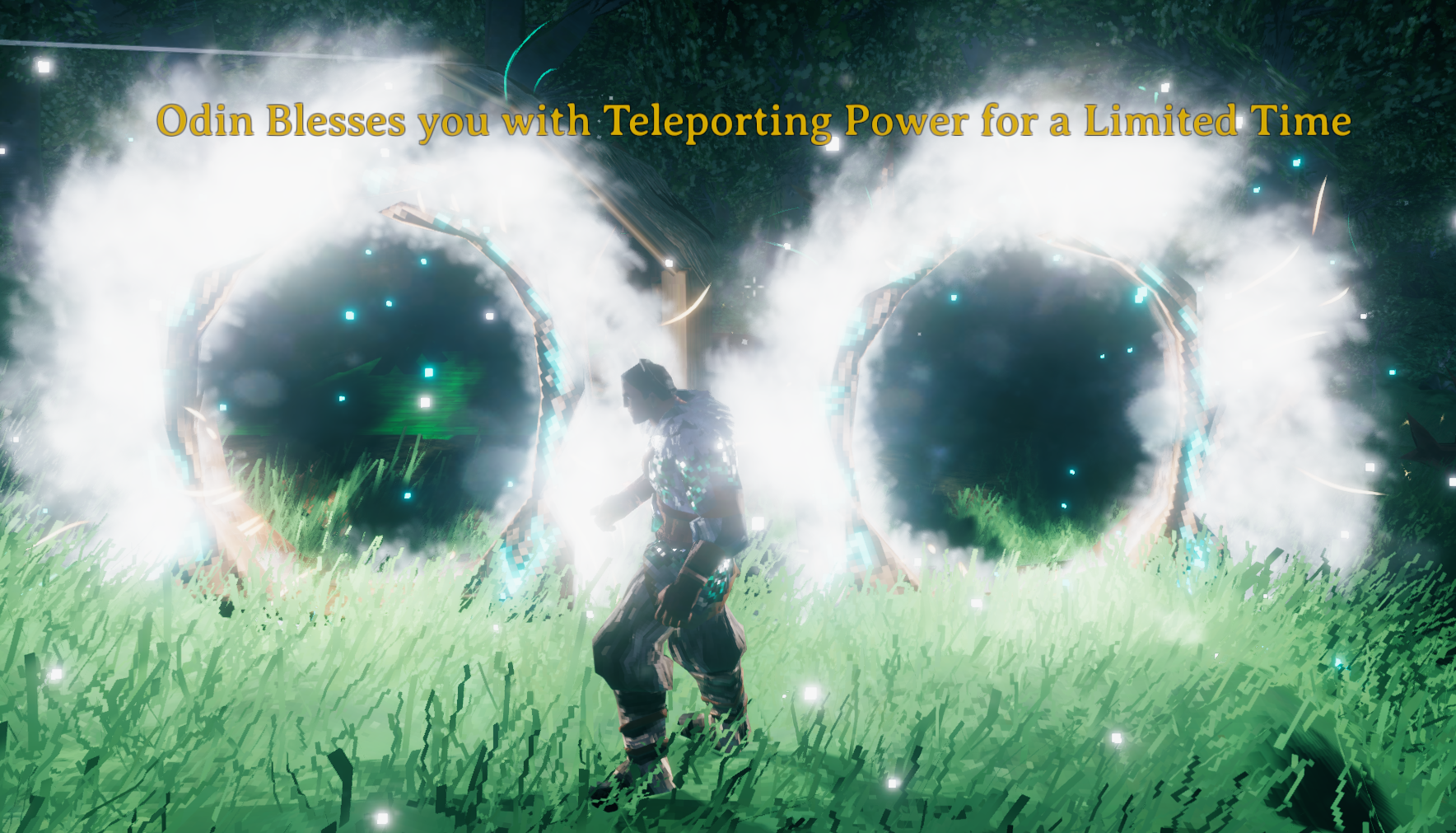
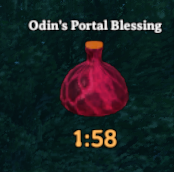
A game-changing potion that allows unrestricted teleportation for a limited time:
Rare Magic Portal Plus includes numerous configuration options categorized by their functionality. Below is a detailed list.
| Option | Default | Description |
|---|---|---|
Force Server Config |
true |
Forces server settings to be applied globally. |
YML Portal Logs |
Off |
Enables detailed YAML portal logging. |
Risky Server Save |
Off |
Saves YAML updates only during server shutdown. |
Use Small Server Updates |
On |
Sends only small parts of the YAML to clients. |
Clients Save Data |
Off |
Allows clients to save YAML data locally. |
Modifier key for Color |
LeftAlt |
Sets the modifier key for changing portal colors. |
Modifier key for PortalMode |
LeftCtrl |
Sets the modifier key for changing portal modes. |
| Option | Default | Description |
|---|---|---|
Default Mode for New Portals |
Normal |
Sets the default portal mode for newly placed portals. |
DisableNoNamed |
False |
No named Portals do not work at all. |
| Option | Default | Description |
|---|---|---|
Prevent Target Portal Change |
On |
Disallows non-creators from changing TargetPortal mode. |
Prevent Creator of TargetPortalChange |
Off |
Restricts changes to TargetPortal mode to admins only. |
Force Portal Animation |
Off |
Forces portal animation for TargetPortal mode. |
Default Target Portal Mode |
private |
Because of some hackyness, this needs to be set in RMPP instead. Set the default Target Portal Mode.. |
| Option | Default | Description |
|---|---|---|
Fly on Warp |
On |
Enables flight during teleportation to avoid fall damage. |
Hide Name |
On |
Hides the name of portals. |
Show Warp Hint Left |
On |
Displays teleportation hints on the left-hand side. |
This section includes options for configuring the Rainbow Mode feature, which is activated when using a Portal Drink.
| Config Option | Default | Description |
|---|---|---|
| Portal Drink Color Alt | Off |
Changes the portal effect when using a Portal Drink. Default is a Rainbow effect; toggling this changes it to a SwordCheat-like effect. |
This section focuses on the Random Teleport mode, where portals can send players to random locations.
| Config Option | Default | Description |
|---|---|---|
| Always Active? | true |
Determines whether the portal's visual effects (glow and flames) are always active, or only glow when inactive. |
| Option | Default | Description |
|---|---|---|
Enabled Colors for Portals |
All Colors | Defines available portal colors: Yellow, Red, Green, Blue, etc. |
Default Color |
Yellow |
Sets the default color for new portals. |
Prevent Color Changing |
Off |
Prevents users from changing portal colors (Admins/Owners override). |
Use Biome Colors by Default |
On |
Overrides default color with biome-related colors. |
Prevent Portal Creators from Changing Biome Color |
On |
Prevents creators from changing portal colors if biome colors are active. |
Biome Colors |
Meadows:Tan,BlackForest:Blue,Swamp:Green,... |
Maps biomes to specific colors. |
| Option | Default | Description |
|---|---|---|
Use Gold as Portal Master |
On |
Enables Gold Crystals/Keys as master teleportation resources. |
Crystal Consume Per Transit |
1 |
Sets the number of crystals consumed per portal use. |
Use Top Left Message |
Off |
Displays portal tags/messages in the top-left corner instead of center. |
| Option | Default | Description |
|---|---|---|
Add PortalFluid to Wood Portal |
Off |
Requires PortalFluid for crafting wood portals. |
Add PortalFluid to Stone Portal |
Off |
Requires PortalFluid for crafting stone portals. |
Fluid Per Wood Portal |
1 |
Sets the fluid requirement for wood portals. |
Fluid Per Stone Portal |
2 |
Sets the fluid requirement for stone portals. |
Portal Magic Fluid Spawn |
0 |
Defines the starting quantity of PortalFluid for new players. |
| Option | Default | Description |
|---|---|---|
Only Creator Can Deconstruct |
true |
Restricts portal deconstruction to creators and admins. |
Max Weight Allowed for Portals |
0 |
Limits the maximum weight of items transported through portals. |
Only Admin Can Build |
Off |
Restricts portal construction to admins. |
MaxAmountOfPortals |
0 |
Limits the total number of portals per player. 0 Disables Limit This is PLAYERNAME This is not a perfect tracker. It tracker a players creations/destructions on the server in WorldName_PlayerPortals.json |
MaxAmountOfPortals_VIP |
0 |
Sets a higher portal limit for VIP players. 0 Disables Limit This is PLAYERNAME VIP players can be added in VIP_Portal_players.txt LogOut Required when adding to VIP list |
This section defines configurations specific to Wood Portals, such as crafting requirements, health, and crafting station dependencies.
| Config Option | Default | Description |
|---|---|---|
| Station Requirement Wood | $piece_workbench |
The crafting station required nearby for placing a Wood Portal. Options include Workbench = $piece_workbench, Forge = $piece_forge, or Artisan Station = $piece_artisanstation. |
| Level of CraftingStation Req | 1 |
The level of the crafting station required to place a Wood Portal. |
| Portal Health Wood | 400f |
The health value of a Wood Portal. |
This section defines configurations specific to Stone Portals, including crafting requirements, health, and crafting station dependencies.
| Config Option | Default | Description |
|---|---|---|
| Portal Health Stone | 1000f |
The health value of a Stone Portal. |
| Station Requirement Stone | $piece_stonecutter |
The crafting station required nearby for placing a Stone Portal. Options include Workbench = $piece_workbench, Forge = $piece_forge, or Artisan Station = $piece_artisanstation. |
This section allows customization of the Original Stone Portal (if used) by defining its crafting station and recipe.
| Config Option | Default | Description |
|---|---|---|
| Original Stone Crafting Station | $piece_workbench |
The crafting station required nearby for placing the Original Stone Portal. |
| Original Stone Recipe | GreydwarfEye:20,SurtlingCore:10,Obsidian:100,CheatSword:1 |
The crafting recipe for the Original Stone Portal. Format: id:amount,id:amount,.... |
| Option | Default | Description |
|---|---|---|
Portal Drink Timer |
120 |
Sets the duration of the Portal Drink effect in seconds. |
Portal Drink Wont Allow |
None |
Specifies items disallowed even with Portal Drink. |
This section configures additional items that can be transported through portals of specific colors when CrystalActive is enabled or Prevent Color Changing is set to true. These overrides apply to individual portal colors.
| Config Option | Default | Description |
|---|---|---|
| Color Yellow Allows | "" |
Additional items allowed for Yellow portals. Example: "Iron,Copper" |
| Color Blue Allows | "" |
Additional items allowed for Blue portals. Example: "Iron,Copper" |
| Color Green Allows | "" |
Additional items allowed for Green portals. Example: "Iron,Copper" |
| Color Purple Allows | "" |
Additional items allowed for Purple portals. Example: "Iron,Copper" |
| Color Tan Allows | "" |
Additional items allowed for Tan portals. Example: "Iron,Copper" |
| Color Cyan Allows | "" |
Additional items allowed for Cyan portals. Example: "Iron,Copper" |
| Color Orange Allows | "" |
Additional items allowed for Orange portals. Example: "Iron,Copper" |
| Color Black Allows | "" |
Additional items allowed for Black portals. Example: "Iron,Copper" |
| Color White Allows | "" |
Additional items allowed for White portals. Example: "Iron,Copper" |
| Color Gold Allows | "" |
Additional items allowed for Gold portals. Example: "Iron,Copper" |
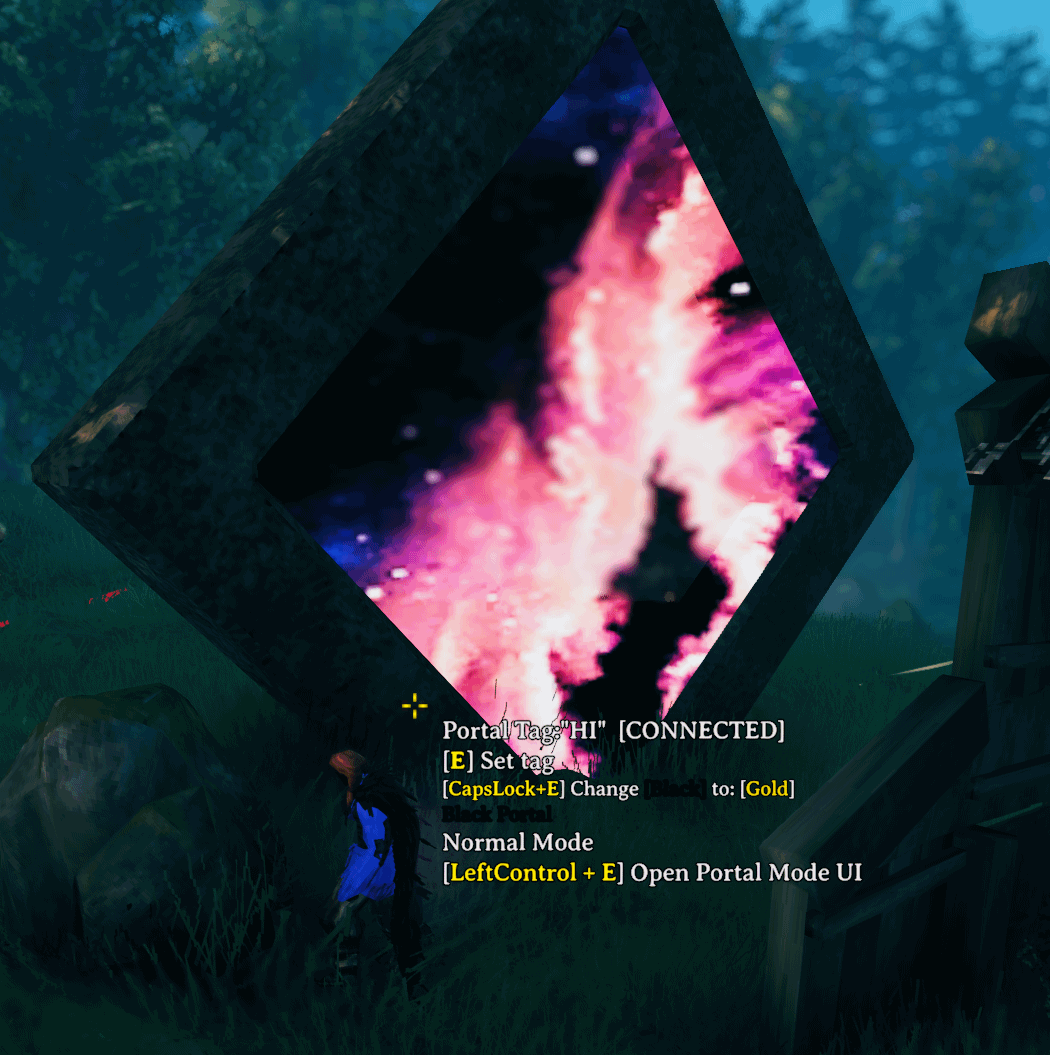
Some black versions have different materials and even images.
This section allows you to replace the default portal crystals with custom items. Integration with mods like JewelCrafting can provide unique crystals for specific portals.
| Config Option | Default | Description |
|---|---|---|
| Use for Crystal Gold | rmp_PortalCrystalGold |
Replace the default Gold crystal with a custom item. Example: "Shattered_Yellow_Crystal" |
| Use for Crystal Red | rmp_PortalCrystalRed |
Replace the default Red crystal with a custom item. Example: "Uncut_Yellow_Stone" |
| Use for Crystal Green | rmp_PortalCrystalGreen |
Replace the default Green crystal with a custom item. Example: "Simple_Yellow_Socket" |
| Use for Crystal Blue | rmp_PortalCrystalBlue |
Replace the default Blue crystal with a custom item. Example: "Advanced_Yellow_Socket" |
| Use for Crystal Yellow | rmp_PortalCrystalYellow |
Replace the default Yellow crystal with a custom item. Example: "Perfect_Yellow_Socket" |
| Use for Crystal Purple | rmp_PortalCrystalPurple |
Replace the default Purple crystal with a custom item. Example: "Uncut_Purple_Stone" |
| Use for Crystal Tan | rmp_PortalCrystalTan |
Replace the default Tan crystal with a custom item. Example: "Simple_Tan_Socket" |
| Use for Crystal Cyan | rmp_PortalCrystalCyan |
Replace the default Cyan crystal with a custom item. Example: "Advanced_Cyan_Socket" |
| Use for Crystal Orange | rmp_PortalCrystalOrange |
Replace the default Orange crystal with a custom item. Example: "Perfect_Orange_Socket" |
| Use for Crystal White | rmp_PortalCrystalWhite |
Replace the default White crystal with a custom item. Example: "Shattered_White_Crystal" |
| Use for Crystal Black | rmp_PortalCrystalBlack |
Replace the default Black crystal with a custom item. Example: "Uncut_Black_Stone" |

The idea for this came from https://www.nexusmods.com/valheim/mods/1030 or Badgers HD Portals mod in the nexus download link.
He doesn't want it to be shared outside of nexus or in mod packs so I have created my own version that does something similar. His version is better, but this one is freely disruptable.
Support Willybach's HD Valheim or HD Portals if you like.
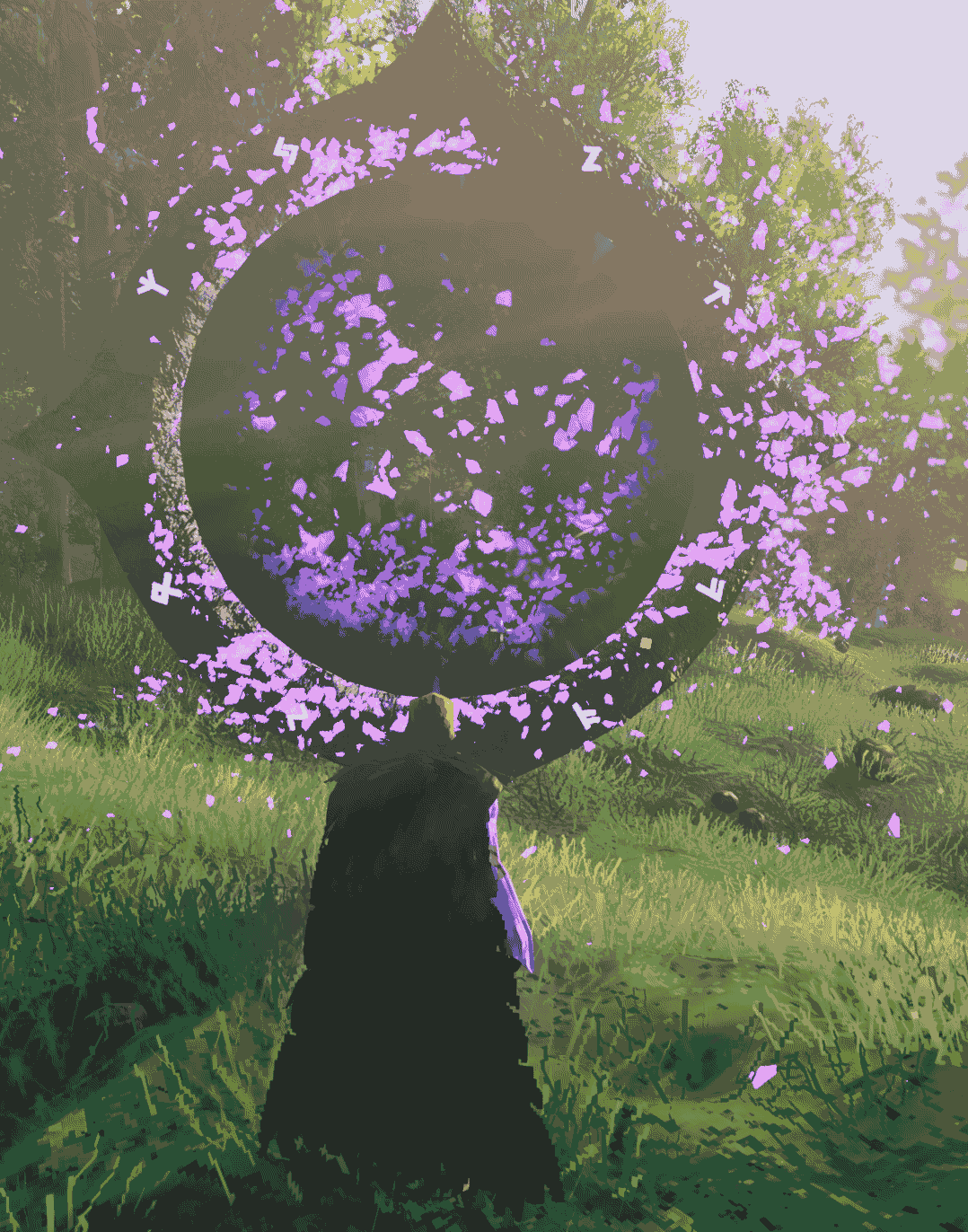
This section allows you to replace the default portal transporting screen (black background) with a random background image and a inner transport circle with a biome specific image. Very Cool! Restart Required
| Option | Default | Description |
|---|---|---|
Activate Portal Images |
On |
Enables animated portal images during teleportation. YOU SHOULD TURN THIS ON, it's AWESOME |
Full Screen Image Only |
Off |
Displays random full-screen images instead of animations. |
Use these prefab IDs for custom configurations or integrations with other mods:
PortalMagicFluid, PortalDrinkPrefab IDs (Crystals):
rmp_PortalCrystalRed, rmp_PortalCrystalGold, rmp_PortalCrystalTan, rmp_PortalCrystalGreen, rmp_PortalCrystalBlue, rmp_PortalCrystalPurple, rmp_PortalCrystalCyan, rmp_PortalCrystalOrange, rmp_PortalCrystalBlack, rmp_PortalCrystalWhite, rmp_PortalCrystalYellowPrefab IDs (Keys):
rmp_PortalKeyGold, rmp_PortalKeyRed, rmp_PortalKeyTan, rmp_PortalKeyGreen, rmp_PortalKeyBlue, rmp_PortalKeyPurple, rmp_PortalKeyCyan, rmp_PortalKeyOrange, rmp_PortalKeyBlack, rmp_PortalKeyWhite, rmp_PortalKeyYellowRare Magic Portal Plus works seamlessly with many popular Valheim mods, including:
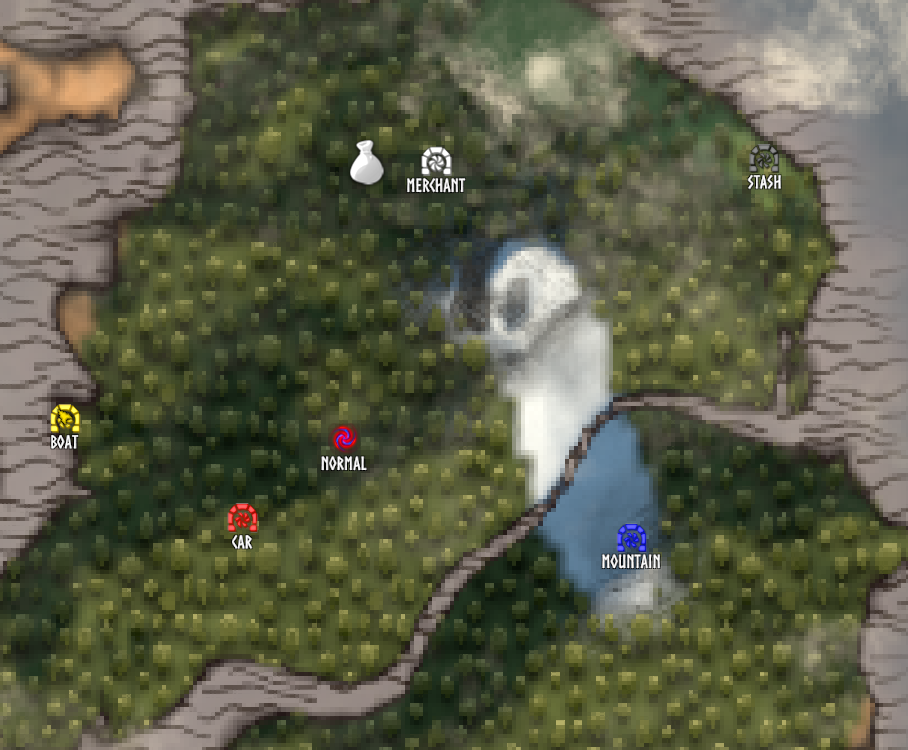
So Target Portal is an intersting mod. I really wanted to add it to RMP, so I did.
I works awesome with RMPP.
RMPP actually fixes a lot of my personal gripes with Target Portal through the extra configs too!
For feedback, support, or feature suggestions, feel free to