

Y to bring up the overlay UI and again to cycle modes forward.
<Shift> + Y to cycle backwards.<Ctrl> + Y to toggle Chalk++ on/offWhile masking, chalk drawn outside your chosen masking color is discarded.
<Ctrl> while drawing with Chalk++ tools.freehand masking mode.<Alt> while scrolling up or down...<Alt> + clicking a canvas cell to set your mask to the cell's color.
Brush pattern that is half-filled with your chosen color
[!TIP] Hold
<Shift>while drawing to offset the grid pattern by 1x cell

Brush pattern of a square filled only with a single cell of your chosen color


Press and drag to show a line preview. Release to set your line.
[!TIP] You can mask while using the line tool, too! (Holding
<Control>)


Press E (configurable in settings) to erase without equipping the eraser.
Mode effects (mirror, brush patterns, etc.) will apply to the eraser pattern!
Options can be changed in-game via Settings > Mods > Chalk++,
or by editing GDWeave/configs/Toes.ChalkPlusPlus.json.
useEraserAsChalk (default: true)
true: Eraser behaves identical to a “brown chalk” with Chalk++ brush features.false: Use eraser normally while in any mode.drawingSounds (default: true)

useFixedChalkTextures (default: true)

glowInTheDarkChalk (default: true)

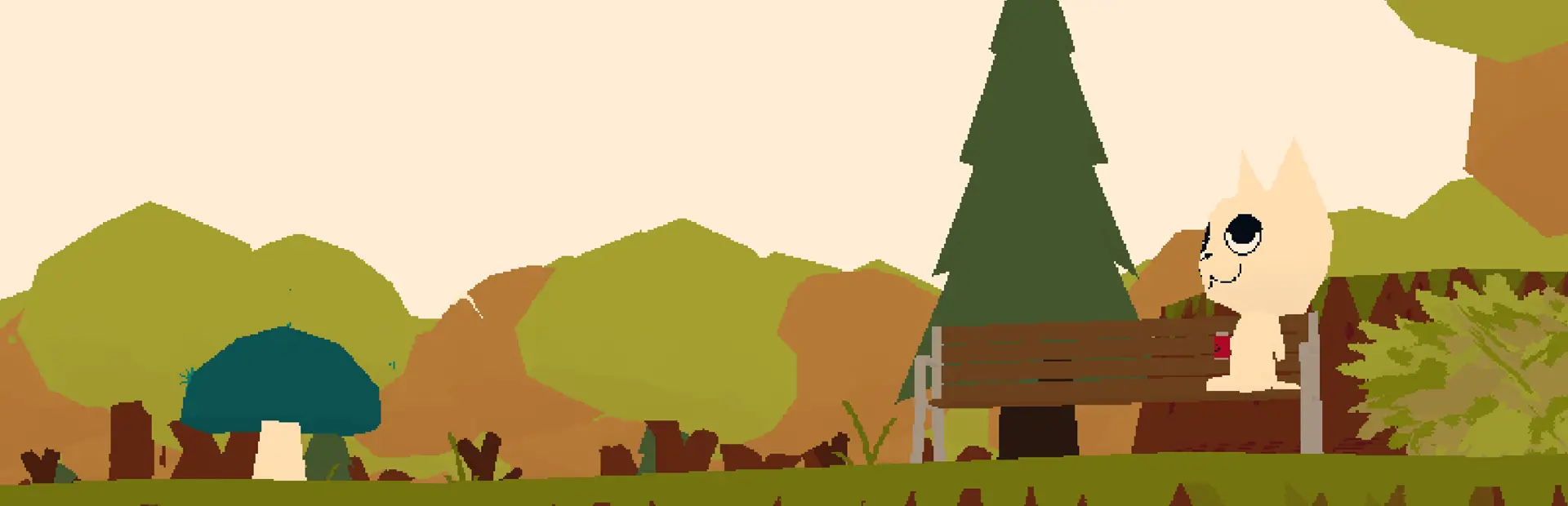
hideCanvasObstructions (default: true)
alwaysHideObstructions (default: true)
true: Never show benches/trees on canvasfalse: Hide canvas obstructions only when Chalk++ is active