

Valheim
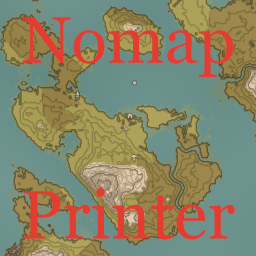
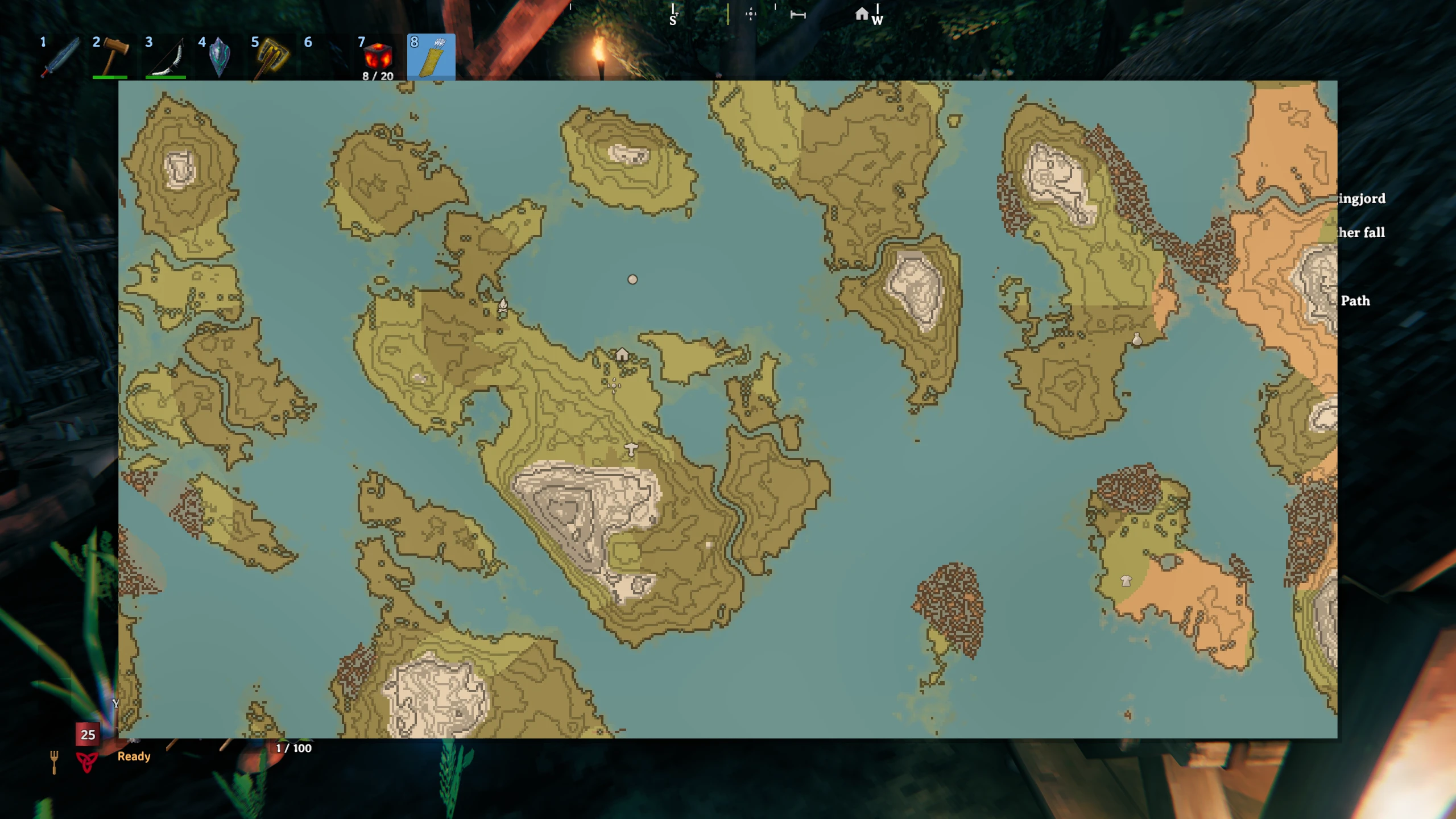
In nomap mode reading the Cartography Table will generate a simplified map to be shown by pressing Map hotkey.
This mod was designed to enhance nomap playthroughs for players to look at their current exploration progress without the spoiler of live updates.
This mod could be handy if you want some map reference for your travels but don't want to draw map yourself.
If you don't want this generated map and have your own file you can set its name in "Shared file", change Map storage config to "Load from shared file" and it will be shared to all clients from the server.
File can be set as full qualified name or just file name without path. Latter one should be placed near dll file in any subdirectory.
Map content will be automatically updated on file change.
You can use your own variants of
That layers should be placed into \BepInEx\config\shudnal.NomapPrinter directory as PNG files and named accordingly:
If you have several worlds with similar name then instead on world name you can use numerical world ID. To get world ID without using any other mod you can generate map using that mod and check \BepInEx\cache\shudnal.NomapPrinter directory. There will be folders named as world ID. One of them will be your world.
Acceptable map types:
You can use ingame console command repackpng [filename] to make png file nonhumanreadable to prevent clients from opening explored map or markings.
That command works for png files located in \BepInEx\config\shudnal.NomapPrinter. You can cycle through files available in the folder by pressing TAB.
The command will create the file with extension *.zpack which you can use instead of any custom layer or fog png file.
Layers files can be synchronized from server to all clients if placed into \BepInEx\config\shudnal.NomapPrinter directory on the server. That directory will be created automatically on the server.
The total volume of one world files should not exceed ~7-8 MB otherwise it is better to place some files into shared config folder and exchange it via modpacks or manually placing it into clients' config folder.
By default only underfog, overfog and fog textures will automatically be shared from server to clients on file change as they most likely have rather small size.
Custom layers could be either loaded from server or loaded from local config folder. If you have "share from server" option enabled for some layer and there is no corresponding file on the server then that layer will not be loaded from local config folder.
Safest solution is to place repacked explored map and fog texture into config folder into modpack and disable sharing it from server and only share markings layers from the server.
For that example we have world named BraveNewWorld and want to use Birds Eye map type.
We want to use all custom layers and fog texture.
Explored map will not be changing often. Markings will be changed often. Fog will not be changed.
Aside of required files (icon.png, manifest.json, README.md) in modpack archive you should
That files will be copied into \BepInEx\config\ on any client automatically when they install/update the modpack.
You can see working examples of modpack config folder in RelicHeim or EpicValheim modpacks.
Place underfog and overfog layers files
on the server into \BepInEx\config\shudnal.NomapPrinter.
Disable sharing of fog texture in "Map custom layers - Fog texture" config section.
Disable sharing of explored map texture in "Map custom layers - Explored map" config section.
Make config look like this
[Map custom layers]
Explored map - Enable layer = true
Explored map - Share from server = false
Under fog - Enable layer = true
Under fog - Share from server = true
Over fog - Enable layer = true
Over fog - Share from server = true
Fog texture - Enable layer = true
Fog texture - Share from server = false
That way both markings layers will be synced from server and explored map and fog will be loaded from local config folder.
To get full explored map you should
The best way to handle configs is Configuration Manager.
Or Official BepInEx Configuration Manager.