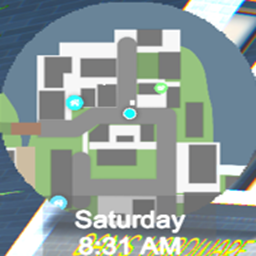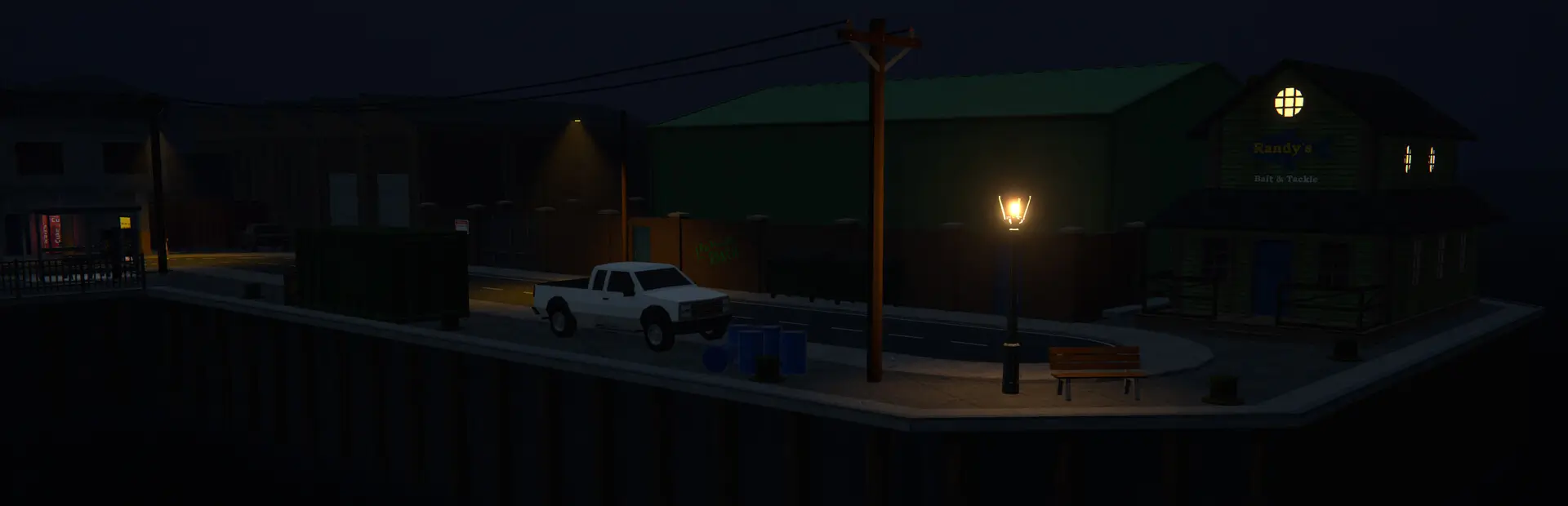

Adds a compact, always-visible corner minimap for Schedule I with:
GitHub: https://github.com/JCherryhomes/Schedule-1-Small-Corner-Map
Mods/ inside your game directory.Main scene.SmallCornerMap/
manifest.json
icon.png (provide a 256x256 PNG)
README.md
LICENSE.txt
Mods/
Small_Corner_Map.Mono.dll (Mono build)
Small_Corner_Map.Il2cpp.dll (IL2CPP build)
Both DLLs are shipped so users on either backend can use the mod.
Use the Visual Studio / Rider configurations:
Mono (netstandard2.1) -> outputs Small_Corner_Map.Mono.dllIL2CPP (net6.0) -> outputs Small_Corner_Map.Il2cpp.dllAfter building, run the provided Pack.ps1 script to create the Thunderstore zip.
The project references DLLs from your Schedule I game installation. To configure your local paths:
Copy Local.props.example to Local.props in the project root
Edit Local.props and set the full paths to your game installations:
Example (both in same Steam library):
<MonoGamePath>D:\SteamLibrary\steamapps\common\Schedule I</MonoGamePath>
<IL2CPPGamePath>D:\SteamLibrary\steamapps\common\Schedule I - IL2CPP</IL2CPPGamePath>
Example (different Steam libraries):
<MonoGamePath>C:\Program Files (x86)\Steam\steamapps\common\Schedule I</MonoGamePath>
<IL2CPPGamePath>E:\Games\Steam\steamapps\common\Schedule I - IL2CPP</IL2CPPGamePath>
The project will automatically use these paths for all game DLL references and PostBuild deployment
Local.props is git-ignored, so each developer can have their own configuration
Note: You must have both the Mono and IL2CPP versions of Schedule I installed to build both configurations.
A preferences file is created automatically (MapPreferences) allowing scale adjustment and future options.
Current version: 2.1.0. AssemblyVersion/FileVersion kept in sync with Constants.ModVersion.
See CHANGELOG.md (create and maintain for future releases).
MIT. See LICENSE.txt.
Issues and PRs welcome. Please describe reproduction steps for bugs and include logs if possible.
thunderstore.toml, mirror data from manifest.json there.