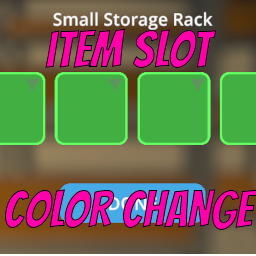
Item Slot Color Changer
Another small but sweet mod for Schedule I that allows changing the color of item slots in inventory and crafting menus.
Features
- Integration with Mod Manager & Phone App for settings (optional) and hot changing of settings
- Change color of item slots (transparency too)
- Seperate settings for hotbar, storage and stations
Usage
- Install Melonloader 7.0
- Download the latest release
- Place the DLL in the
Mods folder of your Schedule I installation
- (Optional) Install Mod Manager & Phone App for easier configuration and hot change of settings
Configuration
- Open the Mod Manager or Phone App
- Navigate to the Item Slot Color Changer settings
- Adjust the colors for hotbar, storage, and stations as desired
- Manual configuration available in UserData/MelonPreferences.cfg